App Timetable Solutions for Martial Arts Academies
Discover how app timetable systems transform martial arts academy scheduling. Learn features, benefits, and best practices for 2026.
- By
- RankPill
- Published
- July 28, 2026
- Reading time
- 12 min read
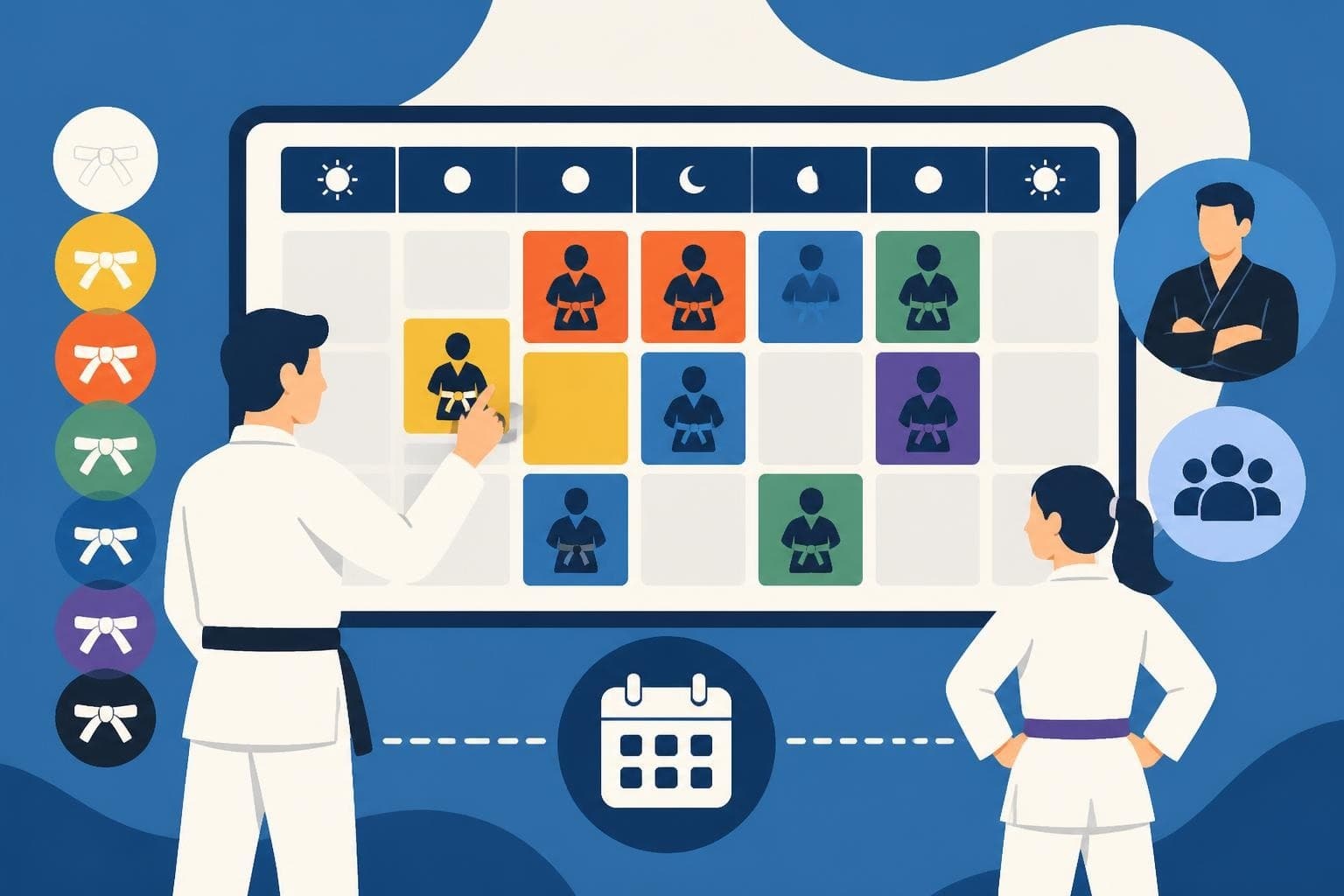
Managing class schedules at a martial arts academy requires precision, flexibility, and constant communication with students and parents. An app timetable represents a transformative solution that replaces traditional paper schedules and static websites with dynamic, accessible, and intelligent scheduling systems. For martial arts academies offering multiple disciplines like Brazilian Jiu-Jitsu, Karate, or MMA, the right timetable application becomes essential infrastructure that supports growth, improves student retention, and streamlines administrative workflows.
Why Traditional Scheduling Falls Short for Martial Arts Academies
Paper schedules posted on walls or PDF timetables sent via email create friction between your academy and your students. Students forget to check updates, parents miss class cancellations, and instructors struggle to communicate last-minute changes. These outdated methods generate confusion and negatively impact attendance rates.
Key limitations of traditional scheduling methods:
- No real-time updates when instructors call in sick
- Inability to track which students registered for specific sessions
- Manual capacity management leading to overcrowded classes
- No integration with billing systems for class packages
- Limited visibility into attendance patterns and trends
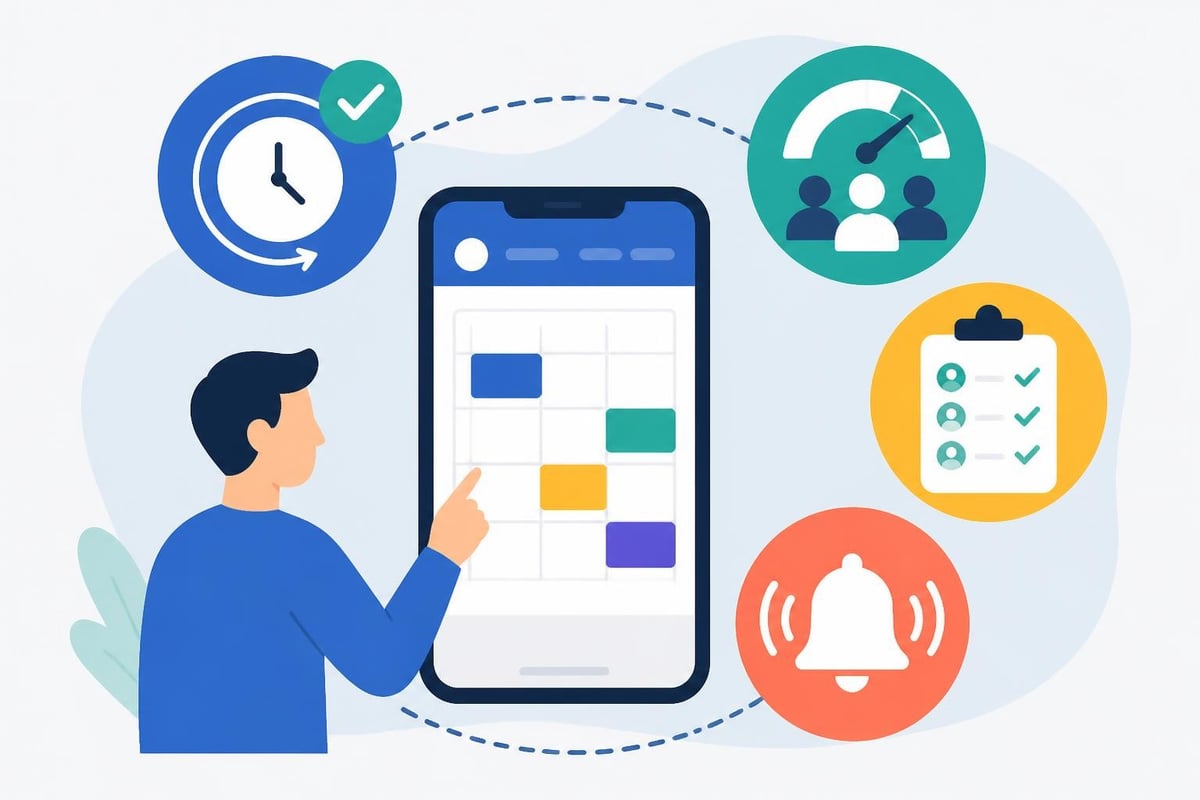
An app timetable addresses these challenges by centralizing schedule information in a mobile-accessible format that updates instantly across all student devices. When implementing mobile app design standards, developers ensure intuitive navigation that martial arts students of all ages can understand.
Essential Features Every Martial Arts App Timetable Must Include
Not all scheduling applications deliver equal value for martial arts academies. The most effective app timetable solutions incorporate features specifically designed for combat sports and self-defense instruction environments.
Multi-Program Schedule Management
Academies typically operate multiple programs simultaneously. Your Brazilian Jiu-Jitsu classes run alongside Muay Thai sessions, kids' programs, and advanced competition training. An effective app timetable distinguishes between these programs with visual coding, filterable views, and program-specific notifications.
| Feature | Benefit | Implementation Priority |
|---|---|---|
| Color-coded programs | Quick visual identification | High |
| Belt level filtering | Students see relevant classes only | High |
| Instructor assignment | Clear accountability | Medium |
| Room/mat allocation | Prevents double-booking | High |
| Recurring schedule templates | Saves administrative time | Medium |
Capacity Management and Waitlists
Safety requirements and effective instruction demand controlled class sizes. A sophisticated app timetable monitors enrollment numbers and automatically manages waitlists when classes reach capacity. This functionality proves particularly valuable for popular classes or specialized workshops.
Students receive notifications when waitlist spots open, eliminating the administrative burden of manual communications. For academies focused on revenue increase, this automation ensures maximum class utilization without administrative overhead.
Real-Time Synchronization
Changes happen constantly in martial arts academies. Instructors get injured, seminars get rescheduled, and facility maintenance occasionally requires moving classes. An app timetable with real-time synchronization ensures students always see current information, regardless of when changes occur.
When following Android app design principles, developers prioritize shallow navigation hierarchies that let students check schedules with minimal interaction.
Designing User-Friendly Timetable Interfaces
The effectiveness of an app timetable depends heavily on interface design. Martial arts students range from young children to senior citizens, requiring interfaces that accommodate diverse technical proficiency levels.
Weekly and Monthly View Options
Different users prefer different schedule visualization methods. Parents planning their children's activities appreciate monthly calendar views showing the big picture. Active adult students checking today's schedule prefer detailed weekly or daily views.
Implementing date and time controls following platform-specific guidelines ensures familiar interactions that reduce learning curves and improve adoption rates.
Recommended view hierarchy:
- Today view (default) - shows current day's classes
- Week view - displays rolling seven-day schedule
- Month view - provides planning perspective
- List view - shows chronological upcoming classes
Filtering and Personalization
Generic schedules showing all academy classes overwhelm users with irrelevant information. Intelligent filtering transforms the app timetable into a personalized tool that displays only applicable classes.
Students filter by:
- Their current belt rank or skill level
- Enrolled programs (Judo, Karate, Boxing)
- Preferred instructors
- Available time slots
- Specific locations for multi-site academies

Integration With Academy Management Systems
An app timetable reaches maximum value when integrated with comprehensive academy management platforms rather than operating as a standalone tool. Integration eliminates duplicate data entry and creates seamless workflows across scheduling, attendance, and billing functions.
Attendance Tracking Integration
Schedule visibility without attendance tracking creates an incomplete picture. When your app timetable connects with attendance systems, students check in digitally, instructors verify attendance from mobile devices, and administrators track participation trends through one dashboard interfaces.
This integration supports:
- Automated attendance reports for parents
- Class package consumption tracking
- Identify at-risk students with declining attendance
- Instructor compensation based on actual class delivery
- Compliance documentation for insurance requirements
Billing System Synchronization
Class schedules directly impact billing operations. Students purchasing class packages expect those packages to align with actual class availability. An integrated app timetable synchronizes with billing systems to prevent scheduling conflicts with payment status.
When students miss payment deadlines, the system can automatically adjust their schedule access while sending friendly payment reminders. This automation maintains professional relationships while protecting academy revenue.
Mobile-First Development Considerations
Most students interact with schedule information through smartphones rather than desktop computers. Mobile-first design principles ensure the app timetable delivers optimal experiences on the devices students actually use.
Touch-Optimized Interactions
Small screens require carefully designed touch targets. Buttons for class registration, cancellation, or waitlist enrollment need adequate spacing to prevent accidental taps. Following Android settings guidelines helps developers create organized, accessible interfaces.
Swipe gestures enable efficient navigation between days or weeks without consuming screen space with buttons. Pull-to-refresh functionality updates schedules with satisfying tactile feedback that confirms synchronization.
Offline Functionality
Students often check schedules in areas with poor connectivity, like locker rooms or parking garages. Robust app timetable solutions cache schedule data locally, allowing access without active internet connections. The application synchronizes changes when connectivity returns, maintaining data accuracy across devices.
Push Notification Strategy
Strategic notifications keep students engaged without becoming annoying. Well-designed app timetable systems send notifications for:
- Schedule changes affecting registered classes
- Upcoming classes (configurable reminder timing)
- Waitlist availability for desired sessions
- New classes or special events matching student interests
Notification preferences empower users to control frequency and types, respecting individual communication preferences while maintaining engagement.

Security and Privacy in Scheduling Applications
Timetable applications handle sensitive information about students, including attendance patterns, contact details, and payment status. Implementing security considerations for Android apps protects student data and maintains academy reputation.
Data Protection Standards
Student schedule information, while seemingly innocuous, reveals patterns about family routines and children's whereabouts. Responsible app timetable development implements encryption for data transmission and storage, role-based access controls, and regular security audits.
Compliance with regulations like COPPA (Children's Online Privacy Protection Act) becomes essential when serving minors. Parental consent mechanisms, restricted data collection, and transparent privacy policies build trust with families.
Authentication Methods
Simple but secure authentication balances convenience with protection. Multi-factor authentication options, biometric login support, and session timeout policies prevent unauthorized schedule access while maintaining usability.
Optimizing Schedule Efficiency With Data Analytics
An advanced app timetable doesn't just display schedules but analyzes scheduling effectiveness. Data-driven insights help academy owners optimize class timing, instructor allocation, and program offerings.
Utilization Rate Analysis
Which classes consistently fill to capacity? Which sessions struggle with enrollment? Utilization metrics reveal scheduling opportunities and identify underperforming time slots.
| Metric | Target Range | Action Threshold |
|---|---|---|
| Class fill rate | 70-90% | Below 50% - consider rescheduling |
| Waitlist frequency | 5-15% of classes | Above 25% - add sessions |
| Cancellation rate | Under 10% | Above 15% - investigate causes |
| Peak attendance hours | Varies by location | Data drives expansion decisions |
Research on optimizing timetables using real-time data demonstrates how continuous schedule refinement improves operational efficiency across transportation networks, with direct applications to martial arts scheduling.
Student Attendance Patterns
Longitudinal attendance data reveals individual student engagement trends. When a previously consistent student misses three consecutive classes, automated alerts prompt instructor outreach before the student disengages completely. Early intervention preserves retention and demonstrates genuine care for student progress.
Multi-Location Schedule Coordination
Growing academies often expand to multiple locations, creating complex scheduling challenges. A centralized app timetable manages schedules across facilities while providing location-specific views for students and staff.
Cross-Location Class Registration
Advanced students sometimes train at multiple academy locations to access specialized instruction or convenient timing. The app timetable enables cross-location registration while respecting capacity limits and membership tier restrictions.
Instructors teaching at multiple facilities view consolidated schedules preventing double-booking and optimizing travel between locations. Regional managers monitor utilization across their portfolio through aggregated dashboards.
Franchise Network Coordination
Franchise operations require schedule standardization balanced with local flexibility. Corporate-approved class formats and timing guidelines integrate with franchisee customization options. The app timetable enforces brand consistency while enabling local market adaptation.
Special Event and Workshop Scheduling
Regular classes represent only part of academy programming. Seminars, belt promotion tests, competitions, and social events require specialized scheduling functionality beyond recurring class management.
An effective app timetable accommodates one-time events with:
- Special registration and payment processes
- Prerequisite verification (belt rank, age, experience)
- External participant management for open events
- Equipment or uniform requirement notifications
- Capacity limits different from regular classes
When planning seminars with visiting instructors, the system coordinates instructor availability, facility booking, and student registration through unified interfaces. Resources like apps to make a revision timetable show how specialized scheduling applications handle irregular events alongside routine activities.
Instructor Portal Functionality
Instructors need schedule visibility and limited modification capabilities without full administrative access. A well-designed app timetable includes instructor portals for:
- Viewing assigned classes and responsibilities
- Submitting time-off requests
- Accessing class rosters before sessions
- Recording attendance and class notes
- Communicating with registered students
This delegation reduces administrative workload while empowering instructors to manage their teaching responsibilities effectively. Role-based permissions ensure instructors only access appropriate information and functions.
Parent and Guardian Features
For youth programs in Karate, Judo, or other disciplines, parents often manage their children's schedules. The app timetable must accommodate parent users managing multiple child profiles.
Parent-specific features include:
- Multi-child schedule views
- Carpool coordination tools
- Automated schedule synchronization with family calendars
- Progress tracking across children
- Consolidated billing for family accounts
Simplified parent interfaces reduce technical barriers, recognizing that some guardians have limited smartphone proficiency. Clear visual hierarchies and minimal required interactions improve parent adoption rates.
Integration With Calendar Applications
Students manage complex schedules across school, work, and personal commitments. Calendar integration extends app timetable visibility into users' existing scheduling workflows.
Two-way synchronization between the app timetable and popular calendar platforms (Google Calendar, Apple Calendar, Outlook) ensures students see martial arts classes alongside other commitments. Automated updates reflect schedule changes across all integrated calendars without manual intervention.
Following best practices for Wear OS apps extends timetable visibility to smartwatches, enabling quick glance-based schedule checking during busy days.
Implementing Effective Change Management
Transitioning from traditional scheduling to an app timetable requires strategic change management. Student and staff adoption doesn't happen automatically even with superior technology.
Phased Rollout Strategy
Launch the app timetable alongside existing methods initially, giving users time to adopt new technology without forcing immediate transition. Gradual migration reduces resistance and allows troubleshooting before full commitment.
Recommended phases:
- Beta testing with staff and long-time students (2-4 weeks)
- Parallel operation with traditional methods (4-8 weeks)
- Gradual phase-out of old systems
- Complete transition with legacy support for exceptions
Training and Support Resources
Comprehensive training materials accommodate diverse learning preferences. Video tutorials demonstrate key functions, printed quick-reference guides support less technical users, and in-person training sessions during classes provide hands-on assistance.
Dedicated support channels (help desk email, chat function within app, phone support) ensure users get help when stuck. Responsive support during early adoption builds confidence and prevents abandonment.
Future Developments in Timetable Technology
App timetable technology continues evolving with emerging capabilities that will further transform martial arts academy operations.
Artificial intelligence will optimize scheduling based on historical attendance patterns, instructor preferences, and student progression rates. Machine learning algorithms will predict optimal class timing and suggest schedule adjustments that maximize attendance and revenue.
Augmented reality features may overlay schedule information onto physical academy spaces, helping new students navigate facilities and find appropriate classes. Voice interface integration will enable hands-free schedule checking and class registration.
Blockchain technology could create verifiable attendance records valuable for belt promotion requirements and competitive eligibility documentation.
Measuring App Timetable Success
Implementing an app timetable represents significant investment in technology and change management. Measuring return on investment justifies continued development and guides improvement priorities.
| Success Metric | Measurement Method | Target Improvement |
|---|---|---|
| Student adoption rate | Active users / total students | Above 80% within 6 months |
| Administrative time saved | Hours per week comparison | 10+ hours reduction |
| Class attendance rates | Average per class attendance | 5-10% increase |
| Student retention | Membership duration trends | 15% improvement |
| Schedule change communications | Time from change to notification | Under 5 minutes |
Regular user surveys capture qualitative feedback about interface usability, feature requests, and pain points. This input drives continuous improvement aligned with actual user needs rather than assumed requirements.
A well-implemented app timetable transforms how martial arts academies manage schedules, communicate with students, and optimize class programming. The combination of real-time updates, personalized filtering, and integrated management capabilities creates superior experiences for students, parents, instructors, and administrators. MatSync provides comprehensive timetable functionality as part of its all-in-one platform for martial arts academies, combining intelligent scheduling with attendance tracking, automated billing, and revenue optimization tools. Discover how MatSync can streamline your academy operations and enhance your student experience.