Manual Payments, Stripe or Both: Flexible Payments for Martial Arts Clubs
Many club apps only support Stripe. MatSync lets you keep cash, bank transfer or your own invoicing, record those payments by hand, use Stripe if you want, or mix both.
- By
- MatSync Editorial
- Published
- October 4, 2026
- Reading time
- 10 min read

Plenty of martial arts clubs still get paid the way they always have. Cash after Tuesday's class. A bank transfer at the start of the month. A local payment method everyone in town uses, or an invoice from the club's own accounting tool. That part usually works fine. It's the record-keeping around it that slips: a notebook at the front desk, a spreadsheet at home, and a note on someone's phone that says "paid".
The good news is you don't have to change how you get paid to get your records straight.
The short answer: MatSync lets you keep whatever payment method your club already uses and record each payment by hand, with no transaction fee. Want online payments? You can add Stripe. If you don't, you never have to. Many clubs mix both, and every payment sits next to attendance, belts and members in one dashboard.
Below: how that flexibility works, who manual payments are for, and how to keep your records clean without extra admin.
Stripe, manual or both: how payments work in MatSync
You get three ways to run club payments, and you can change your mind later:
- Manual only. Members keep paying the way they do today. An owner or admin records each payment in MatSync once the money has arrived.
- Stripe only. Members buy membership plans in the app and pay online through Stripe.
- Both. Some members pay online, others pay cash or by transfer, and it all lands in the same records.
Cash Payment and Bank Transfer come built in. If your club gets paid some other way, like a country-specific payment method or invoices from your own accounting software, add it as a custom method and record those payments the same way.
Why flexible payment options matter for clubs
A lot of club software assumes every payment runs through a card processor. Many alternatives only support Stripe. So when a member pays in cash or by transfer, there's nowhere to put that payment. You either push everyone onto online payments or keep a spreadsheet on the side, and then what's the software for?
Recording payments by hand fixes the practical problem. You want an accurate record of who paid, how much, when and for which plan, without changing how the money actually moves. That's exactly why many owners choose MatSync. They use it as their admin tool for attendance and payment records, and they add cash and bank transfer payments themselves.
If you're still comparing tools, our guide on how to choose martial arts billing software covers recurring plans, failed card payments and the real monthly cost. This post sticks to the part many tools skip: payments that never touch a card processor.
Who manual payments are for
Clubs paid in cash
If members hand you cash at the door or after class, you need a quick way to log it before you forget. In MatSync that's a few fields, and the payment is attached to the right member instead of living in your head.
Clubs paid by bank transfer
In many countries, a monthly bank transfer is simply how people pay for a club membership. Members are used to it. Asking them to switch to card payments adds friction for no real gain. Keep the transfers and record each one when it lands in your account.
Clubs with a local payment method or their own invoicing
Some clubs get paid through a method that's common in their country. Others already send invoices from their own accounting tool. You don't have to drop either one. Add it as a custom method in MatSync and record each payment against the member when it comes in.
Community and volunteer-run clubs
Clubs run by volunteers, associations or community centers often have a treasurer who handles the money separately from the coaches. What those clubs need is records the treasurer can trust, not an online checkout. Manual payments give them that without one more account to manage.
Owners for whom Stripe isn't a fit
Stripe isn't available in every country. And some owners just don't want their club's money running through an online processor. That's a fair choice. MatSync doesn't make online payments a condition for keeping proper records.
New clubs and clubs moving over gradually
If you're starting a new martial arts club, you may not want to set up online payments on day one. Same goes for established clubs switching software. Recording payments by hand lets you move your members, schedule and records into MatSync first, then decide about Stripe later.
How to record a manual payment in MatSync
It all happens in the member's profile:
- Open the member's profile and choose Record payment.
- Enter the amount and, if you like, a short description such as "Monthly fee".
- Pick the payment method: Cash Payment, Bank Transfer, or a custom method you've added.
- Set the date. Use the day the money arrived, not the day you're typing it in.
- If you want, link the payment to a membership plan and set its start date. MatSync fills in the plan's price and works out the end date from the plan's length.
- Save the payment.
Only owners and admins can record manual payments. Instructors who help run classes can't, so the payment records stay with the people responsible for the club's money.
Built-in and custom payment methods
Cash Payment and Bank Transfer are built in. Owners and admins can add custom methods in the dashboard's payment settings, under Custom methods. Pick names that match how your club really gets paid, like "Club invoice", "Voucher" or the name of the local payment method your members use. Manual methods are for payments handled outside the app. MatSync never touches that money, so an owner or admin records each payment once it has arrived.
Clear names pay off later. When you look back at a month's payments, you can see at a glance how much came in as cash, how much by transfer and how much by any other route you use.
Linking a payment to a membership plan
Linking a plan while you record the payment saves you a second step. Pick the plan and the start date, and MatSync works out when the membership ends from the plan's length. A quarterly plan that starts on 1 October ends on 1 January. No counting weeks on a calendar.
You don't have to link a plan. A one-off payment for a seminar or a grading fee can be recorded on its own.
Fixing a payment or adding a receipt number
Mistakes happen. An owner or admin can edit a manually recorded payment later to correct the amount, method or date, and add a reference (for example a receipt or invoice number from your own system) plus notes. Payments that came through Stripe stay read-only.
Do manual payments cost anything?
No. Recording a payment by hand costs nothing. MatSync's pricing page says it plainly: "Manual payments can be recorded without transaction fees." The 0.5% MatSync fee, plus Stripe's own fee, only applies when a member pays online through Stripe.
The plans are simple too. MatSync is free for up to 30 students, with every feature included. The Grow plan removes the student limit for $39 per month, or $35 per month billed yearly. Manual payments work on both plans.
So if your club takes most of its money in cash or by transfer, your payment records cost you nothing beyond your plan.
Mixing Stripe and manual payments
You don't have to pick one approach for the whole club. Some members can pay online through Stripe in the app while others hand over cash or pay by transfer. MatSync records both, and both show up in your finances.
This flexibility helps when your members don't all want the same thing. Younger adults may prefer paying on their phone. Some families would rather pay by transfer once a term. You can handle both without keeping two sets of records. Clubs in Switzerland can also connect Bexio for Swiss invoicing.
Payments next to attendance, belts and members
The real win of recording payments in MatSync is where they end up. Recorded payments sit alongside attendance, belts and members in one dashboard, so you're not flipping between a spreadsheet for money and an app for everything else. If you've been running the club on paper attendance cards and a cash book, this is the step that brings both into one place.
You'll notice it in everyday moments. A parent asks if their child's membership is still active. A student who hasn't paid in a while is still showing up to every class. You want to know how much the club took in last quarter. With payments and attendance together, you answer all of that in one spot.
Recorded payments also count in MatSync's finances and in the yearly financial report, which totals the payments received. Cash and transfers land in the same numbers as online payments, so the report shows the whole club, not just the part that went through a card.
A simple routine for clean manual payment records
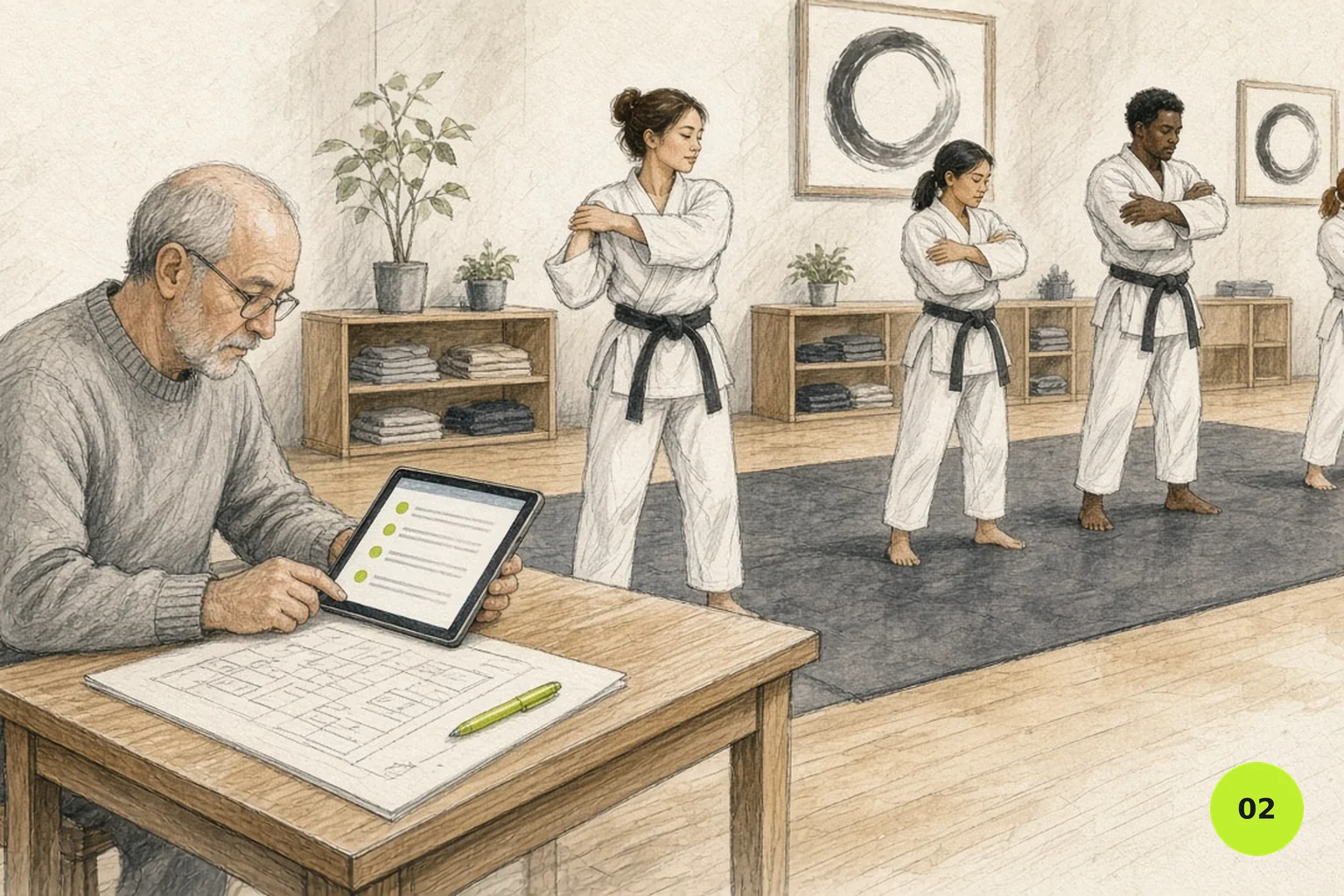
Manual payments only work if the records stay current. A few habits make that easy:
- Record payments on the day. Log cash before you leave the gym. Log transfers when you check your bank account.
- Use the real payment date. Catching up on Friday for a payment that arrived on Monday? Enter Monday.
- Link the plan at the same time. Record the payment and the membership together, and the end date is always right.
- Keep method names consistent. Agree on custom method names with anyone else who records payments, so the totals stay readable.
- Check once a month. Compare MatSync's finance figures with your bank statement and cash box. Small gaps are much easier to fix after four weeks than after a year.
FAQ
Can I use MatSync without Stripe?
Yes. Stripe is optional. You can record every payment by hand as cash, bank transfer or a custom method, and connect Stripe later only if you want online payments.
Can I record cash payments in MatSync?
Yes. Open the member's profile, choose Record payment, enter the amount, pick Cash Payment and set the date. You can link a membership plan in the same step.
Does MatSync charge a fee on manual payments?
No. Manual payments, like cash, bank transfer or your own custom methods, are recorded without transaction fees. The 0.5% MatSync fee plus Stripe's fee only applies to online payments made through Stripe.
Can I add my own payment methods?
Yes. Cash Payment and Bank Transfer are built in, and owners and admins can add custom methods for any other way your club gets paid outside the app, like a local payment method or your own invoicing.
Who can record manual payments?
Only owners and admins. Instructors can't record or edit payments.
How do I keep track of membership renewals and payments?
Link each recorded payment to a membership plan. MatSync sets the end date from the plan's length, and recorded payments count in your finances and yearly financial report alongside any online payments.
Keep the way you get paid
If your club gets paid in cash, by transfer or through its own invoicing, you don't need to change any of that to get organized. Use Stripe if you want it. Record payments by hand if you don't. Or do both. However your members pay, MatSync gives you one place for members, attendance, belts and payment records, free for up to 30 students.