How to do anything in MatSync
Short, narrated videos and step-by-step guides for running your martial arts club in MatSync, recorded in a real club dashboard.
Getting started
Set up your club and find your way around.
 0:33
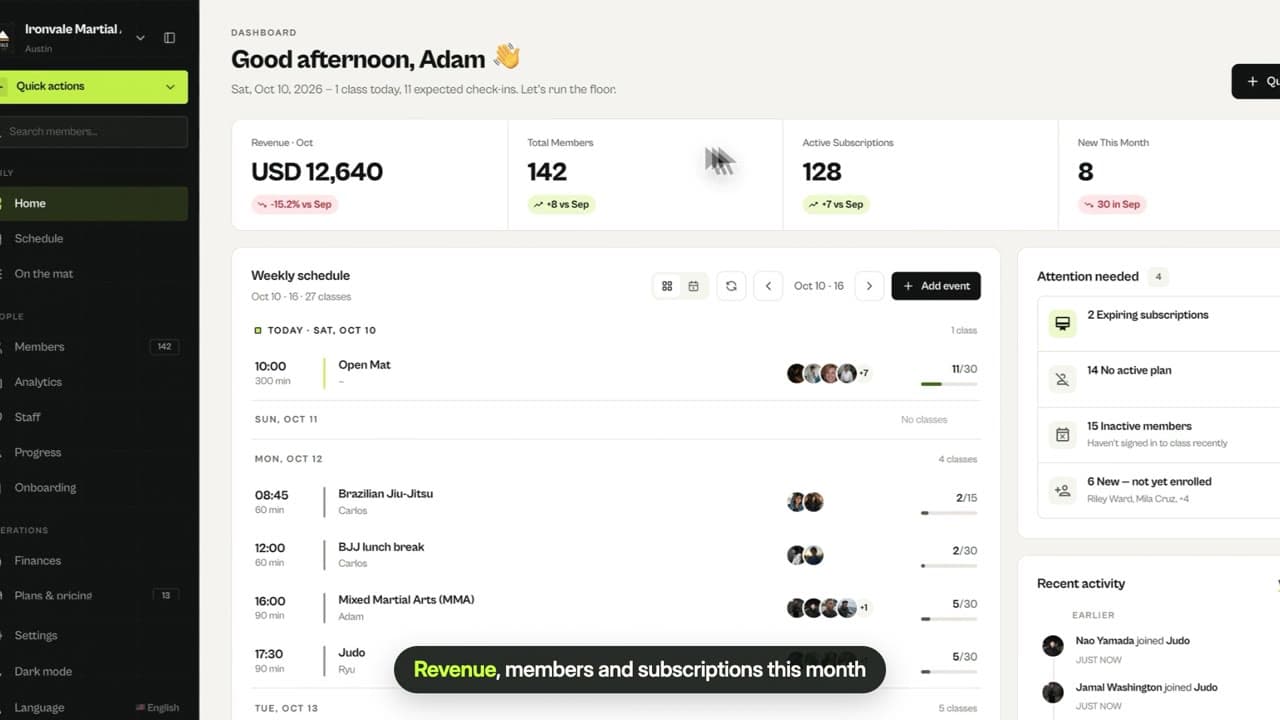
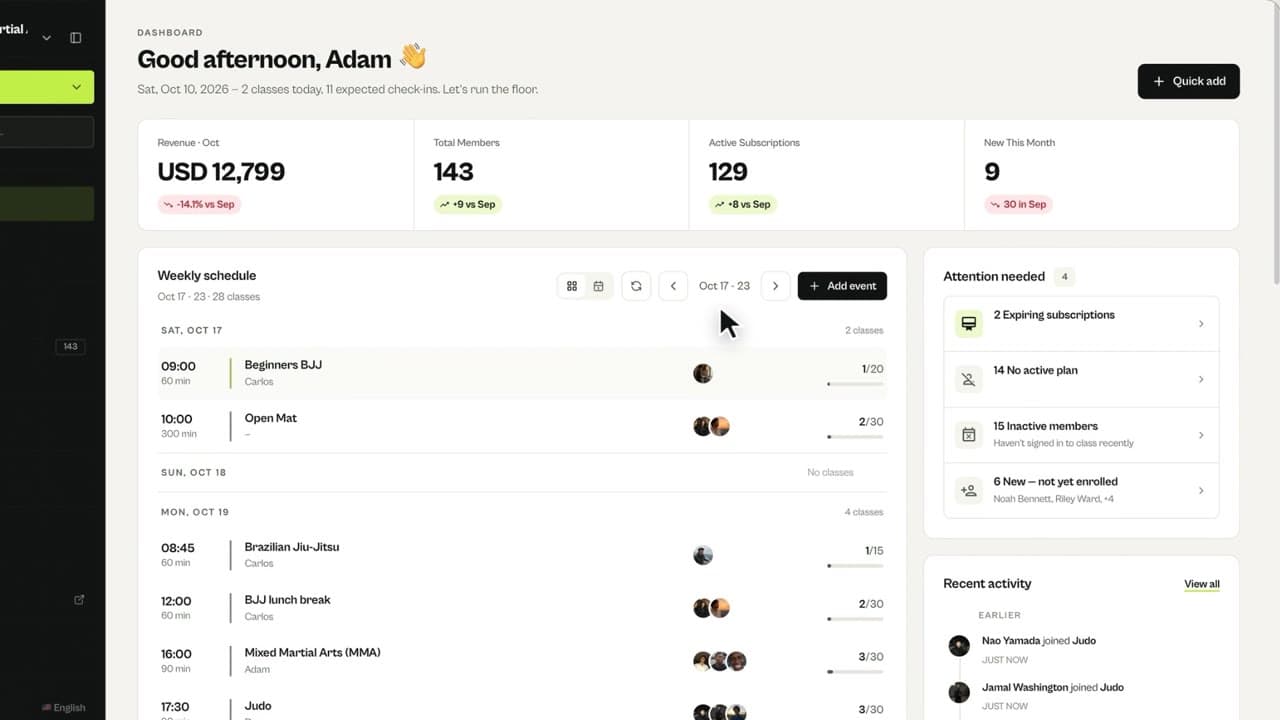
0:33Dashboard tour
What you see on the MatSync home screen: revenue and members, this week’s classes, who needs attention, recent activity and Quick actions.
 0:20
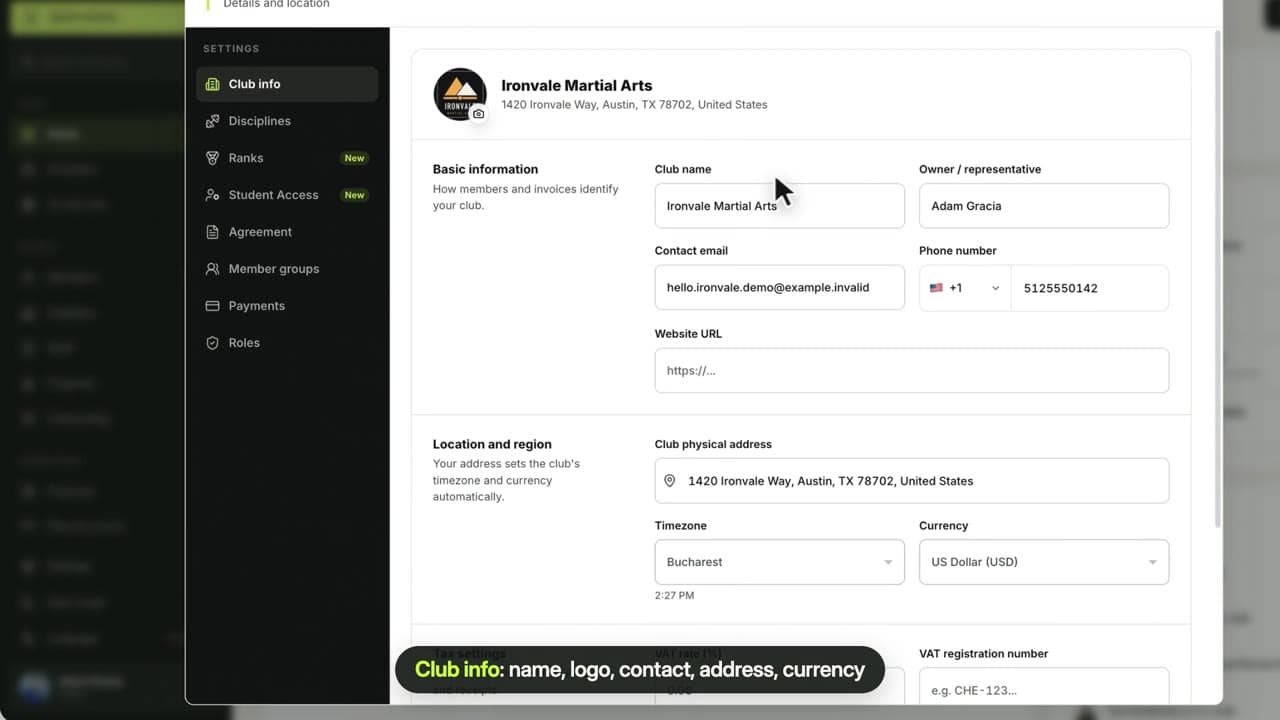
0:20Set up your club
Add your club name, logo, contact details, address and currency, turn on the disciplines you teach and set up your own ranks and belts.
 0:22
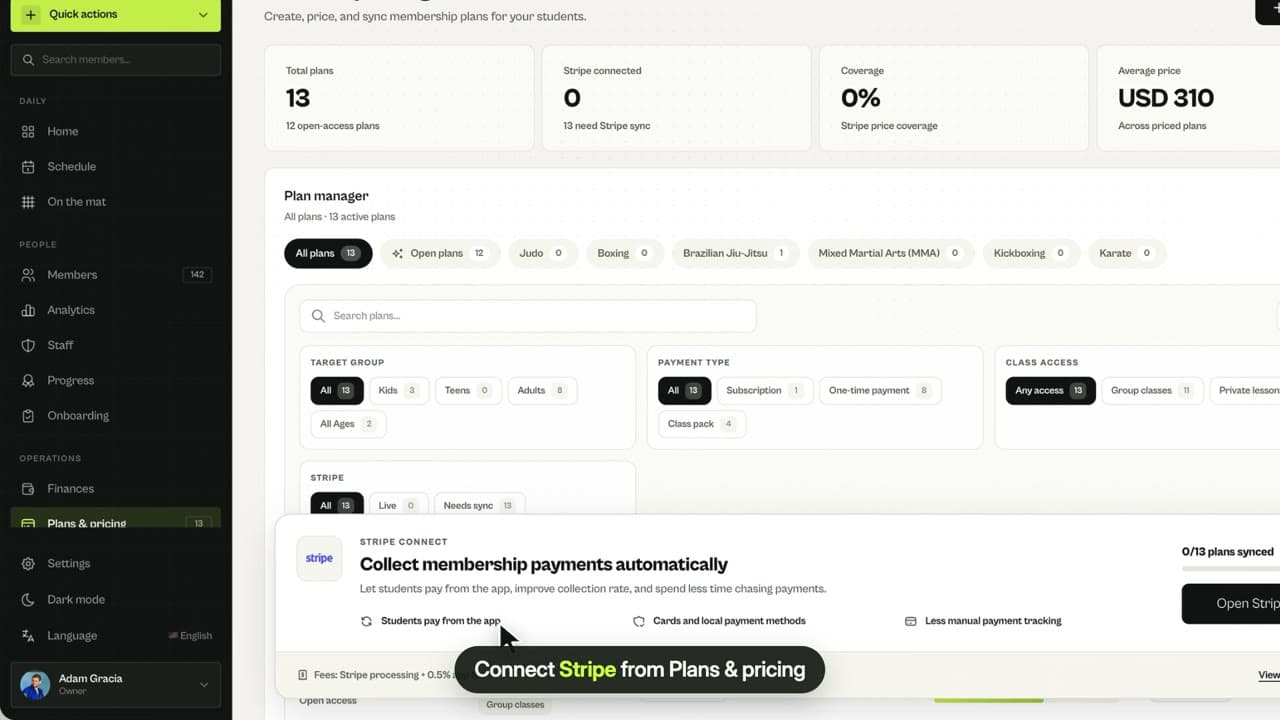
0:22Connect Stripe
Connect your Stripe account so members can pay in the app, and choose which manual payment methods, like cash or bank transfer, you accept.
 0:43
0:43The member app
A tour of the MatSync member app: joining your club, booking classes, attendance leaderboards, training stats, plans, family profiles and belts.
Members
Add, invite and manage the people in your club.
 0:28
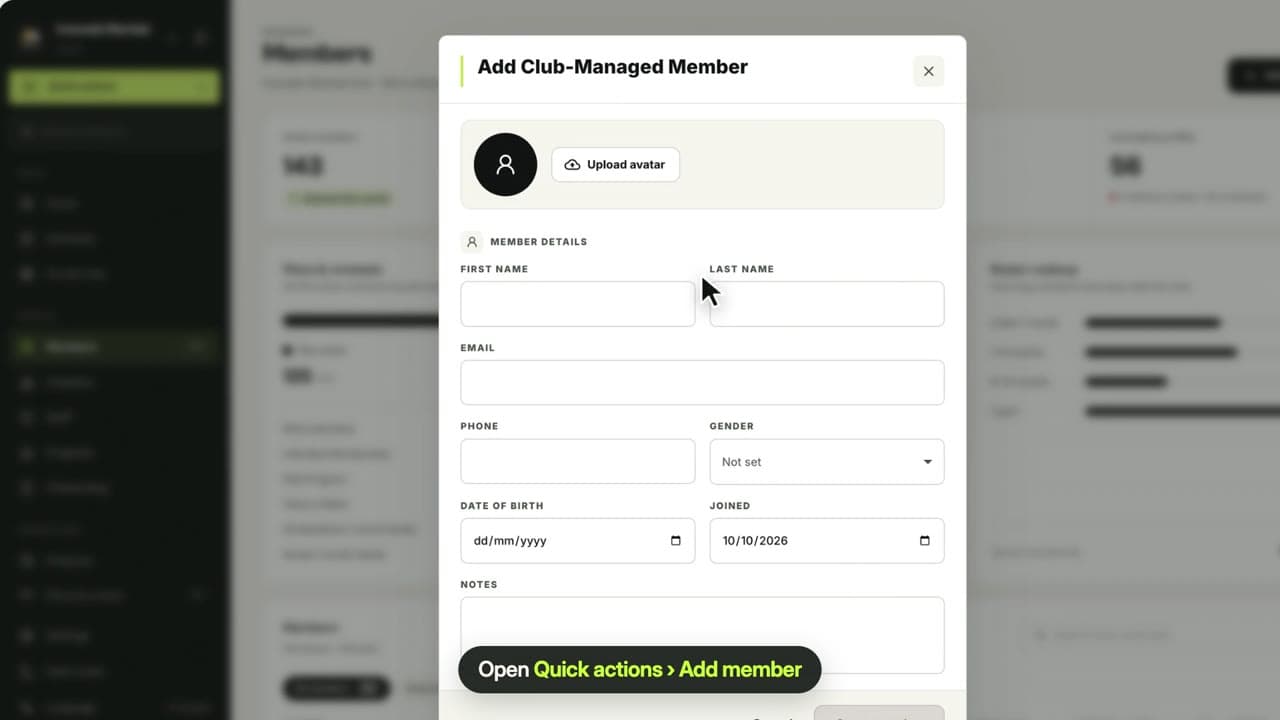
0:28Add a member
Add a club-managed member in seconds: only a name is required, and they do not need the app. Assign a plan or invite them later.
 0:23
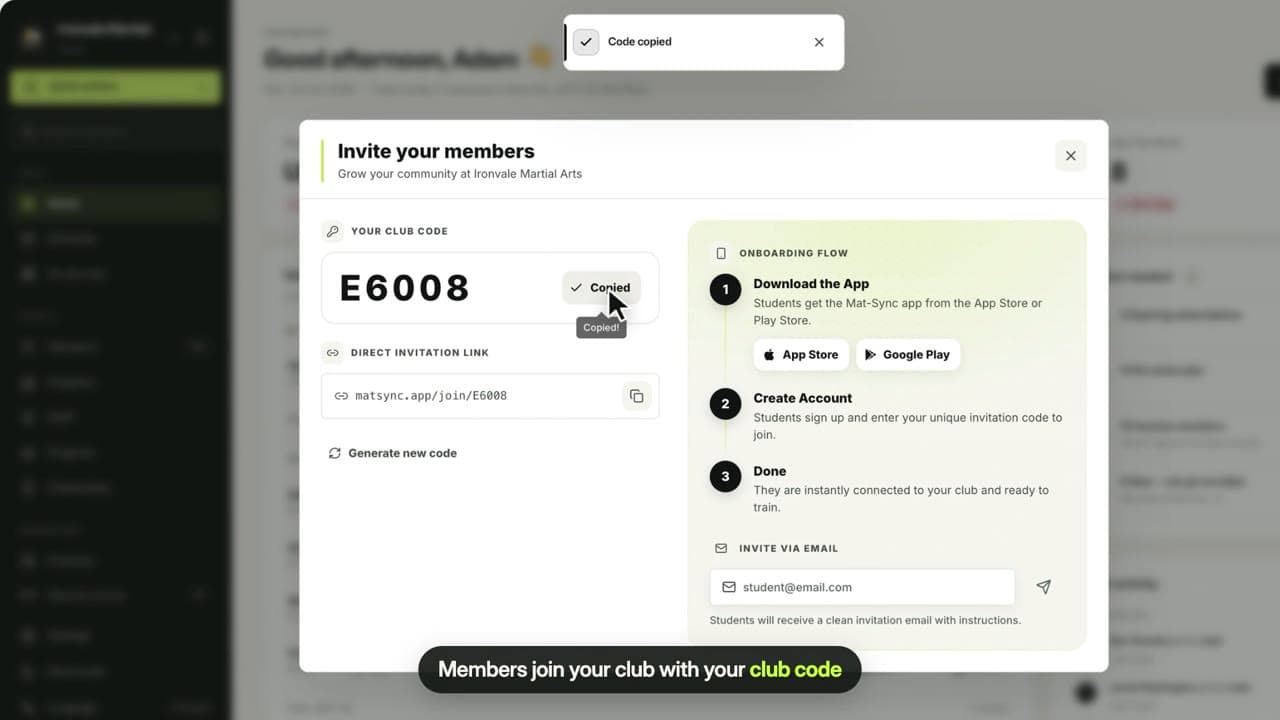
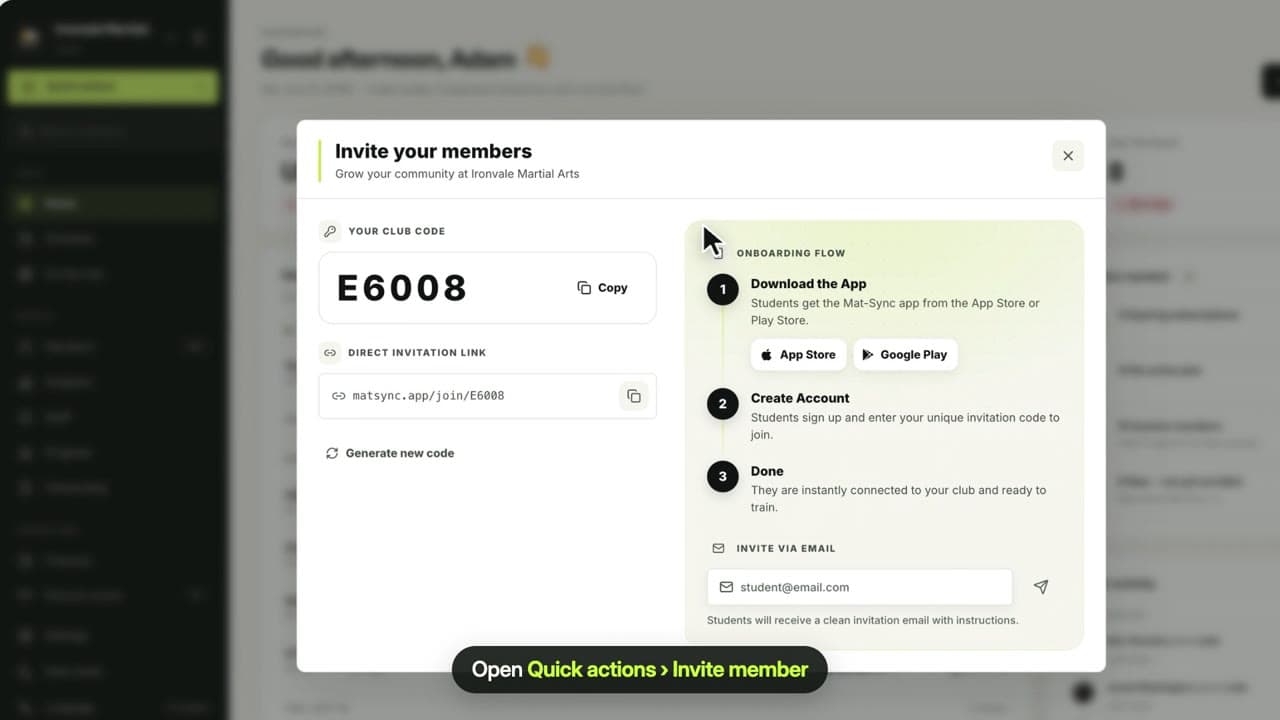
0:23Invite members
Share your club code or join link so members can download the MatSync app, sign up and join your club, or invite them by email.
 0:28
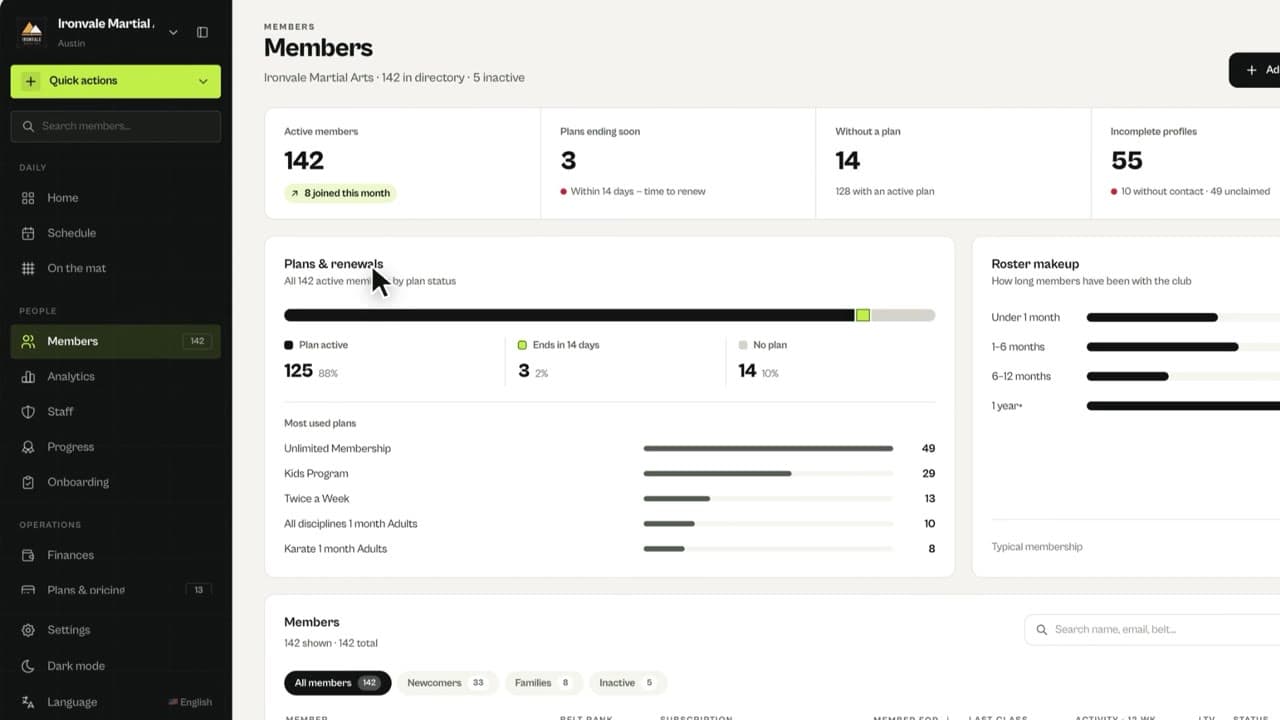
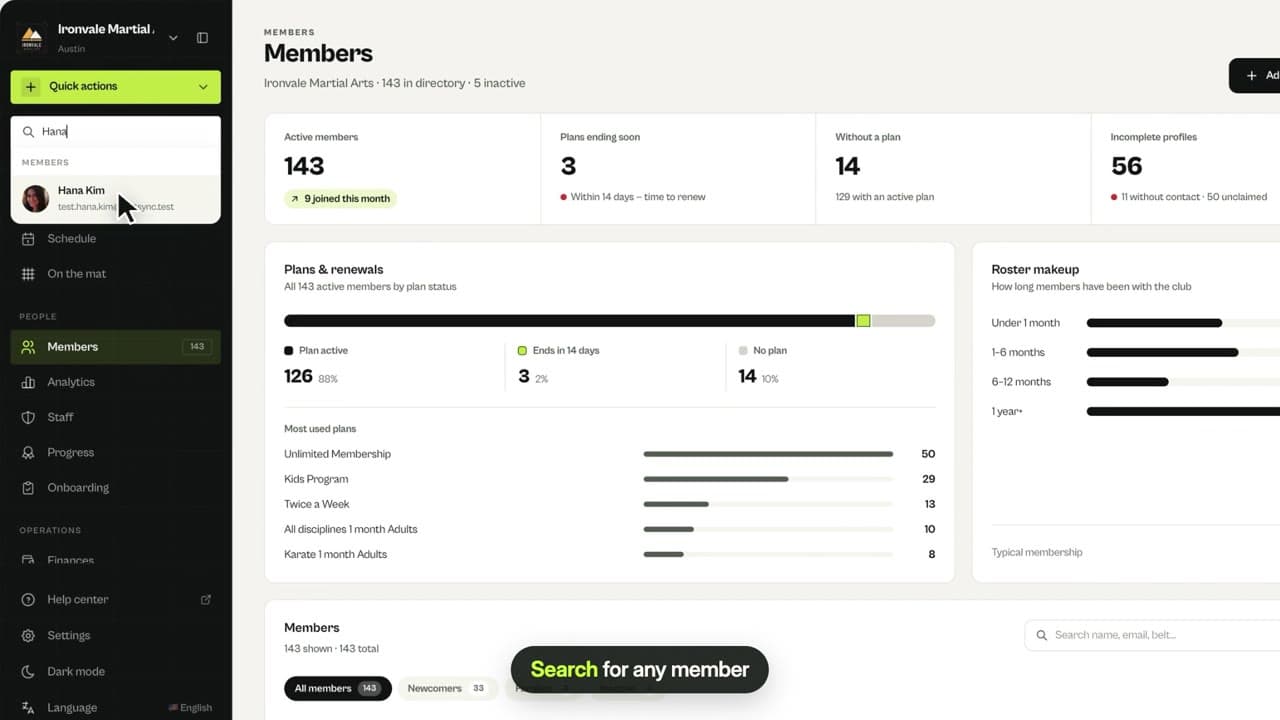
0:28Find and manage members
See active members and renewals, filter newcomers, families and inactive members, search for anyone and open their full profile.
 0:20
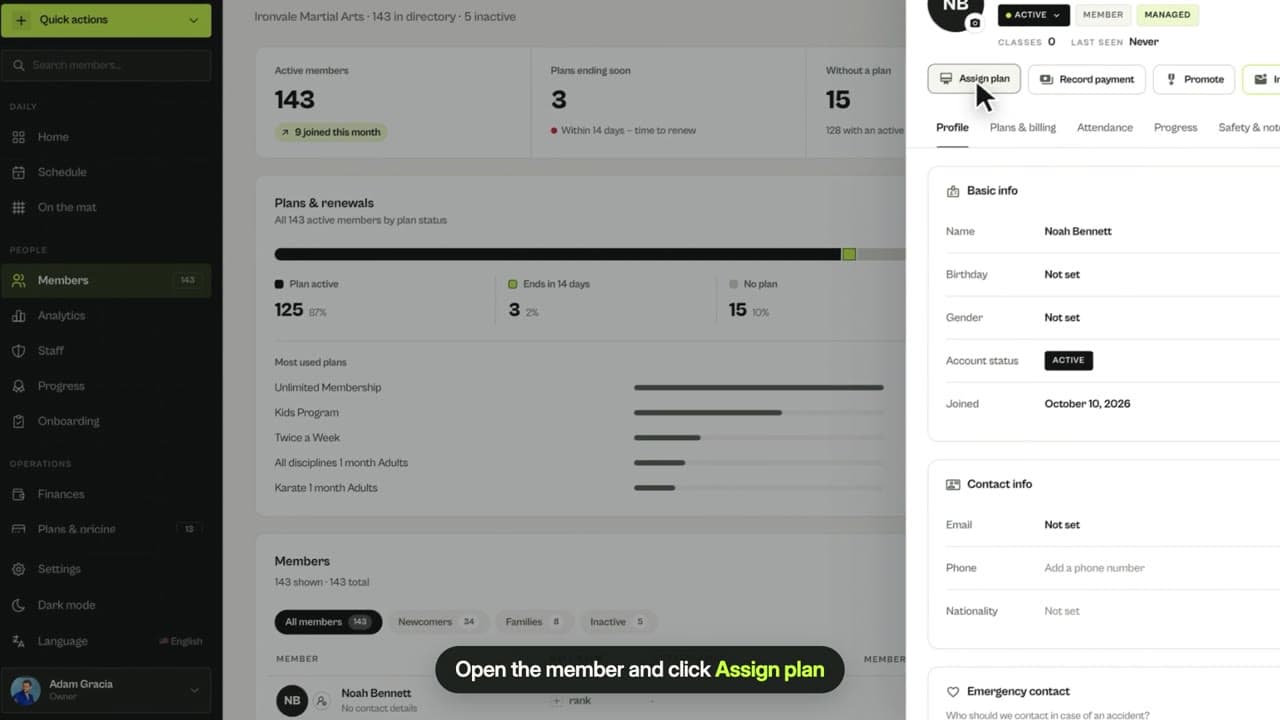
0:20Assign a membership
Give a member one of your plans by hand. It is active immediately with start and end dates, and marked as manually assigned.
 0:27
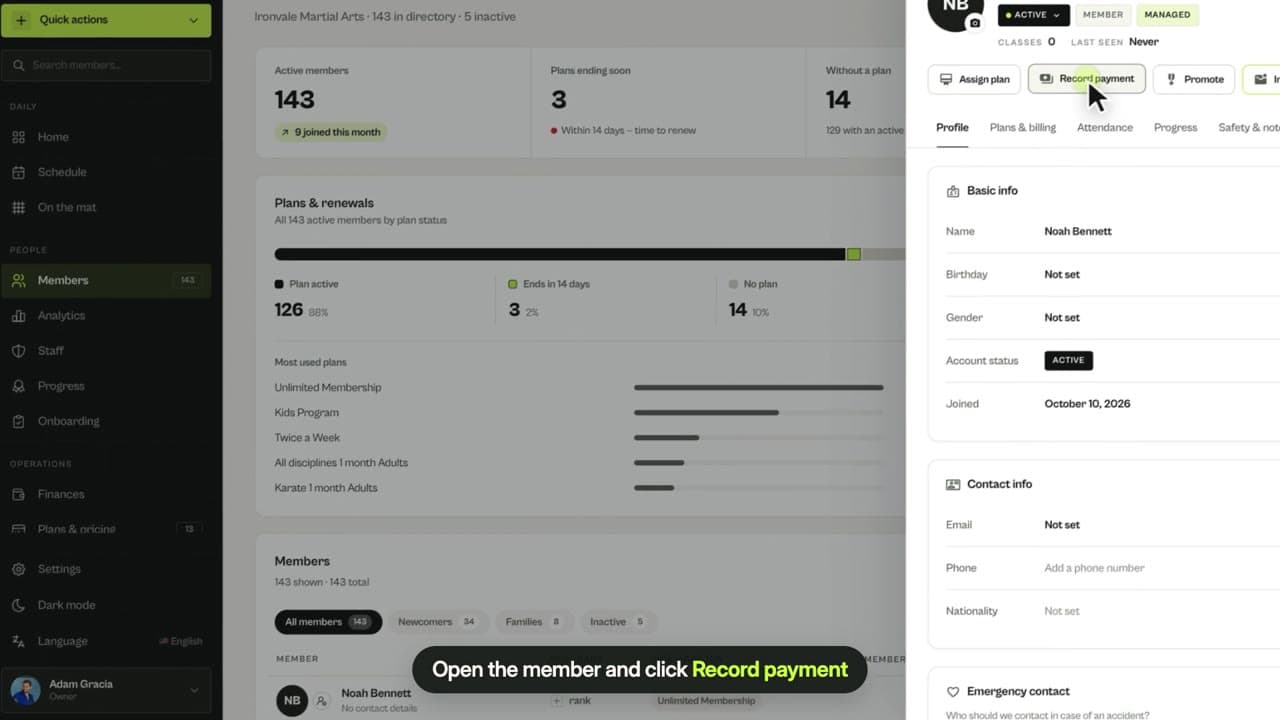
0:27Record a payment
Record a manual payment for a member, choose how they paid, and optionally link it to a plan to activate it at the same time.
 0:54
0:54Member profile tour
A tour of the member profile: details and contacts, plans and payments, attendance, belt progress, safety notes and signed documents.
 0:48
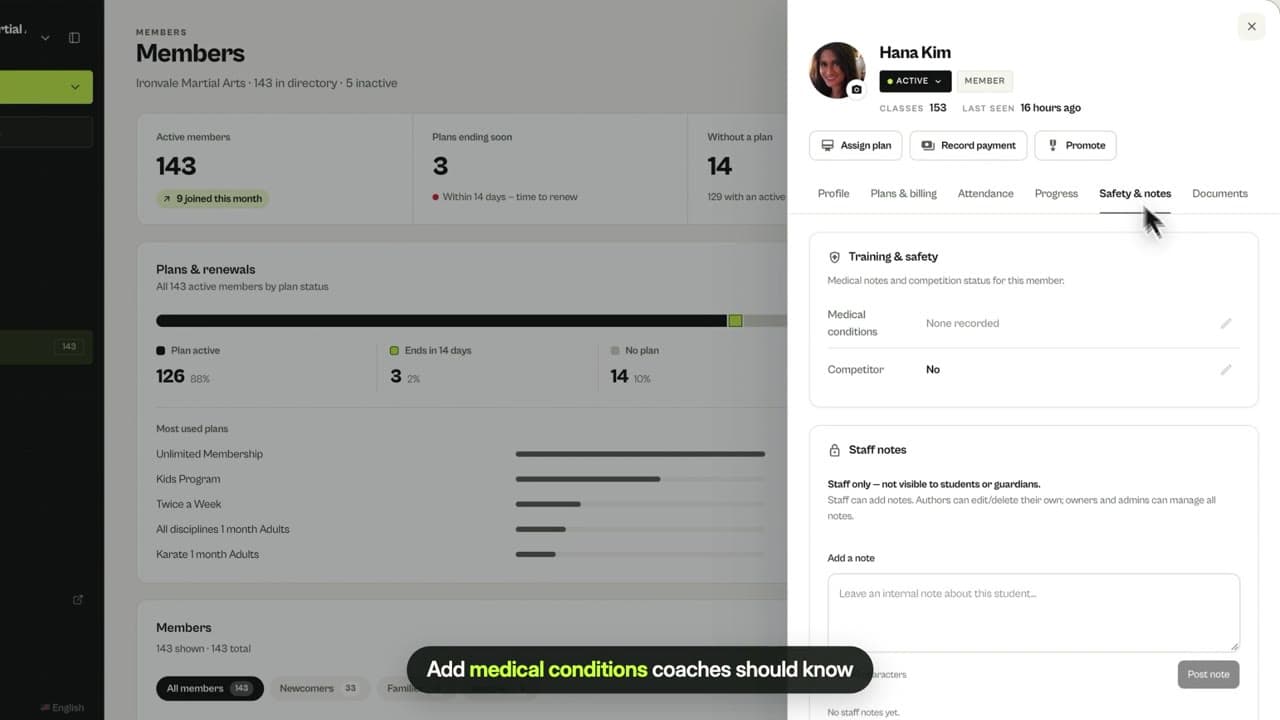
0:48Safety details & notes
Record medical conditions and competitor status for each member, and keep private staff notes that students and parents never see.
 0:22
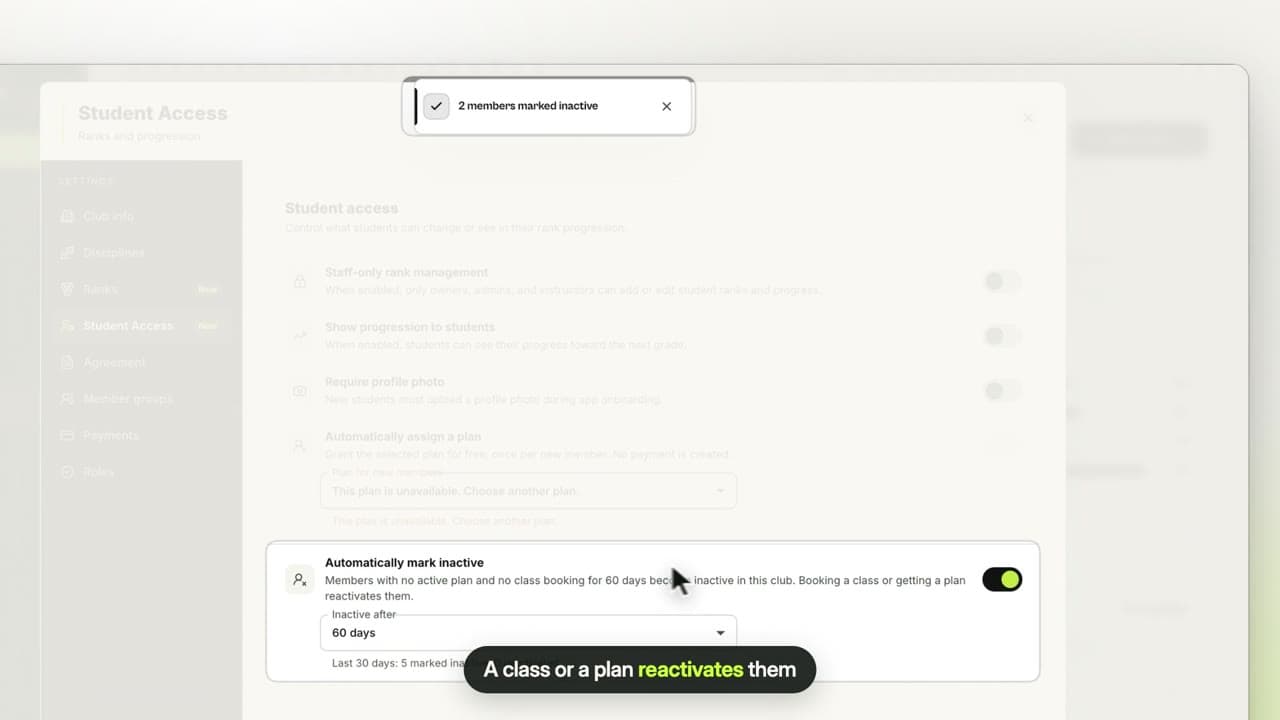
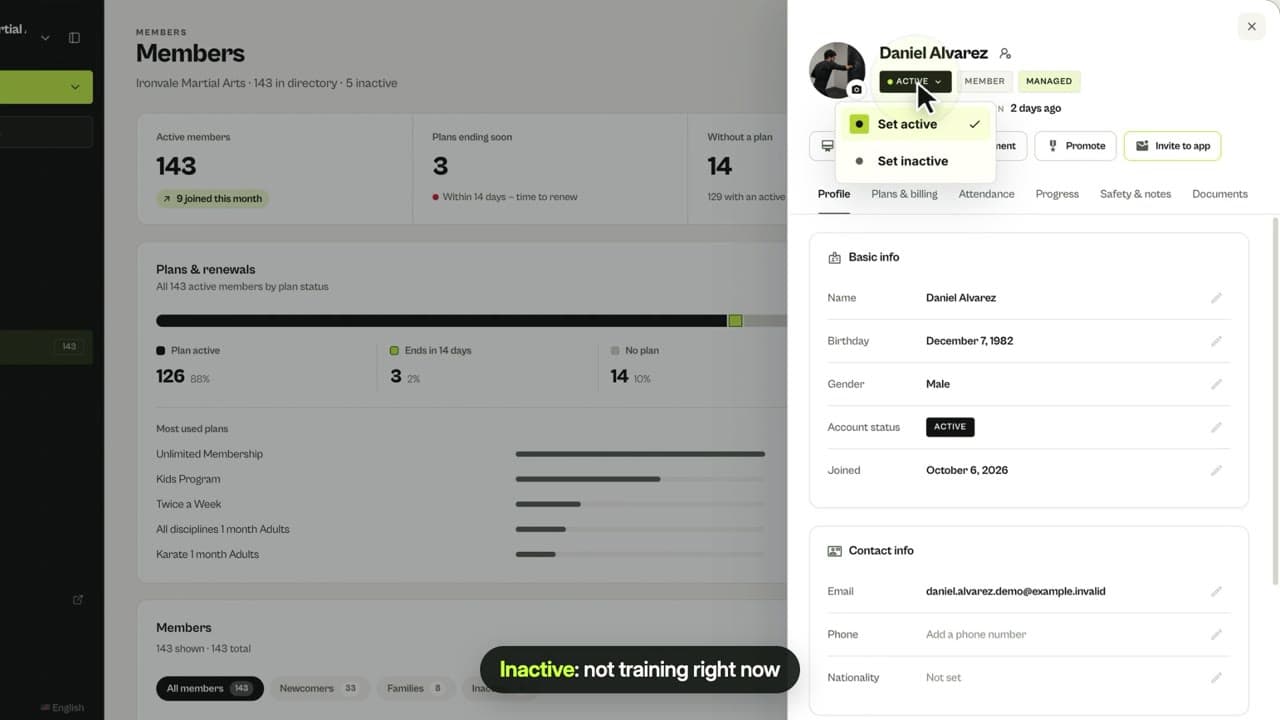
0:22Mark a member inactive
Set a member to inactive when they stop training, keep their history, and switch them back any time. Booking a class reactivates them automatically.
 0:26
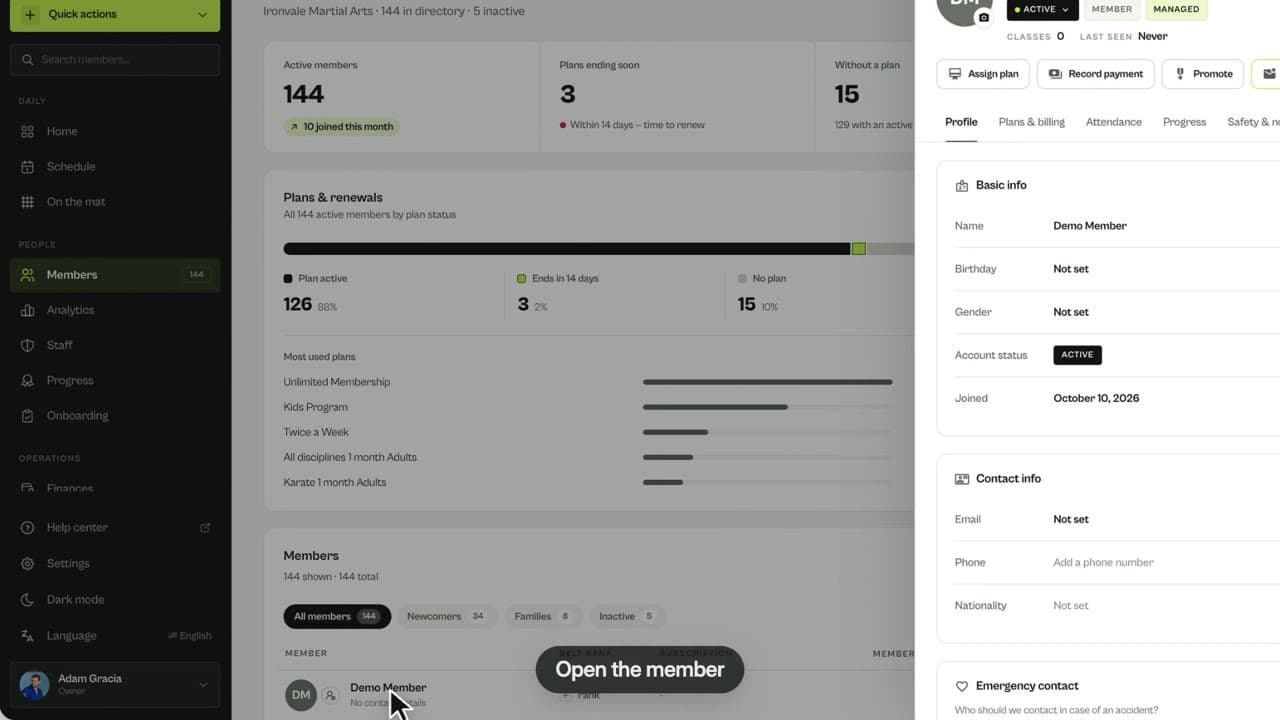
0:26Remove a member
Remove a member from your roster and the app. Their payments and attendance history are kept; empty profiles are deleted completely.
Schedule & attendance
Classes, events and who is training.
 0:36
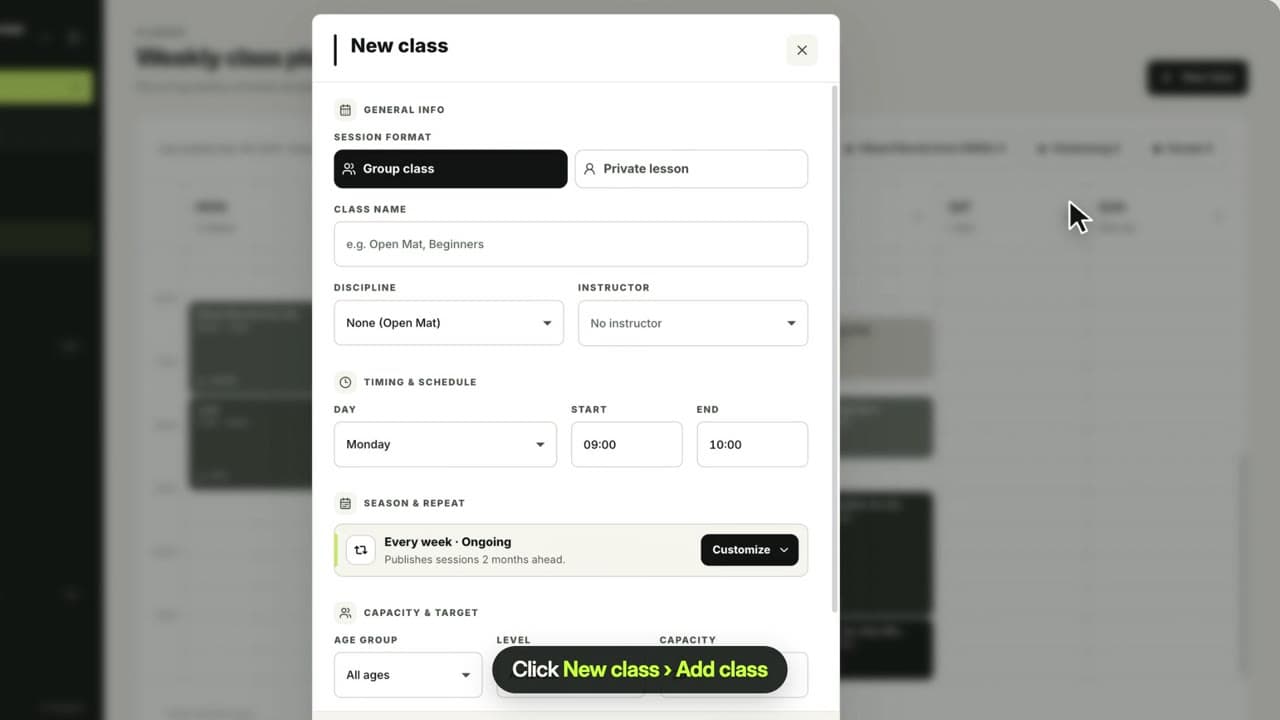
0:36Create a class
Add a weekly class with its discipline, coach, day, time, age group, level and capacity. Members can book it in the app.
 0:37
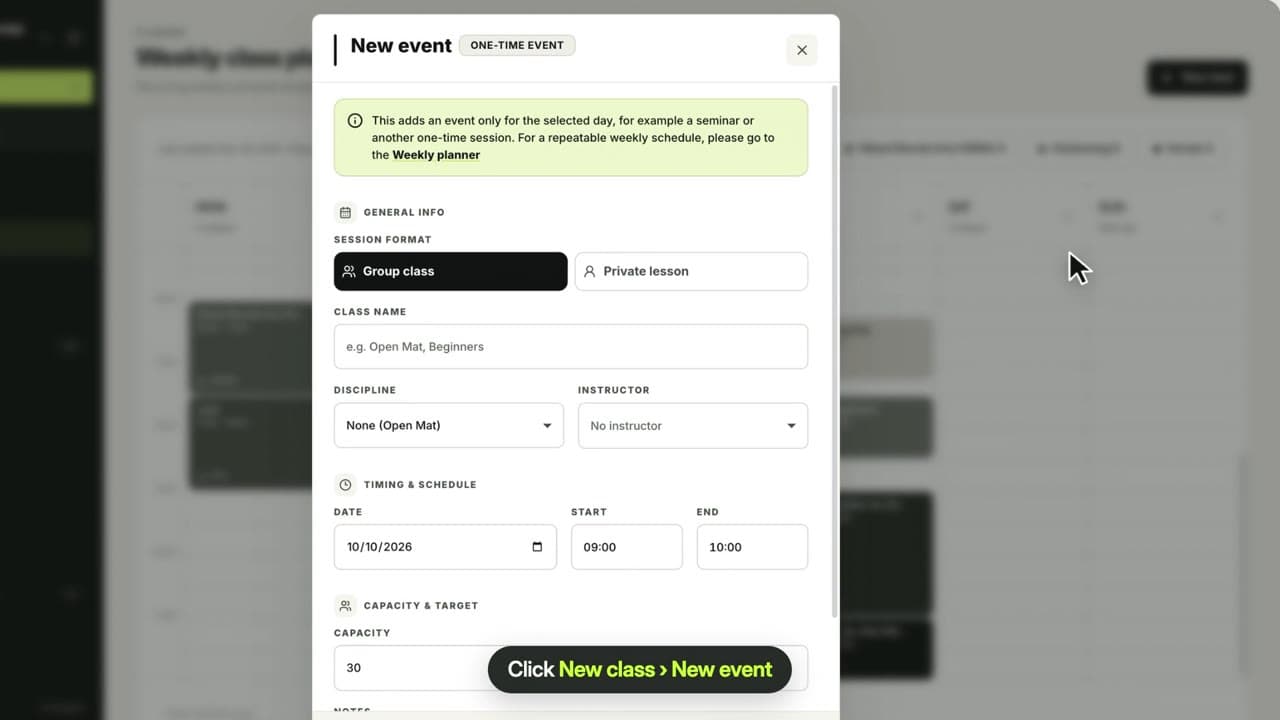
0:37Create an event
Add a one-time session such as a seminar, belt test or camp with its date, time, coach and capacity. It shows on that week’s schedule.
 0:21
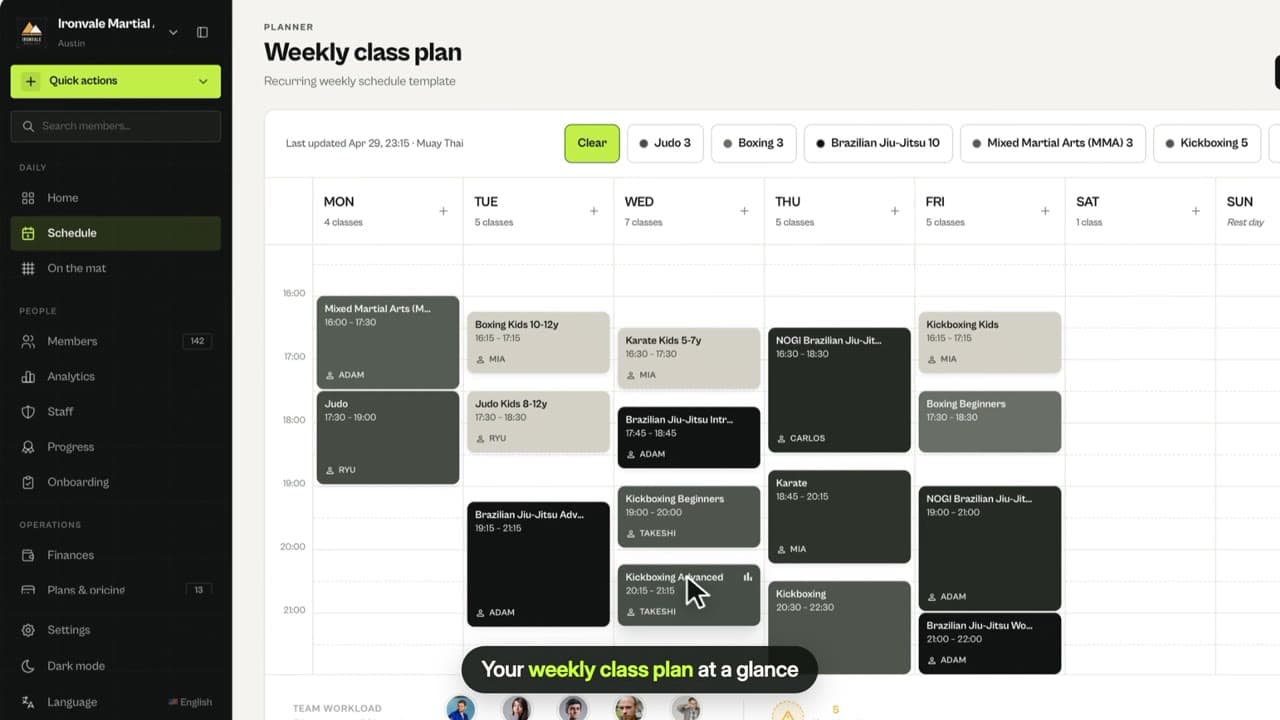
0:21Weekly schedule
See your recurring classes for the week, filter by discipline, check each coach’s workload and add new classes.
 0:19
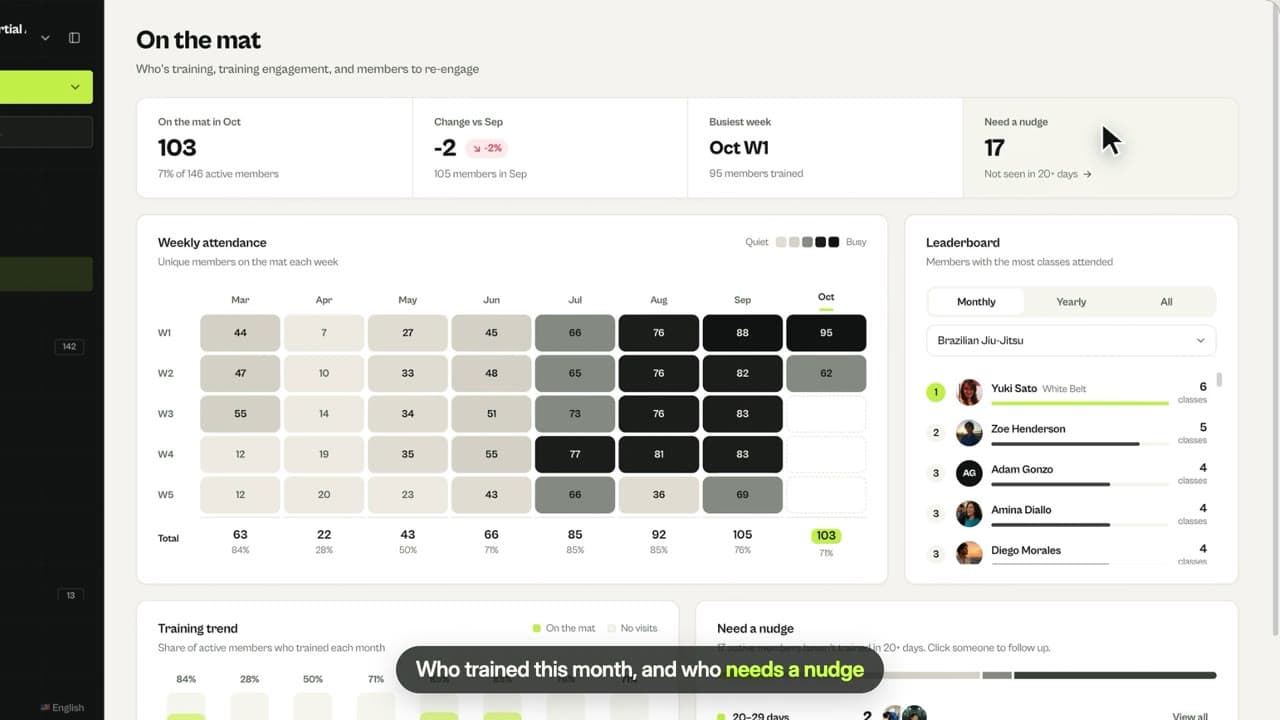
0:19Attendance: On the mat
See who trained this month, weekly attendance by month, a leaderboard per discipline and members who need a nudge.
 0:37
0:37Add students to a class
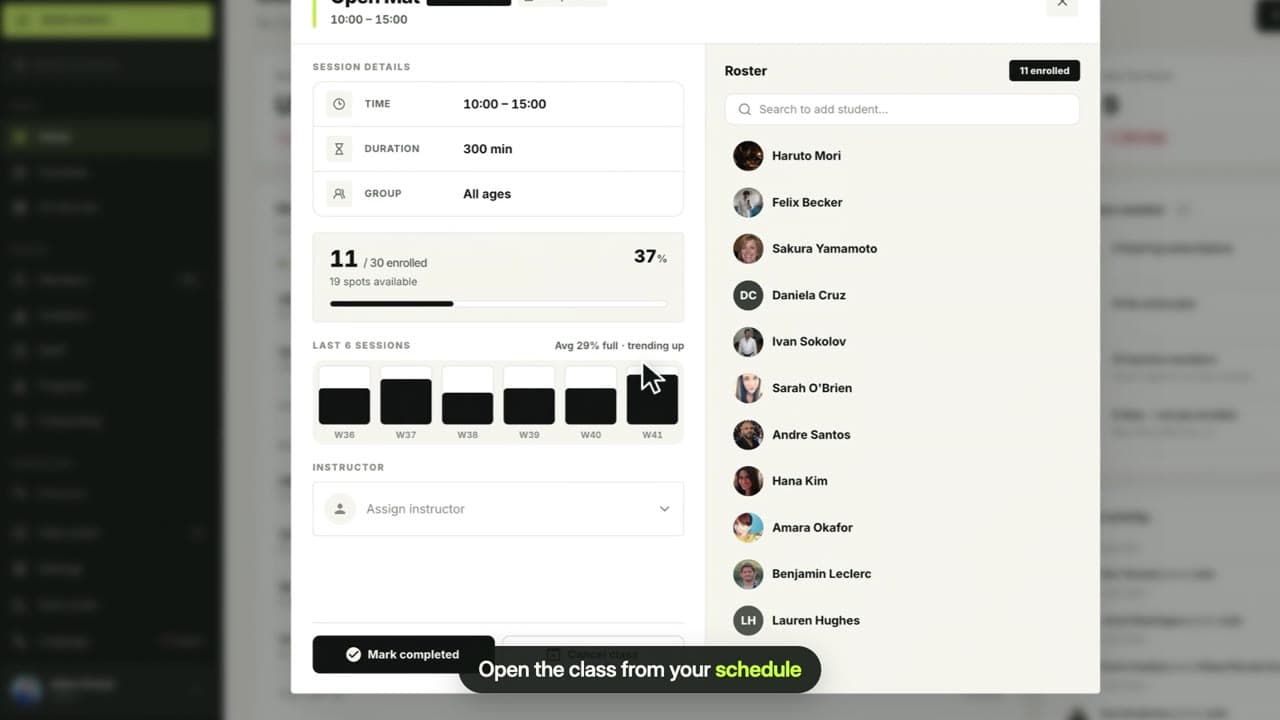
Open any class from your weekly schedule, search for a member and add them to the roster. Members can also book themselves in the app.
 0:44
0:44Complete or cancel a class
Mark a class as completed when it ends, cancel a single class when you cannot run it, and reactivate it if plans change. The roster is kept.
Plans & payments
Memberships, payments, discounts and finances.
 0:42
0:42Create a plan
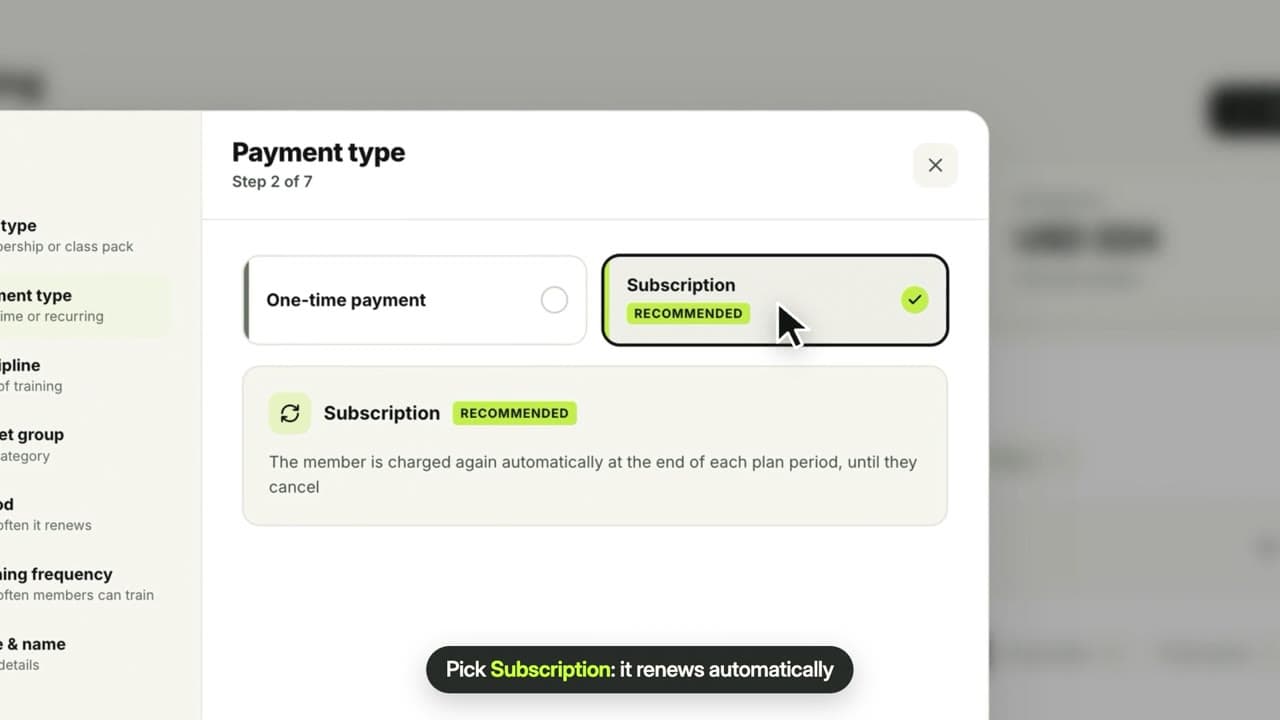
Create memberships and class packs with your own price, period, disciplines and age group, as a one-time payment or an auto-renewing subscription.
 0:39
0:39Weekly class limits
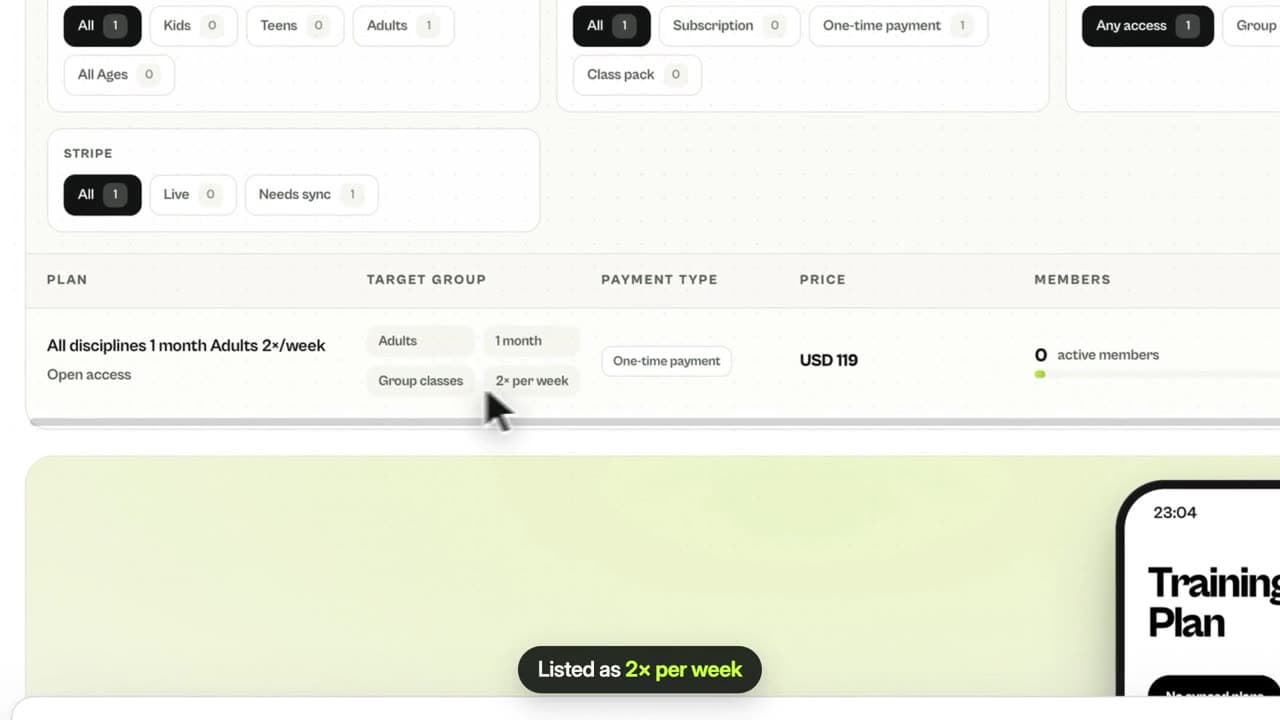
Limit a membership to any number of group classes per week, from 1 to 14. MatSync counts bookings and stops extra ones automatically.
 0:29
0:29Family & welcome discounts
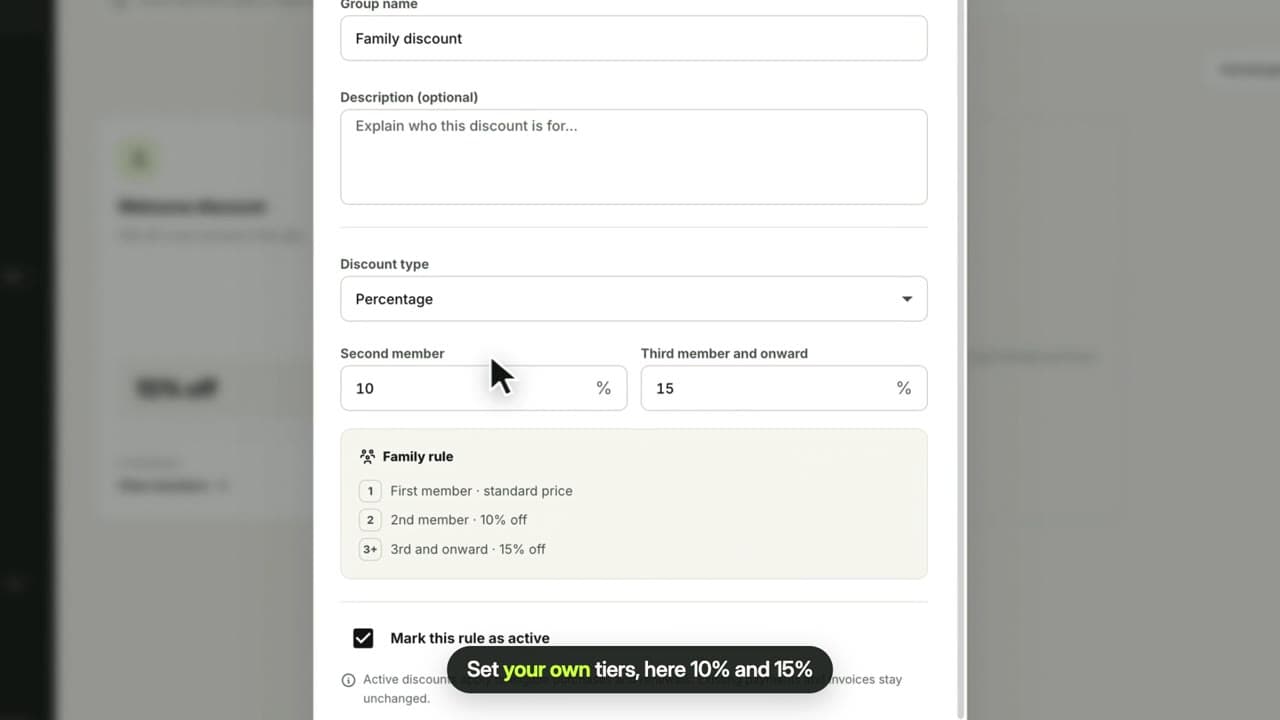
Set your own family tiers and welcome discount, as a percentage or fixed amount. MatSync finds families and applies the best discount at checkout.
 0:17
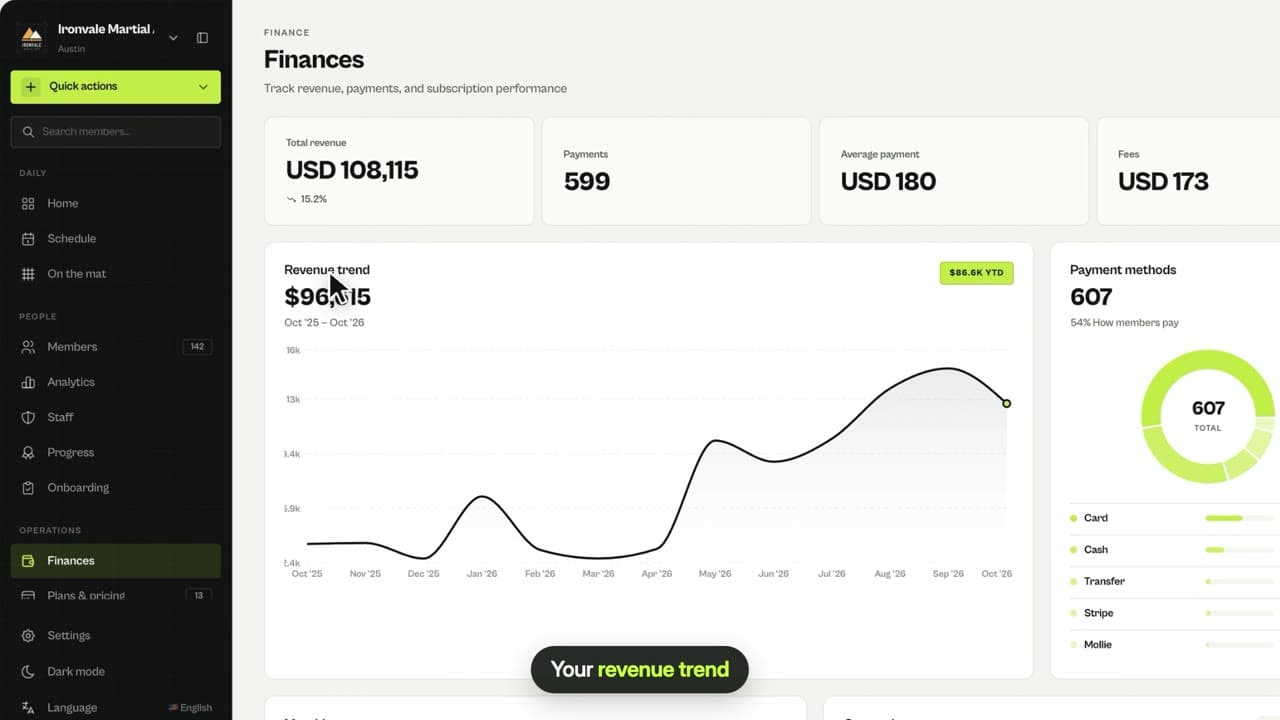
0:17Finances
Total revenue, payments, average payment and fees, your revenue trend, payment methods and monthly and quarterly revenue.
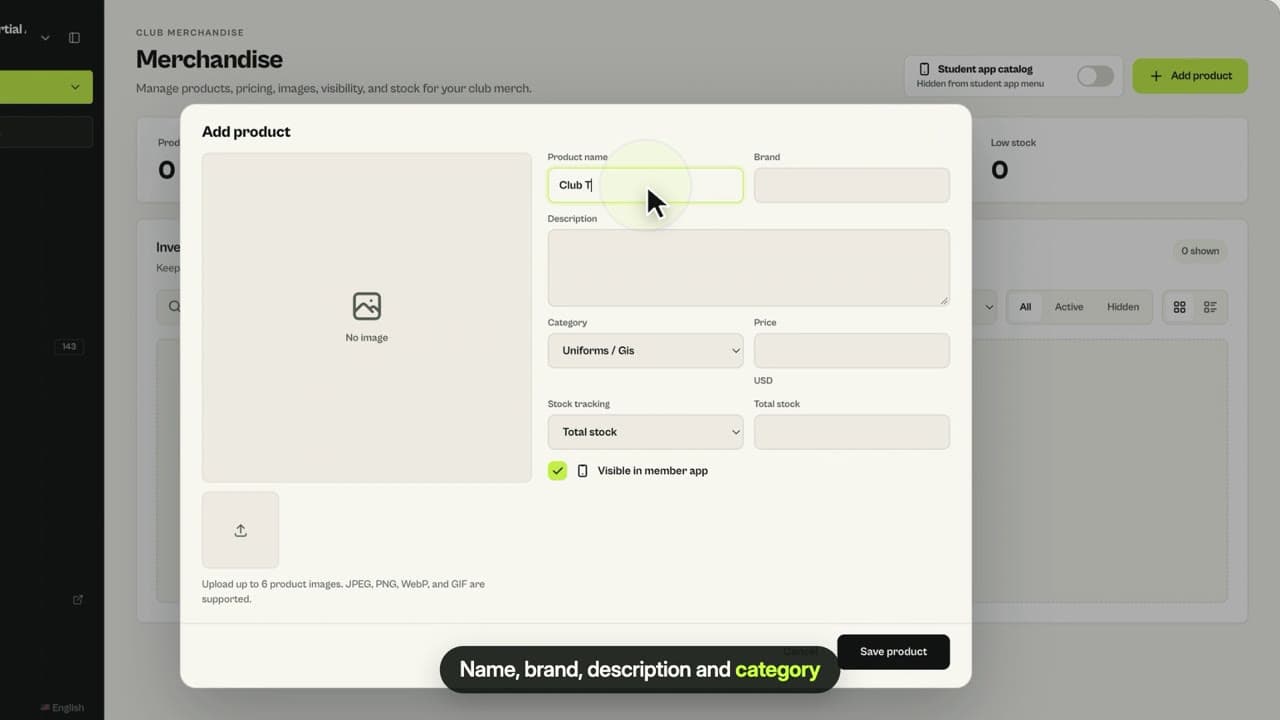 0:43
0:43Merchandise in the app
Add gis, rash guards, belts and other gear with your own prices and stock, and show your club store to members in the MatSync app.
Team & progress
Staff roles, belts and promotions.
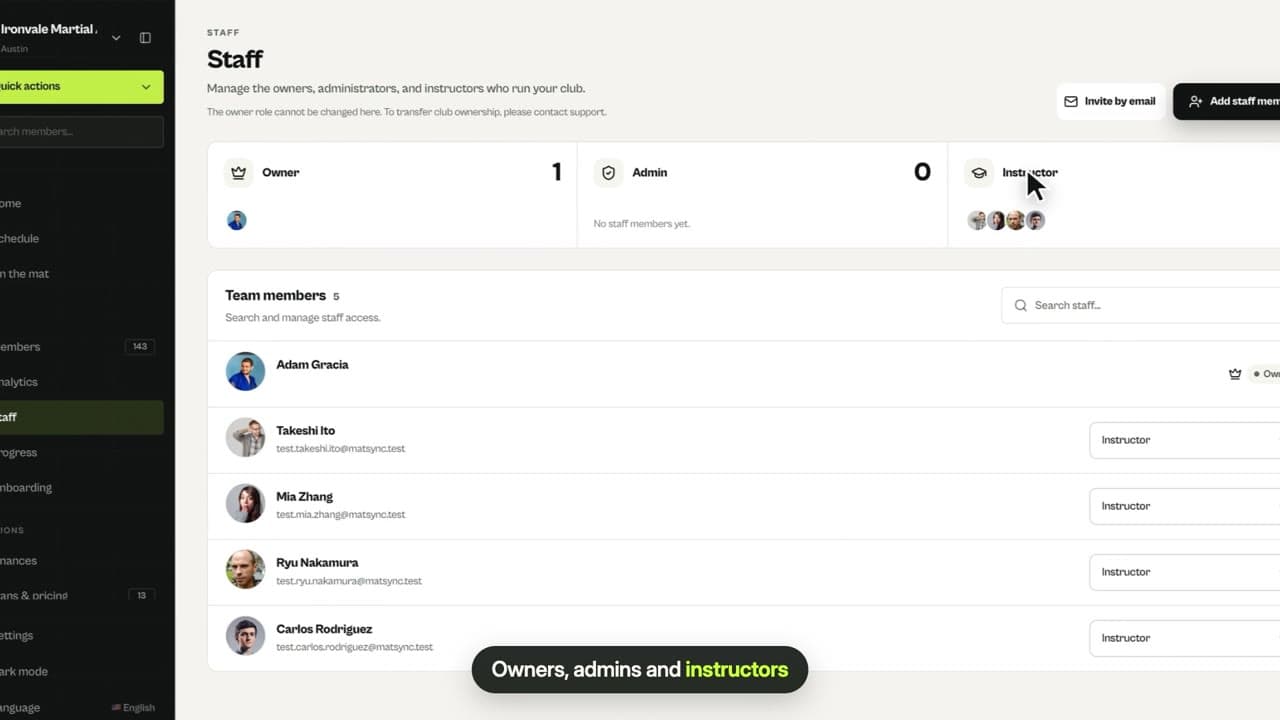 0:24
0:24Staff and roles
Make a member an instructor or admin, change roles any time and understand who can do what. Staff need a MatSync account.
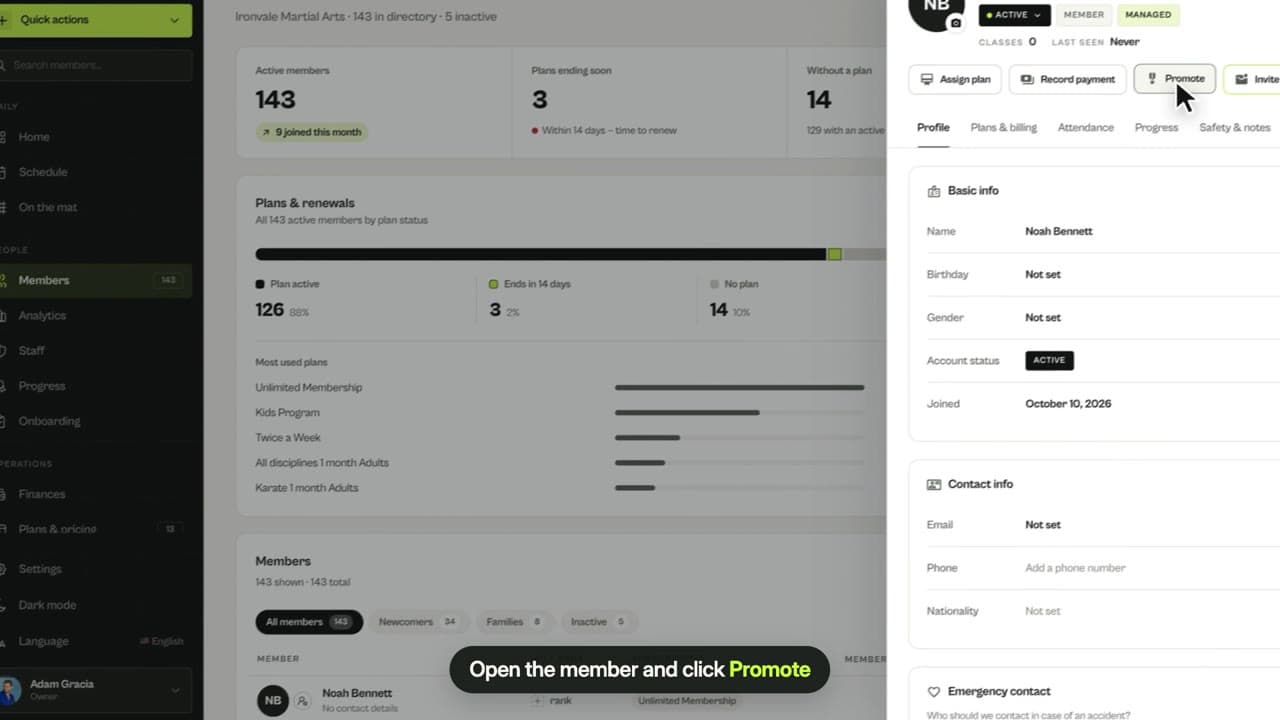 0:30
0:30Promote a belt
Start tracking a student’s belt, then record promotions with a new belt or stripes. Every promotion is saved to their belt history.
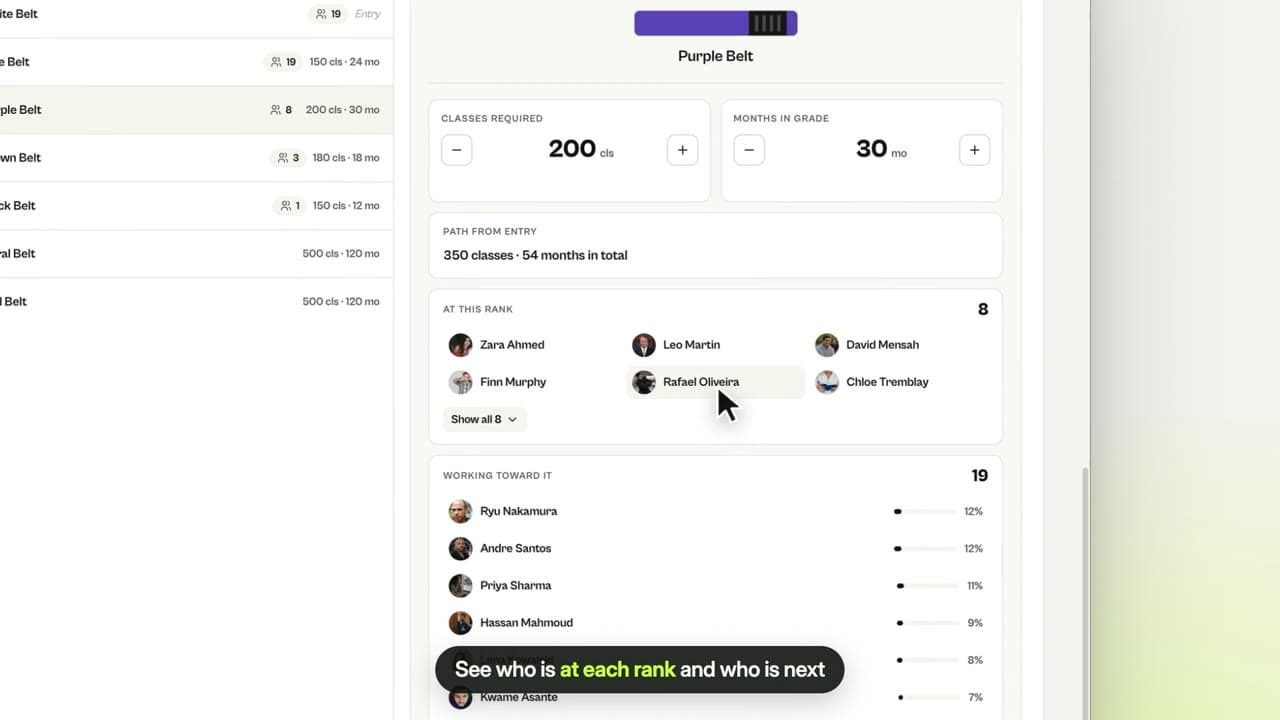 0:38
0:38Belt progression
See who is ready for promotion, your belt distribution, recent promotions and the requirements for every rank in your own belt system.
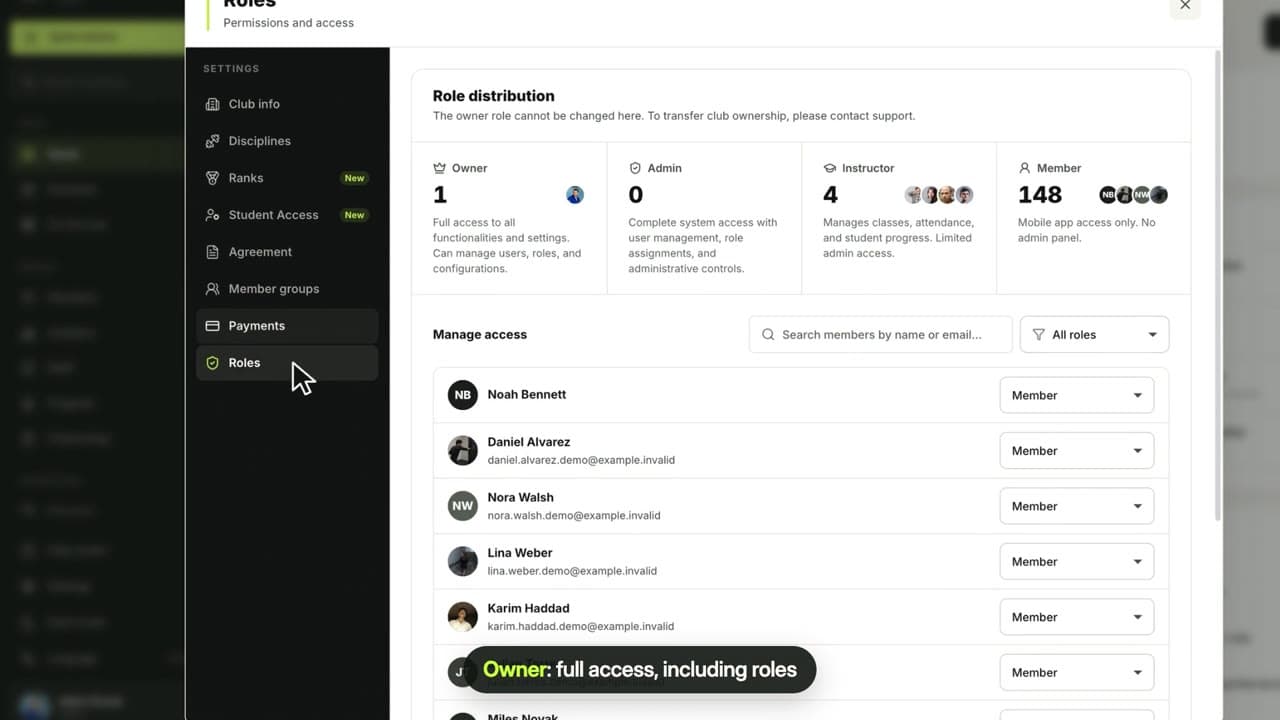 0:32
0:32Roles & permissions
What owners, admins, instructors and members can do in MatSync, who can change roles, and where to see everyone in a role.
Insights & automation
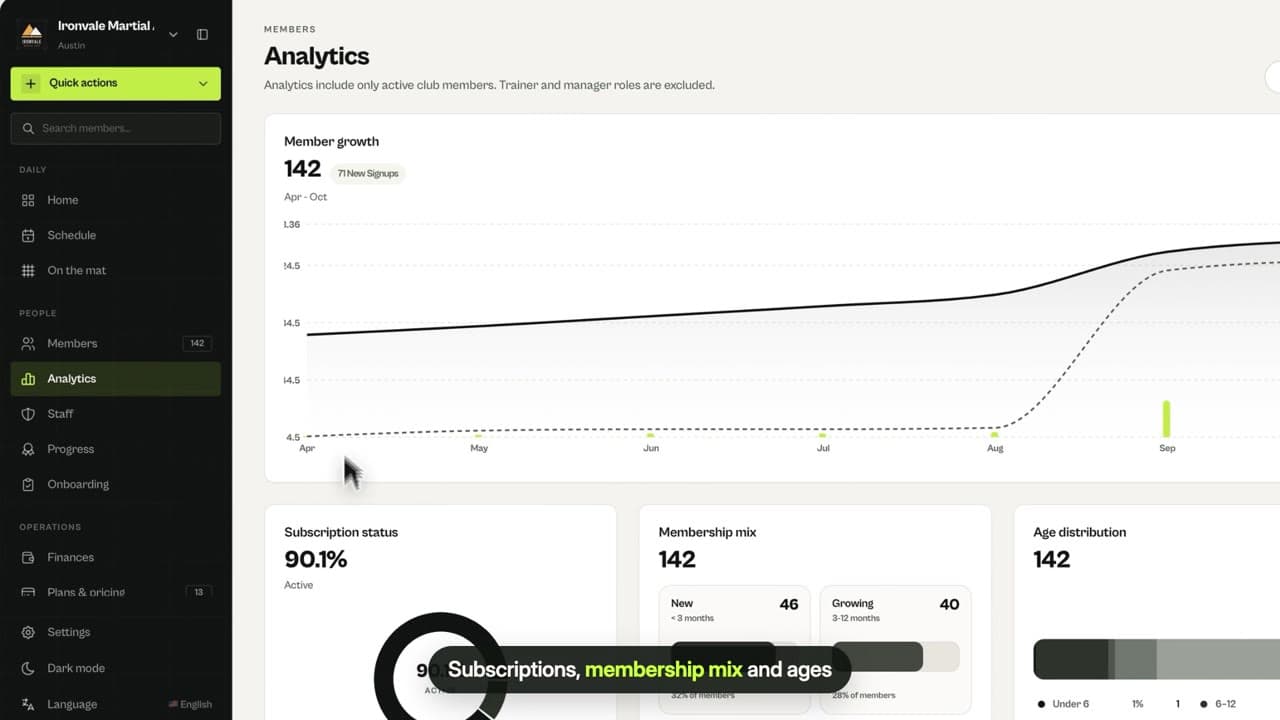
Understand your members and save admin time.