How to add a member in MatSync
Add a club-managed member in seconds: only a name is required, and they do not need the app. Assign a plan or invite them later.
Where to find it: Dashboard · Quick actions › Add member
Step by step
Open Quick actions › Add member
Click Quick actions at the top of the sidebar and choose Add member. You can also use Add member on the Members page.
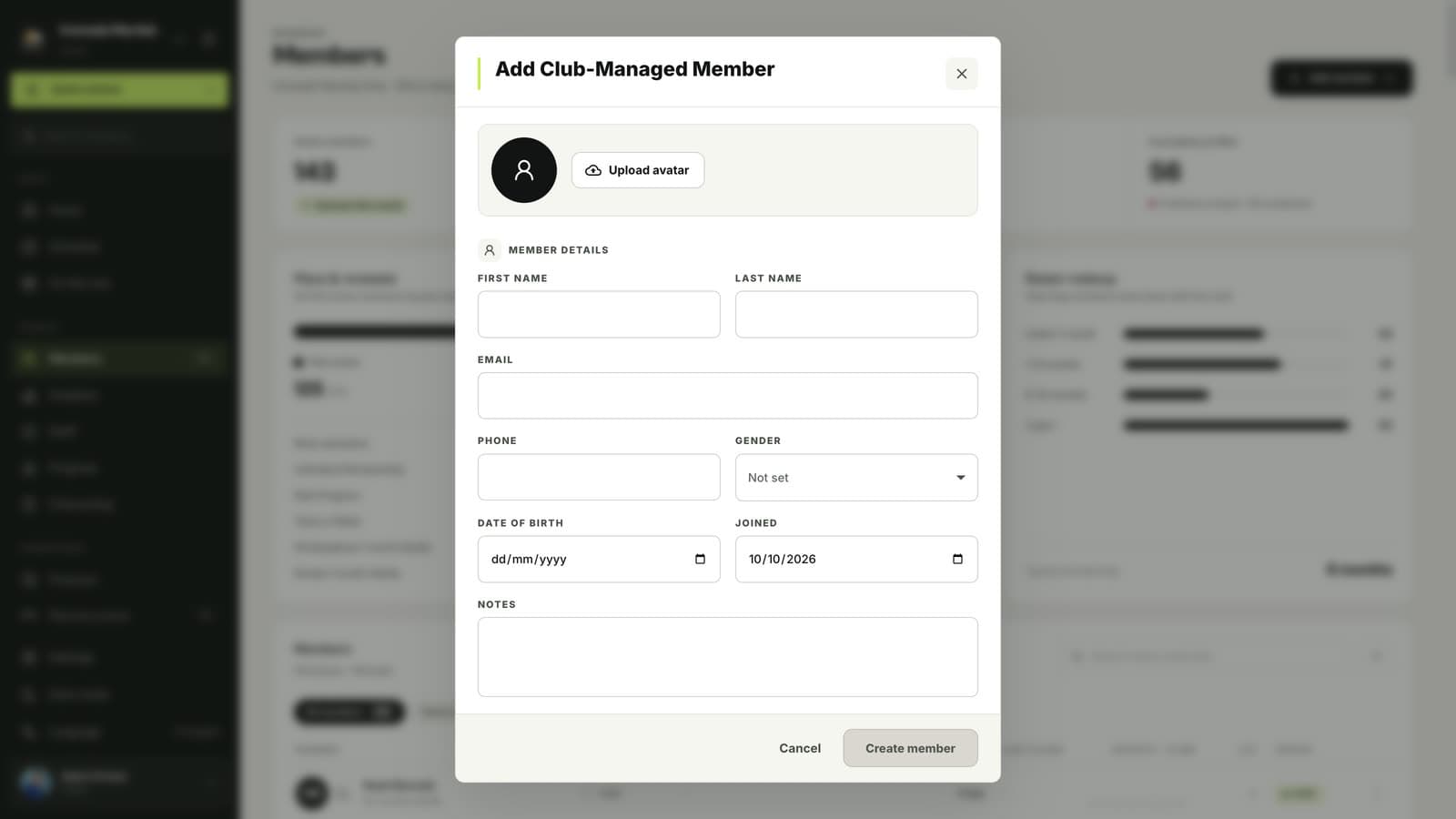
Enter their name
First and last name are required. Photo, email, phone, gender, date of birth, join date and notes are optional.
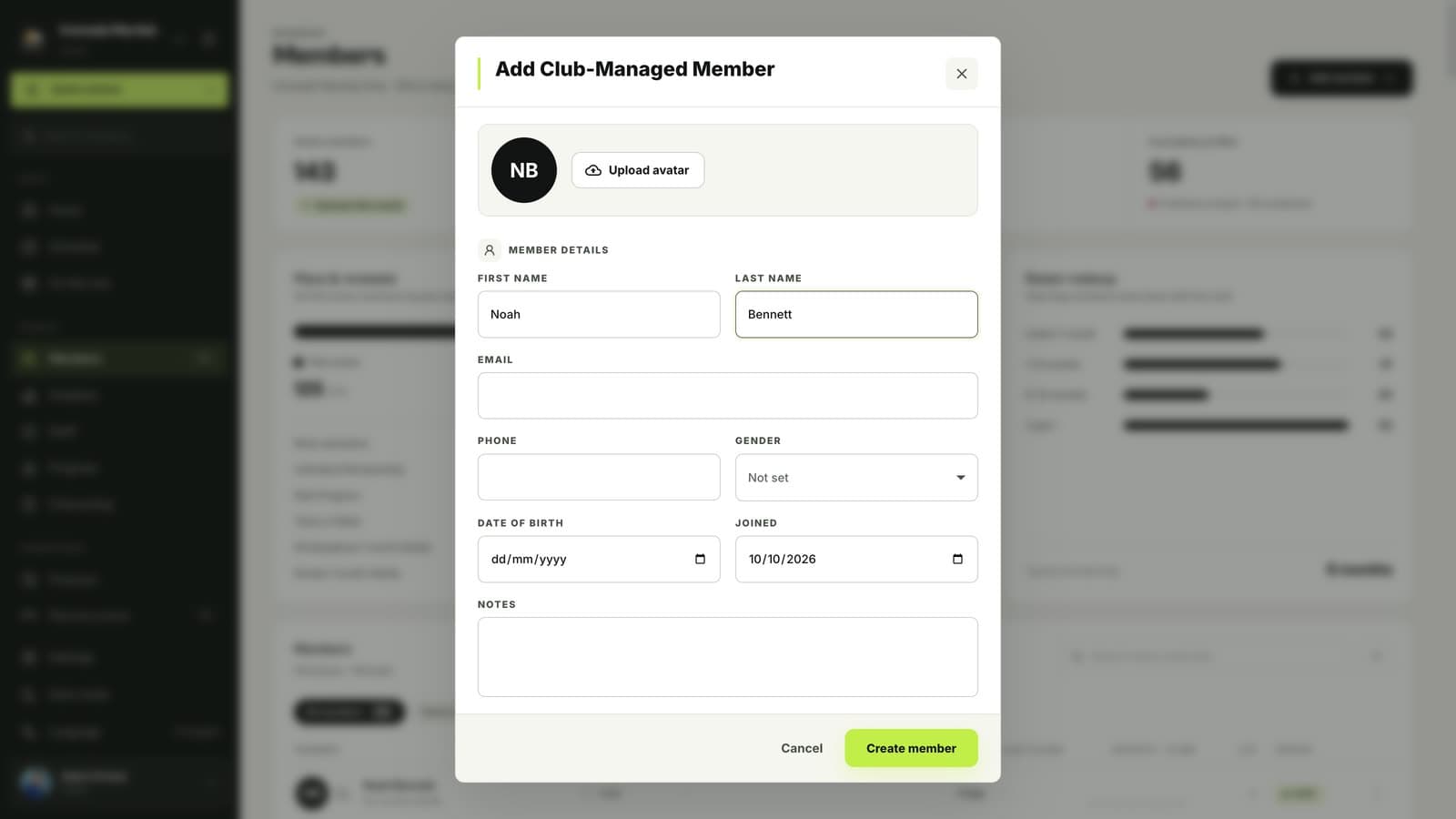
Click Create member
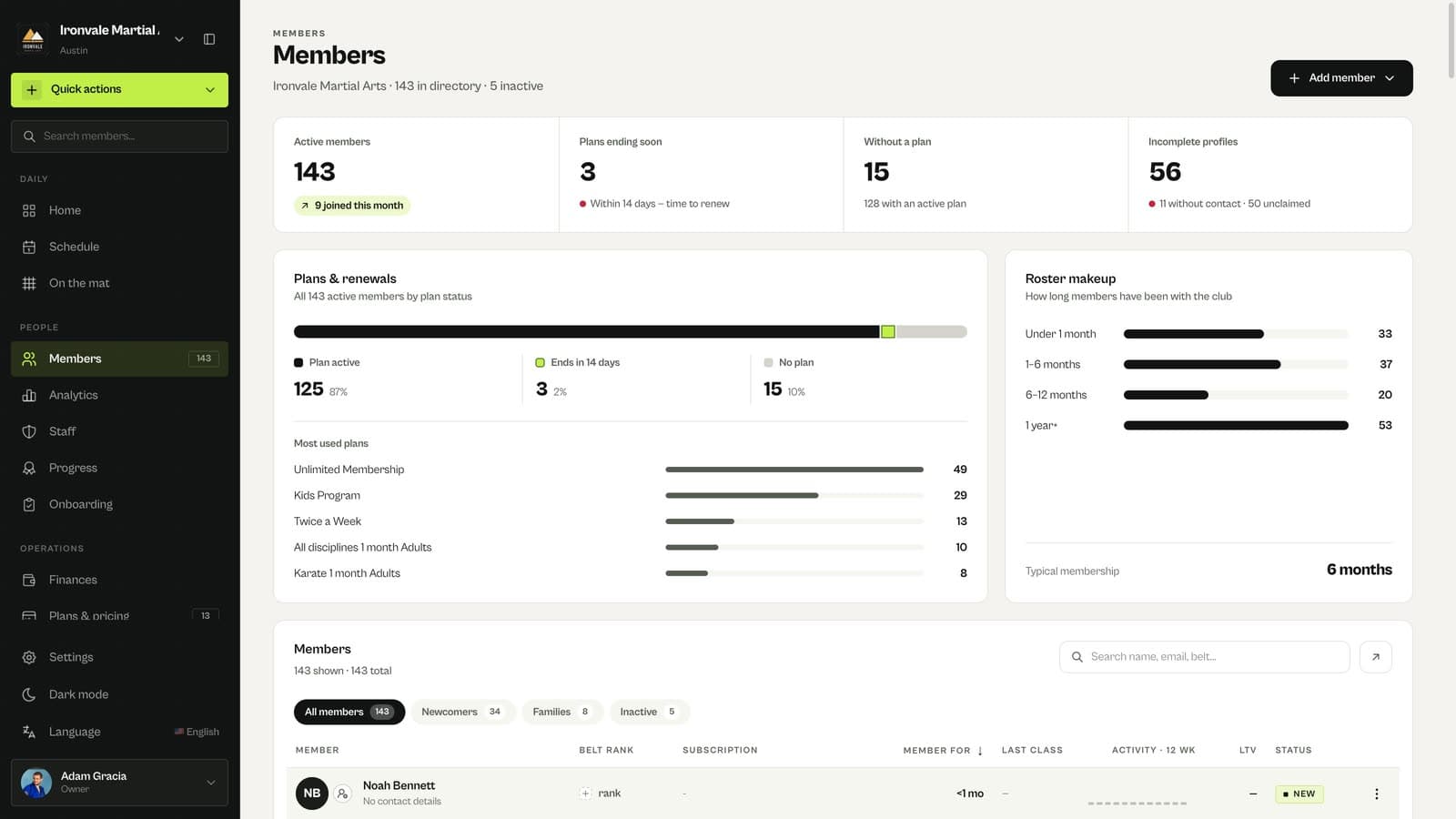
The member is added right away as a club-managed member and appears at the top of the Members list.
Assign a plan or invite them
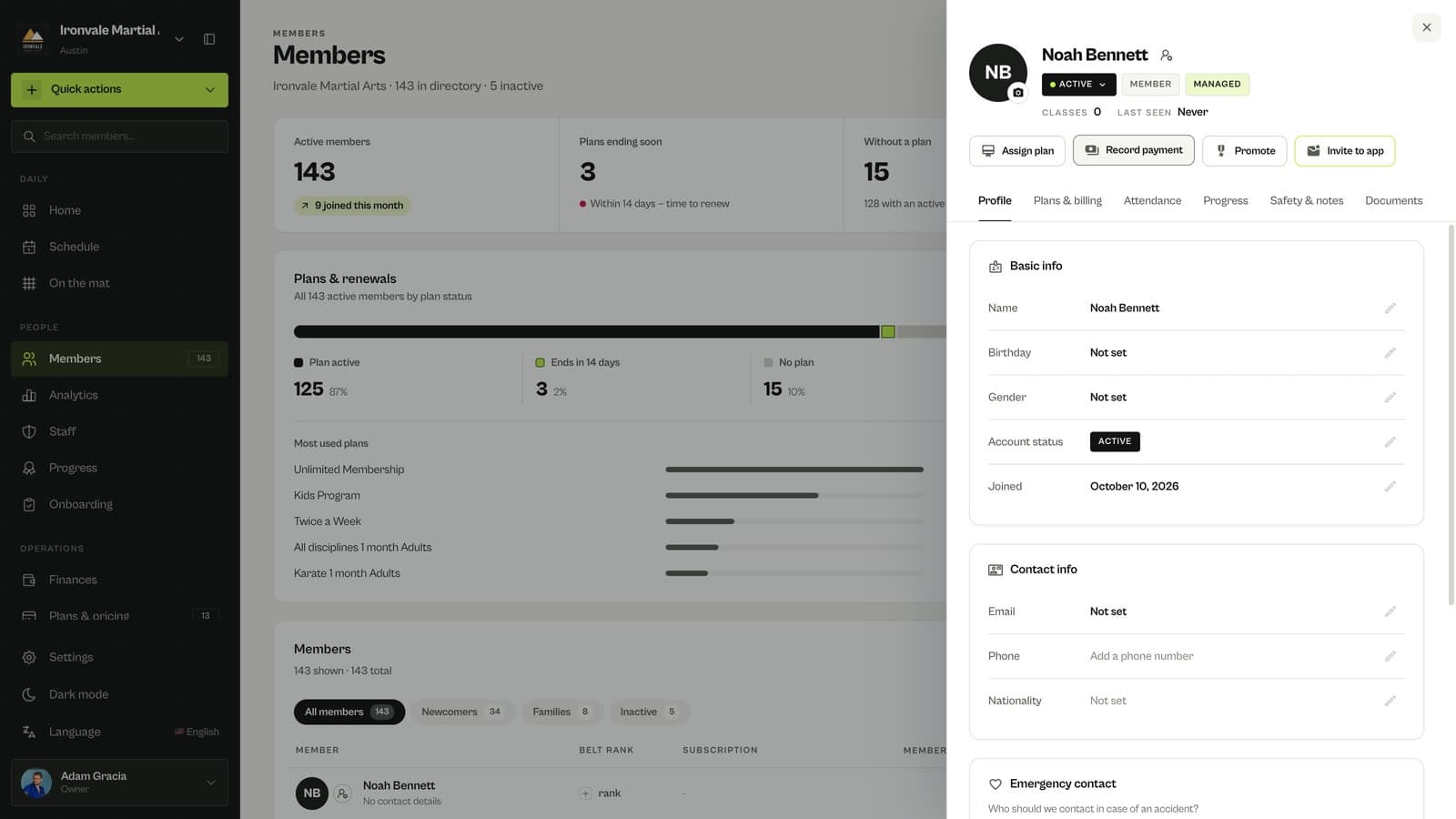
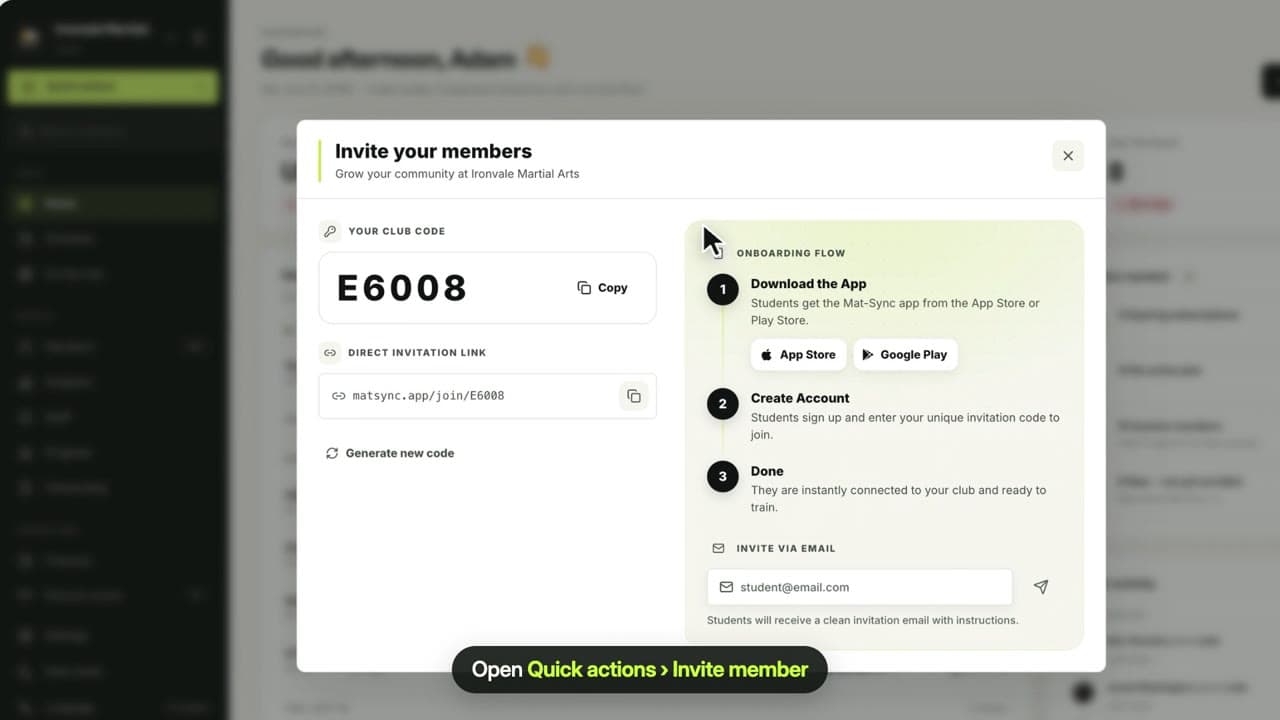
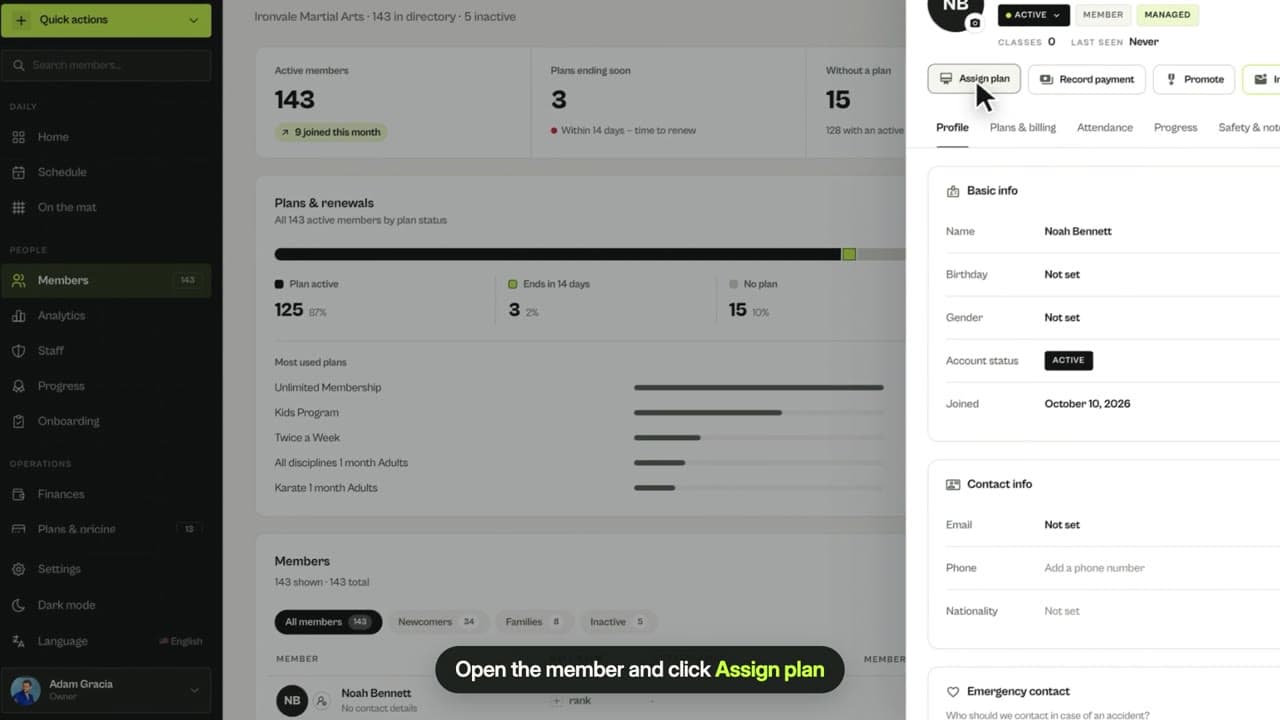
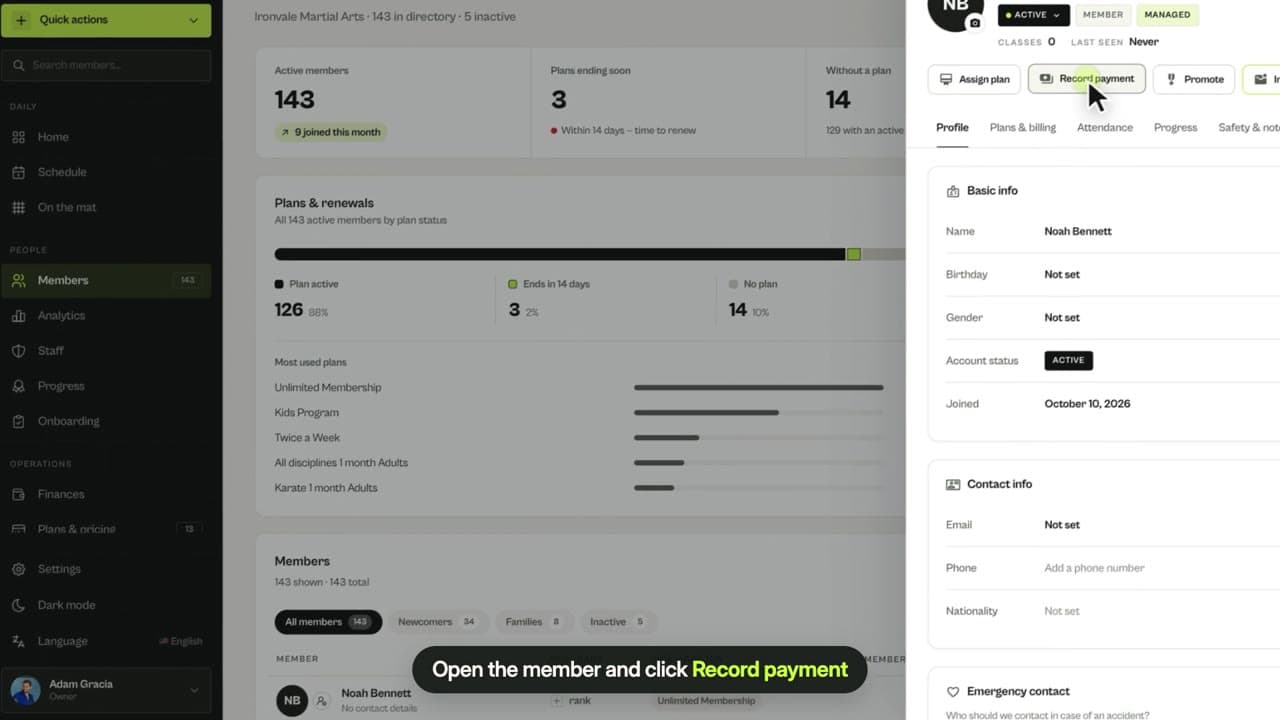
From their profile you can assign a plan, record a payment, promote a belt or invite them to the app so they can book classes themselves.
Questions
What is a club-managed member?
A member profile your club manages without the member having a MatSync account. You can track their plans, payments, attendance and belts. When they join the app, they claim the same profile and keep their history.
Can I add children or family members?
Yes. Add each child as a member. When a parent joins the app, their children’s profiles can be linked to the parent’s account as a family.
Related guides
Run your academy with less admin and more time on the mat.
Start free