MembersUpdated
How to invite members to the MatSync app
Share your club code or join link so members can download the MatSync app, sign up and join your club, or invite them by email.
Where to find it: Dashboard · Quick actions › Invite member
Step by step
Open Quick actions › Invite member
The Invite your members window shows your club code and a direct invitation link.
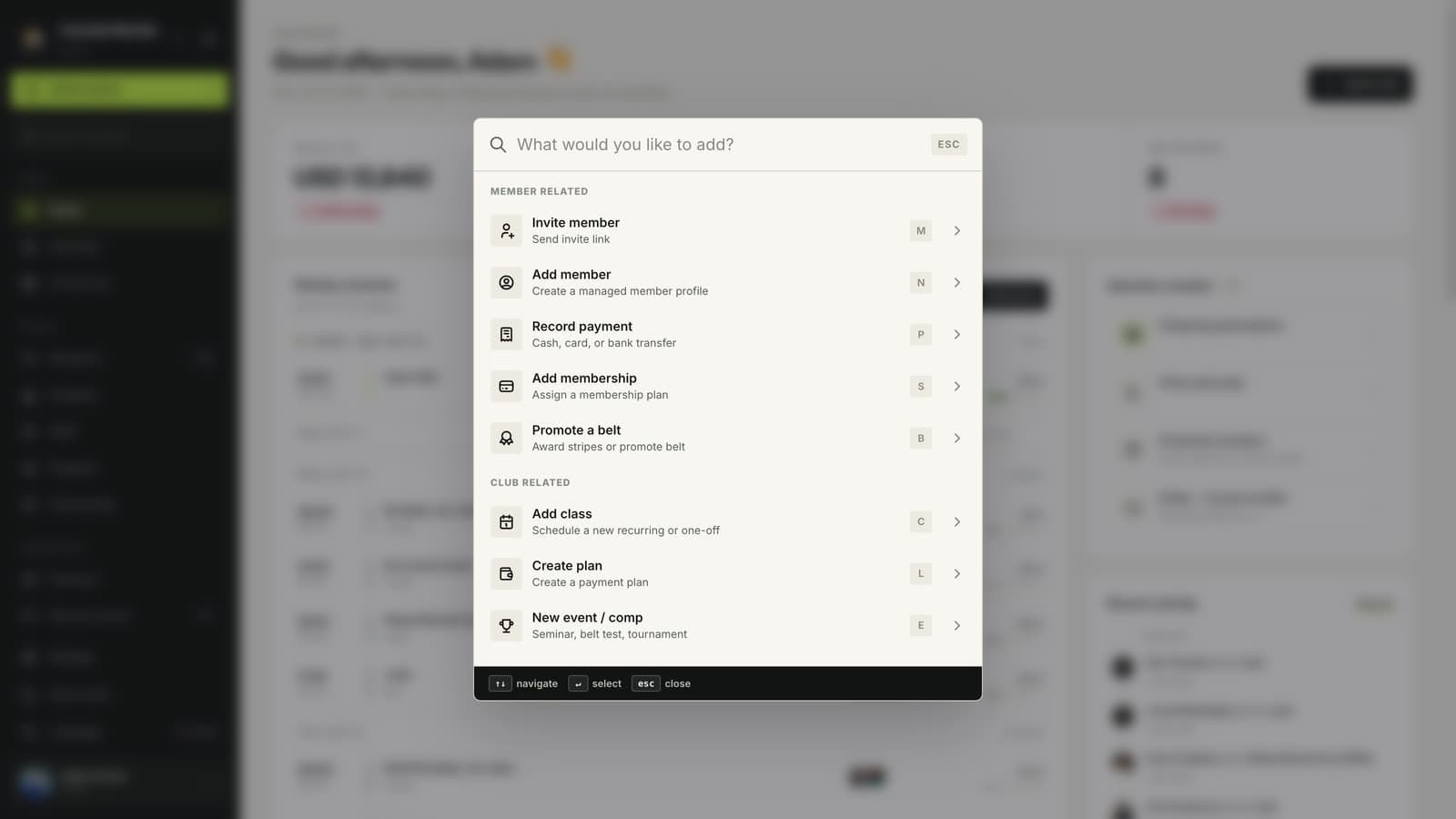
Share your club code or link
Copy the code or link and share it in your group chat, on social media or on a poster at the front desk.
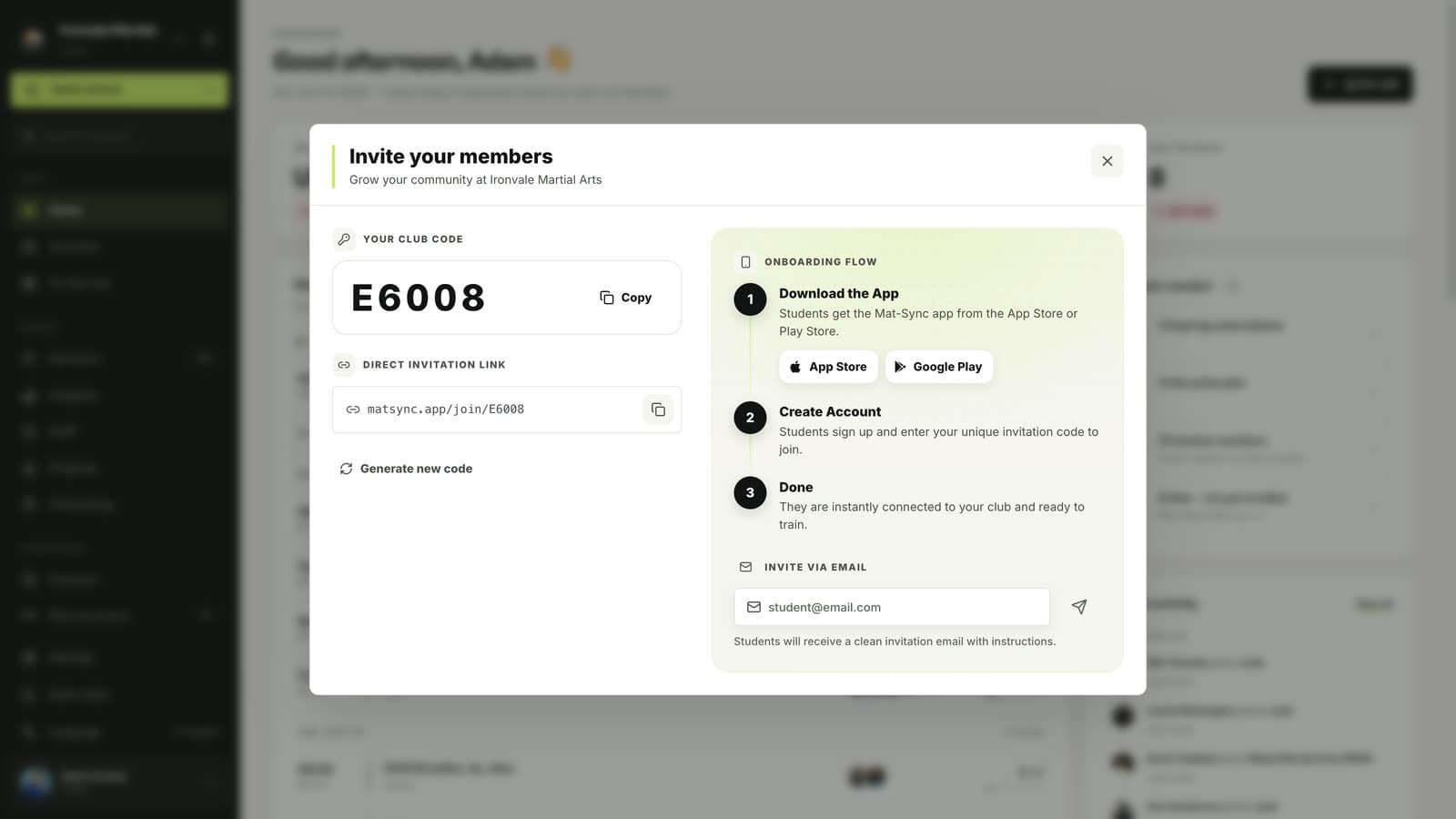
Members join in the app
Members download MatSync from the App Store or Google Play, create an account and enter your code. They are connected to your club straight away.
Or invite by email
Enter a student’s email address to send them an invitation with instructions.
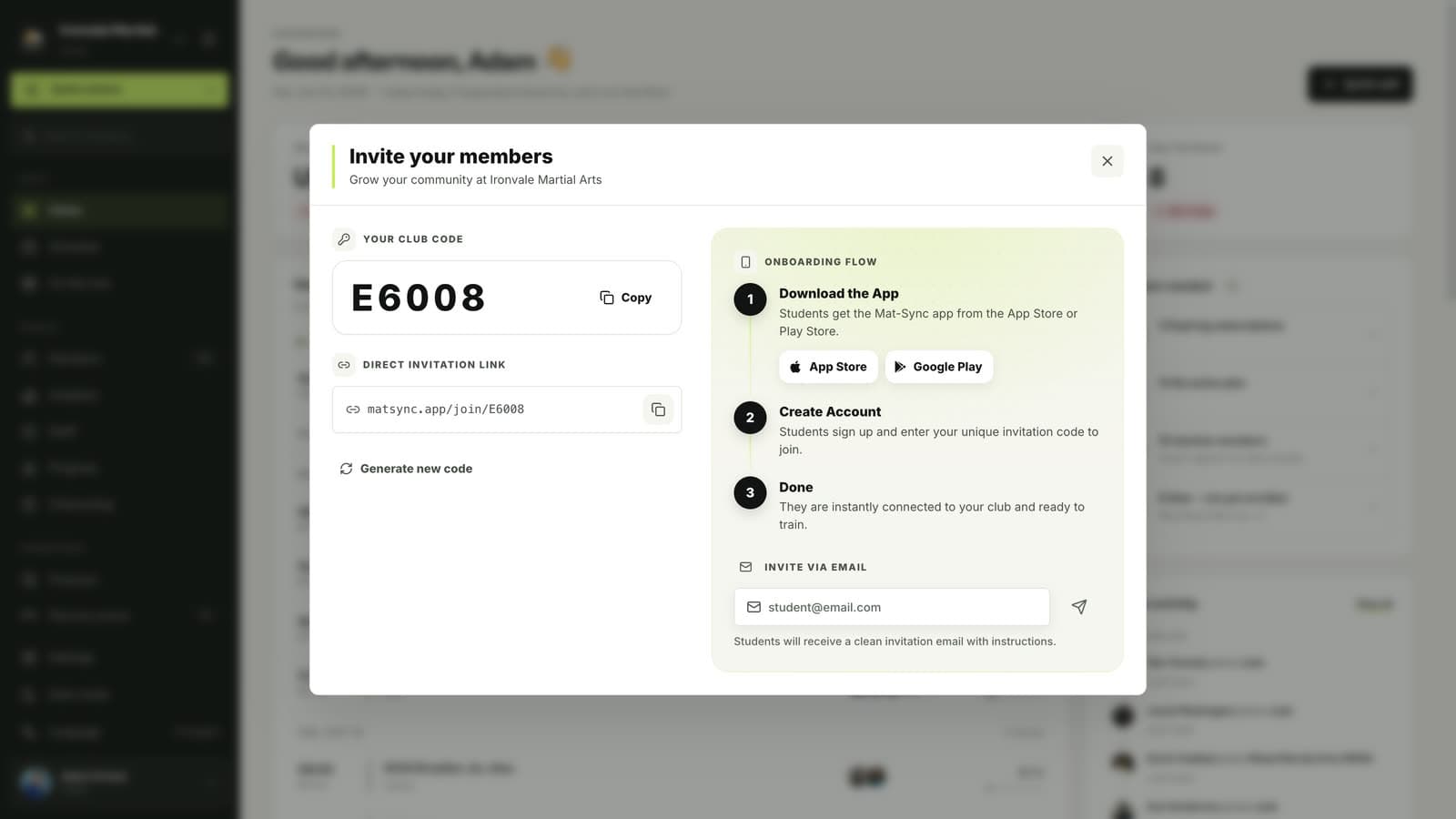
Good to know
- Generate new code replaces your current code. Members who already joined stay connected, but the old code stops working.
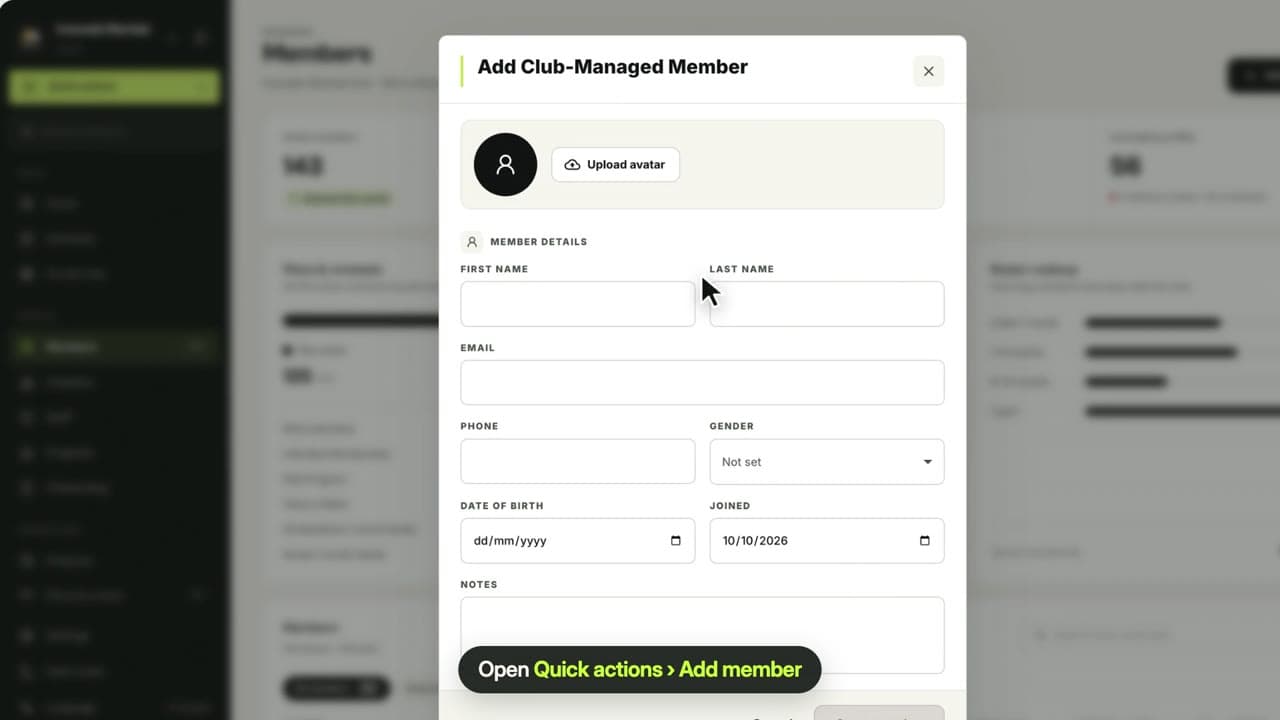
- To give an existing club-managed member access to their own profile, open their profile and use Invite to app.
Related guides
Run your academy with less admin and more time on the mat.
Start free