MembersUpdated
How to find and manage members in MatSync
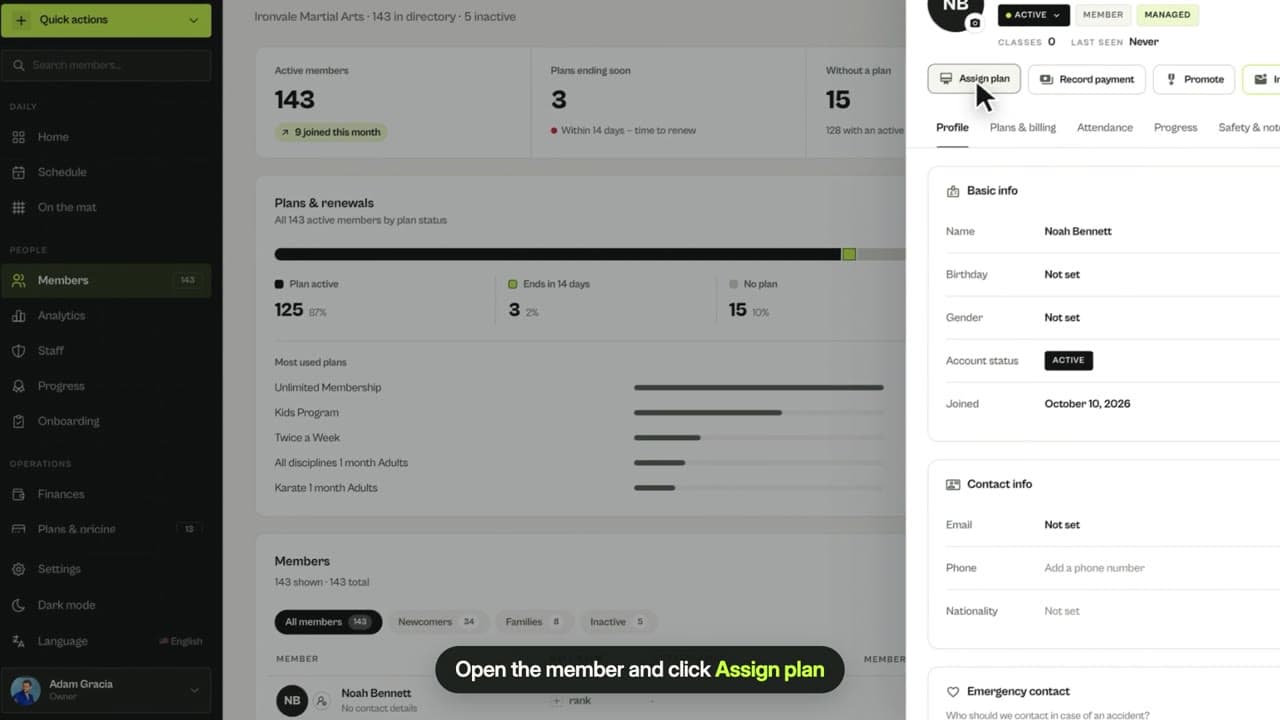
See active members and renewals, filter newcomers, families and inactive members, search for anyone and open their full profile.
Where to find it: Dashboard · Members
Step by step
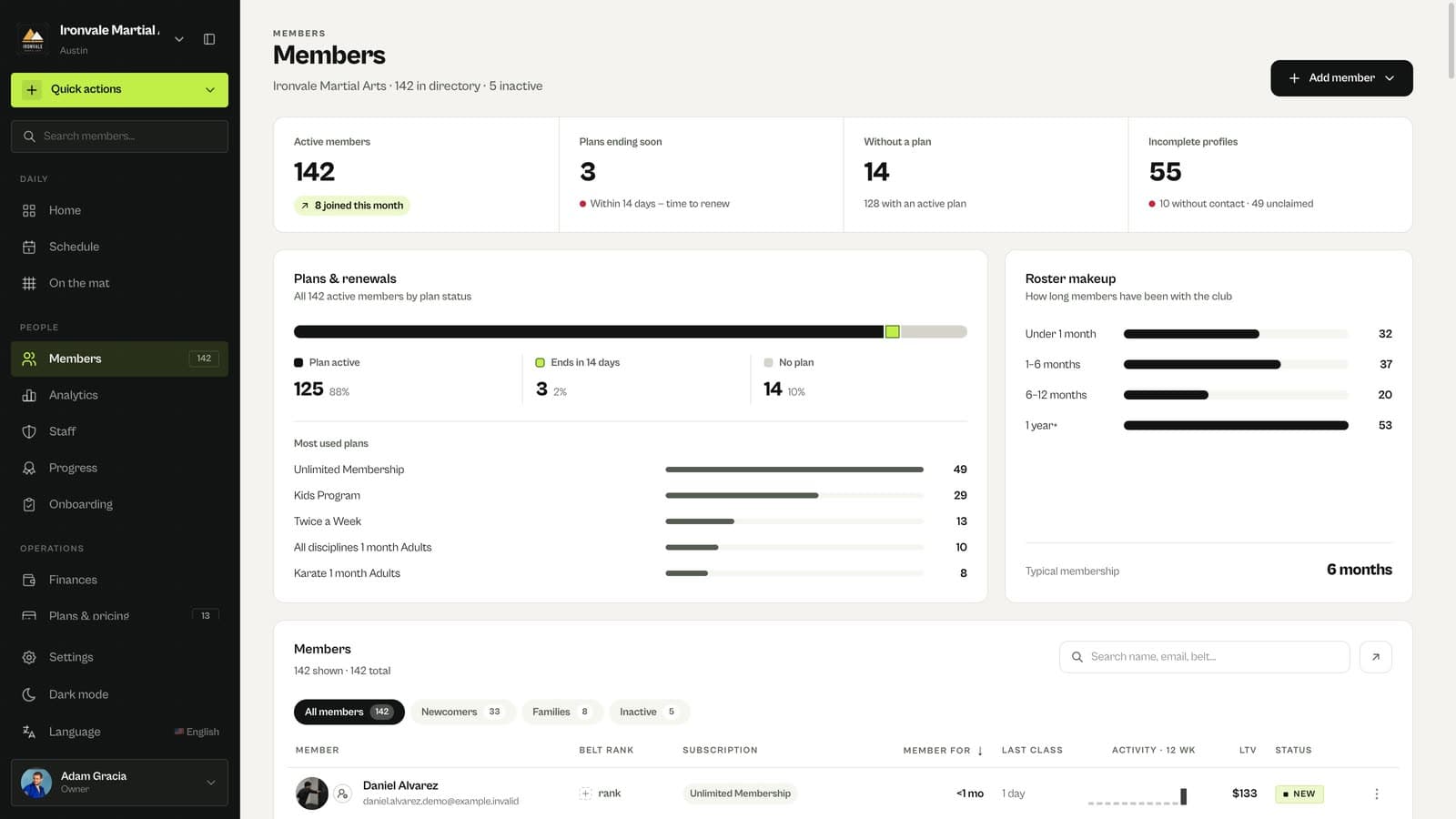
Check your members at a glance
The top of Members shows active members, plans ending soon, members without a plan and incomplete profiles, plus plan status and how long members have been with you.
Filter the list
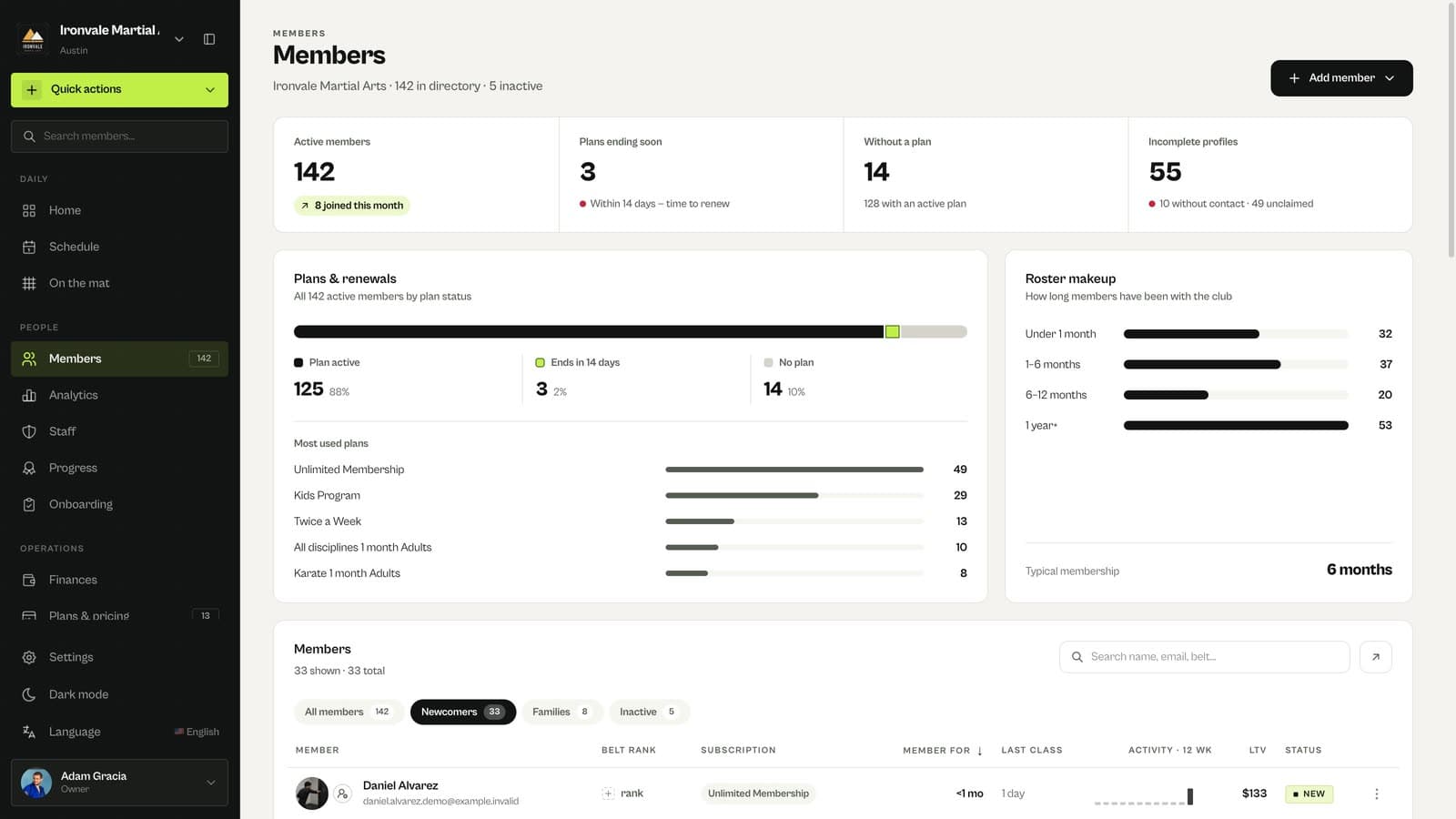
Use All members, Newcomers, Families and Inactive to narrow the list.
Search and open a member
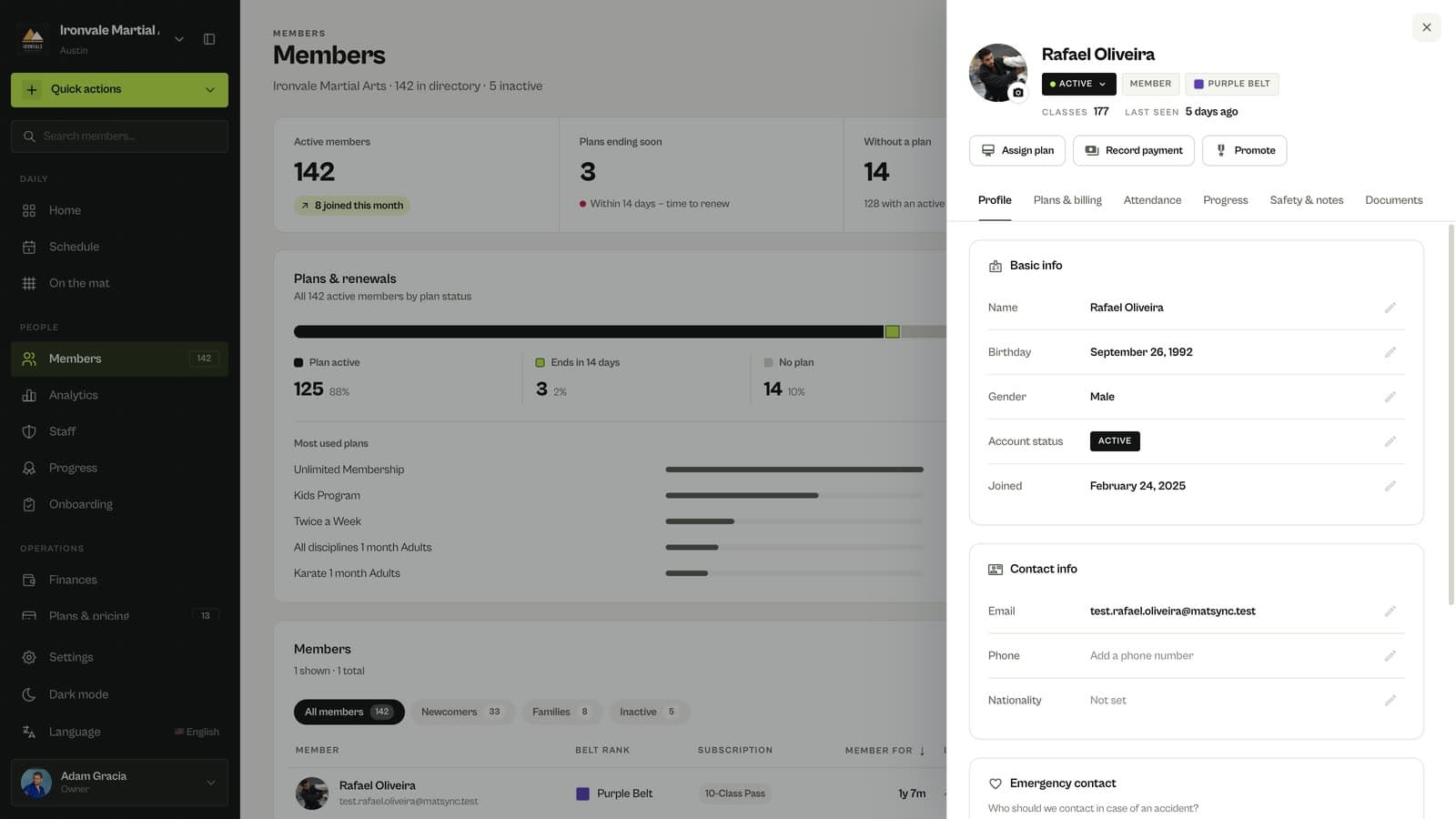
Search by name, email or belt, then click a member to open their profile.
Use the profile tabs
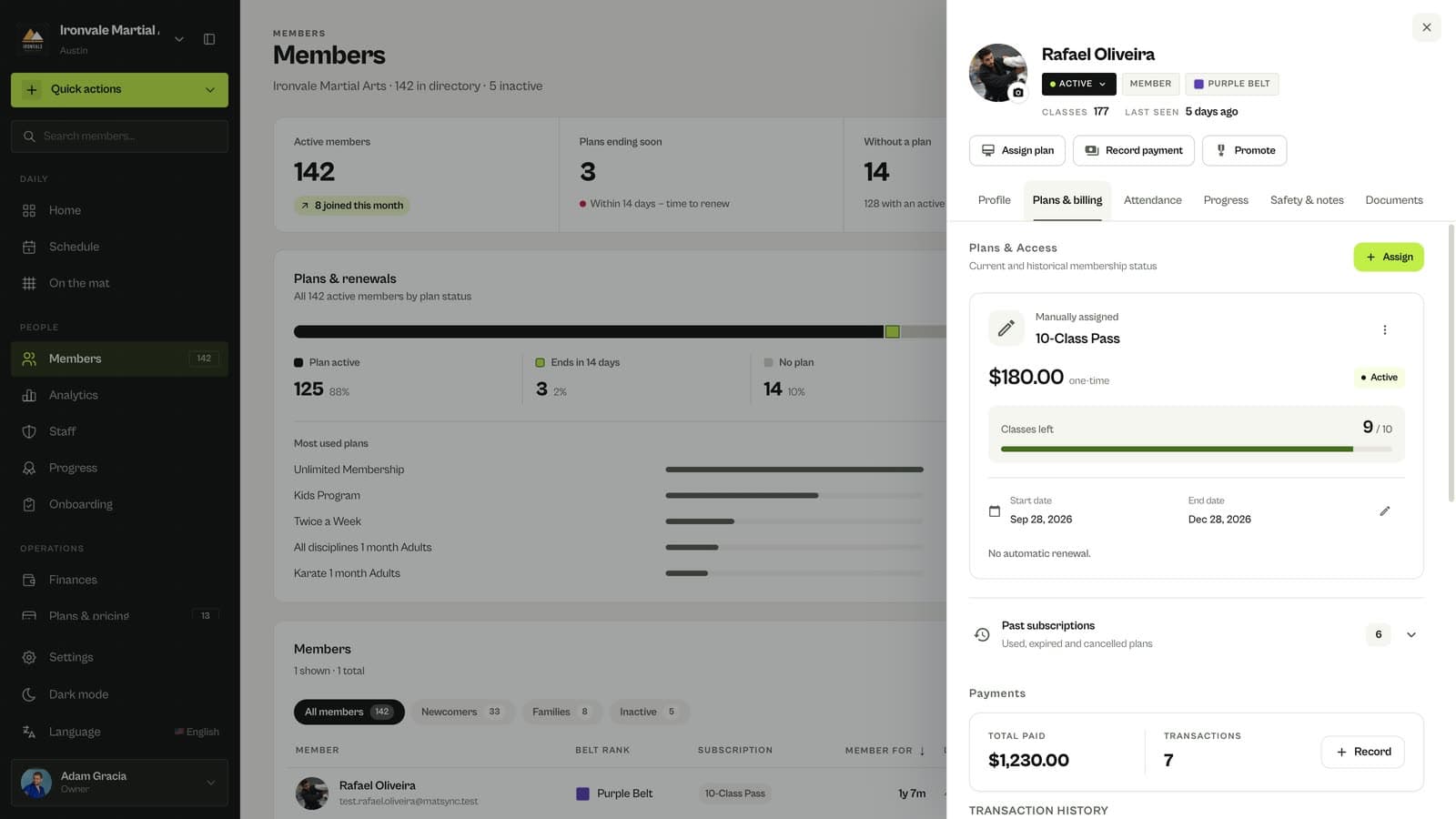
Profile, Plans & billing, Attendance, Progress, Safety & notes and Documents keep everything about the member in one place.
Related guides
Run your academy with less admin and more time on the mat.
Start free