Plans & paymentsUpdated
How to create a 2× or 3× a week membership
Limit a membership to any number of group classes per week, from 1 to 14. MatSync counts bookings and stops extra ones automatically.
Where to find it: Dashboard · Plans & pricing › Create plan › Training frequency
Step by step
Create a membership plan
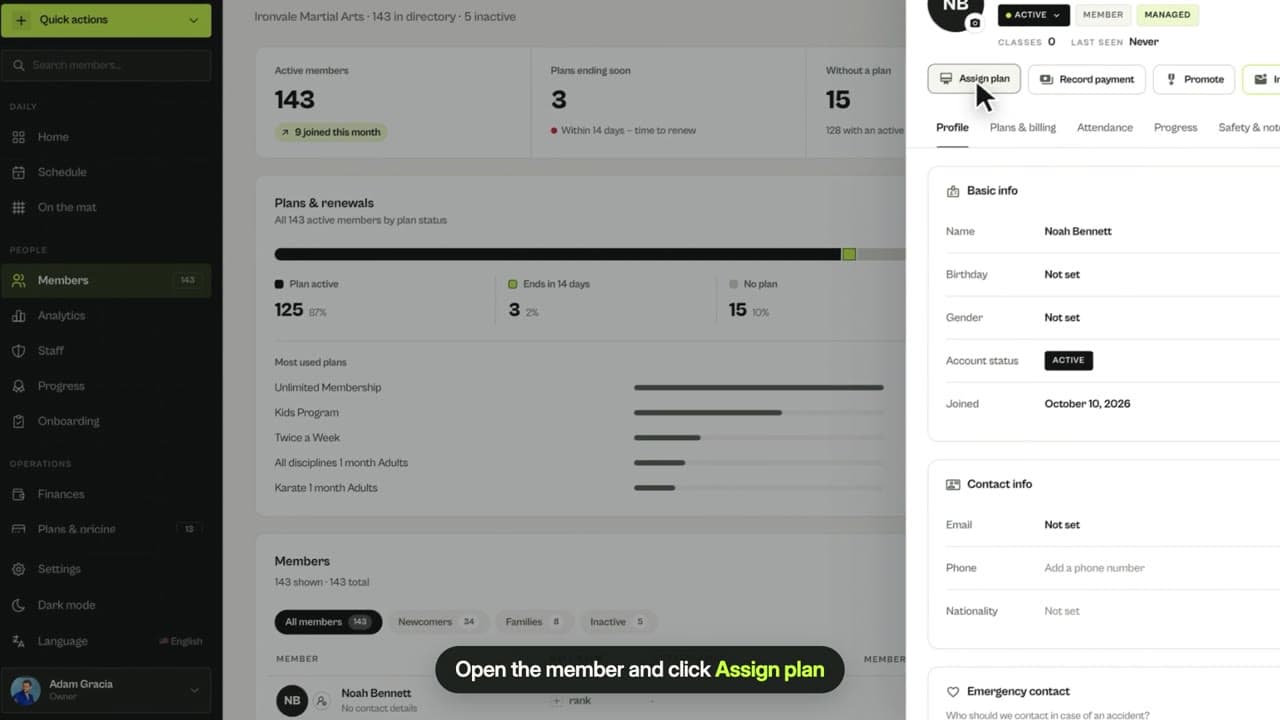
In Plans & pricing, click Create plan and choose Membership.
Choose Limited per week
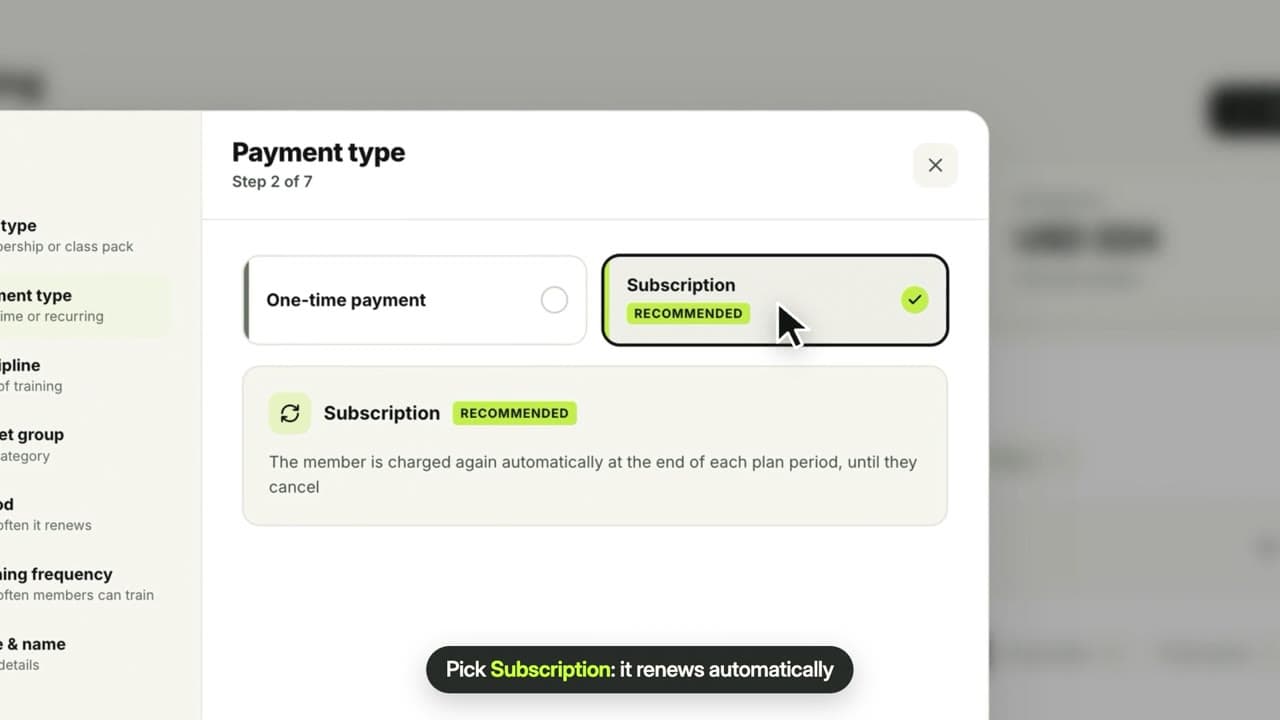
In the Training frequency step, choose Limited per week and pick any number of classes from 1 to 14.
Set your price and create the plan
The plan appears in your list with its weekly limit, for example “2× per week”.
Questions
Do private lessons count toward the limit?
No. Only group classes count, and a class pack can pay for an extra class in a busy week.
Related guides
Run your academy with less admin and more time on the mat.
Start free