How to create a membership plan or class pack
Create memberships and class packs with your own price, period, disciplines and age group, as a one-time payment or an auto-renewing subscription.
Where to find it: Dashboard · Plans & pricing › Create plan
Step by step
Click Create plan
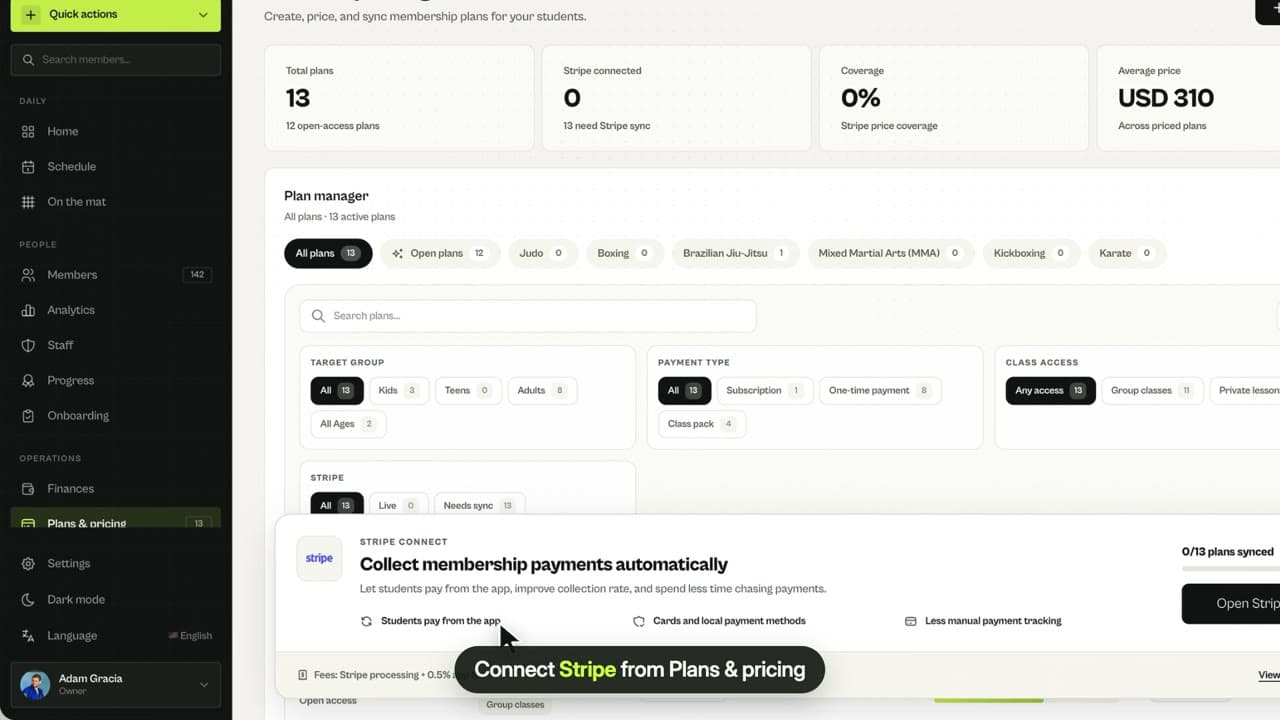
Open Plans & pricing and click Create plan. Quick actions › Create plan works too.
Choose Membership or Class pack
A membership gives access for a period; a class pack gives a set number of classes.
Choose the payment type
One-time payment, or Subscription so members are charged again automatically each period until they cancel.
Pick disciplines, age group and period
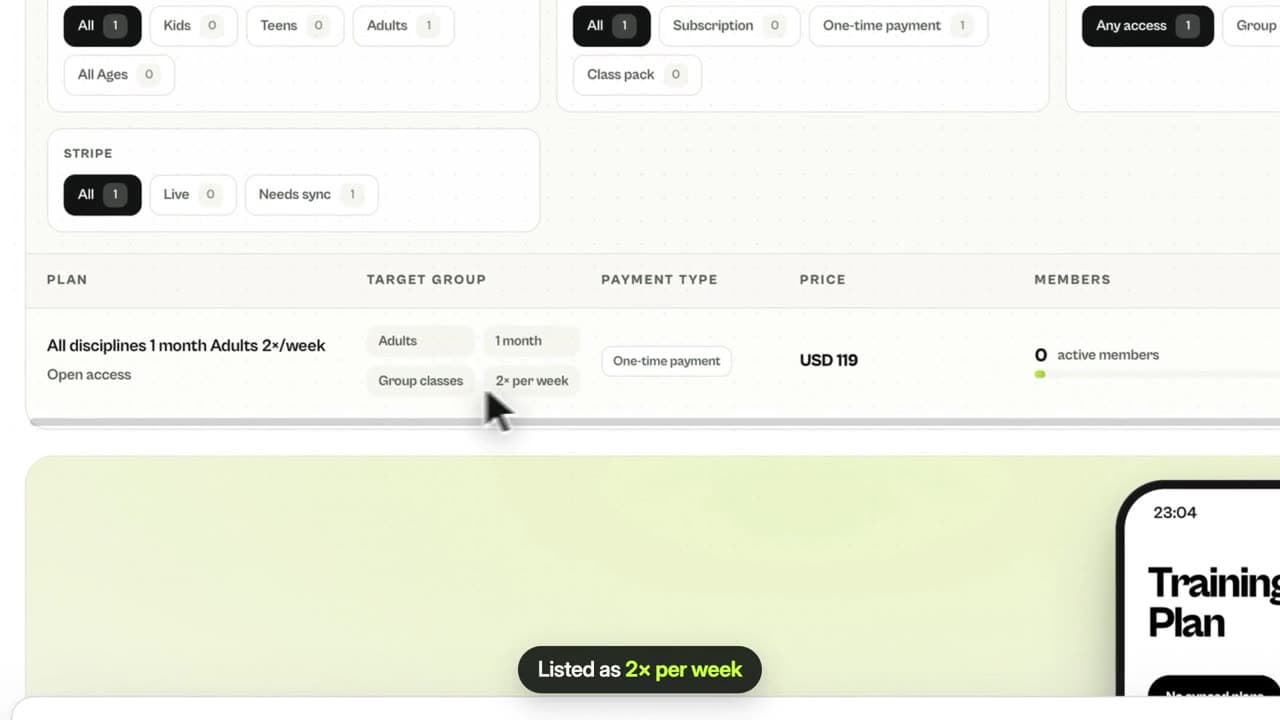
Full access or one discipline, adults, teens or kids, and how long it lasts or how often it renews: monthly, every 3 or 6 months, yearly or a custom duration.
Set training frequency, price and name
Keep it unlimited or limit classes per week, then set your own price and name, and click Create plan.
Related guides
Run your academy with less admin and more time on the mat.
Start free