Team & progressUpdated
How to track belt progression for your whole club
See who is ready for promotion, your belt distribution, recent promotions and the requirements for every rank in your own belt system.
Where to find it: Dashboard · Progress
Step by step
Open Progress
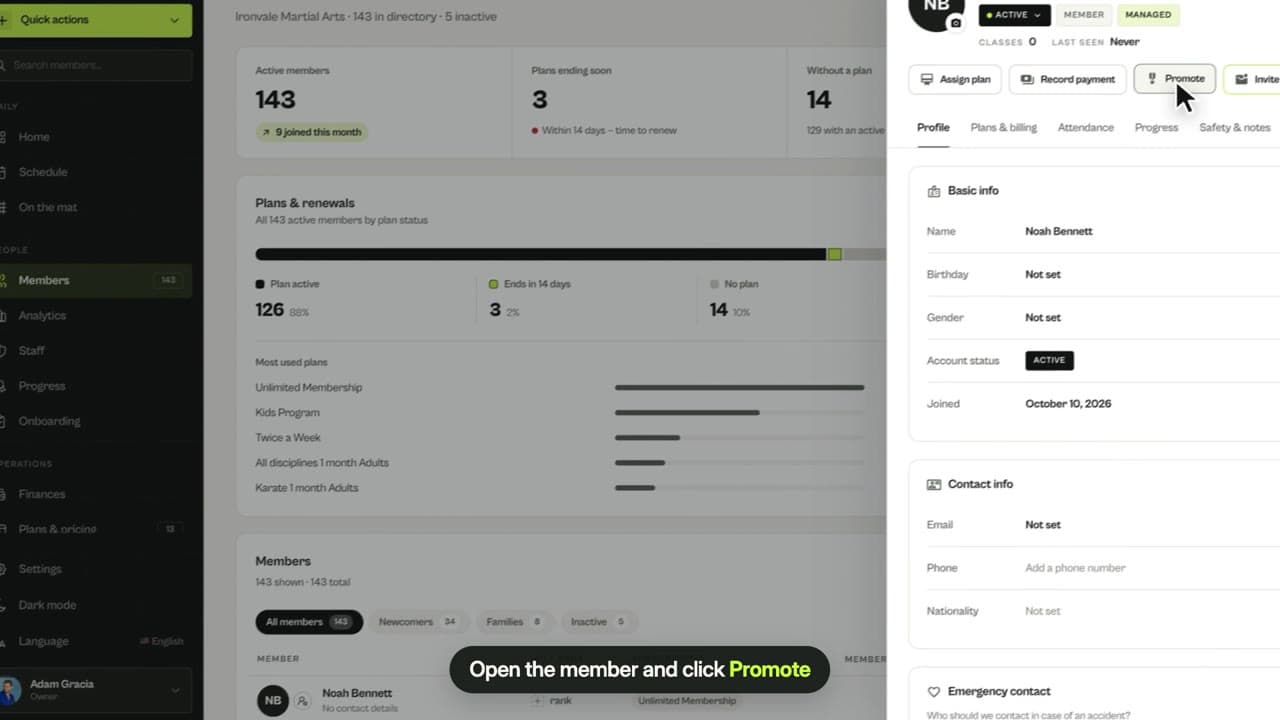
The promotion pipeline shows who is ready, almost ready or still working toward their next belt.
Check your belt distribution
See how students spread across belts per discipline and click a belt to list everyone who holds it.
Set requirements per rank
In your progression system, set the classes and time each rank requires and see who is at each rank and who is next.
Related guides
Run your academy with less admin and more time on the mat.
Start free