How to set up your club in MatSync
Add your club name, logo, contact details, address and currency, turn on the disciplines you teach and set up your own ranks and belts.
Where to find it: Dashboard · Settings
Step by step
Open Settings
Click Settings at the bottom of the sidebar. Settings opens on Club info.
Fill in Club info
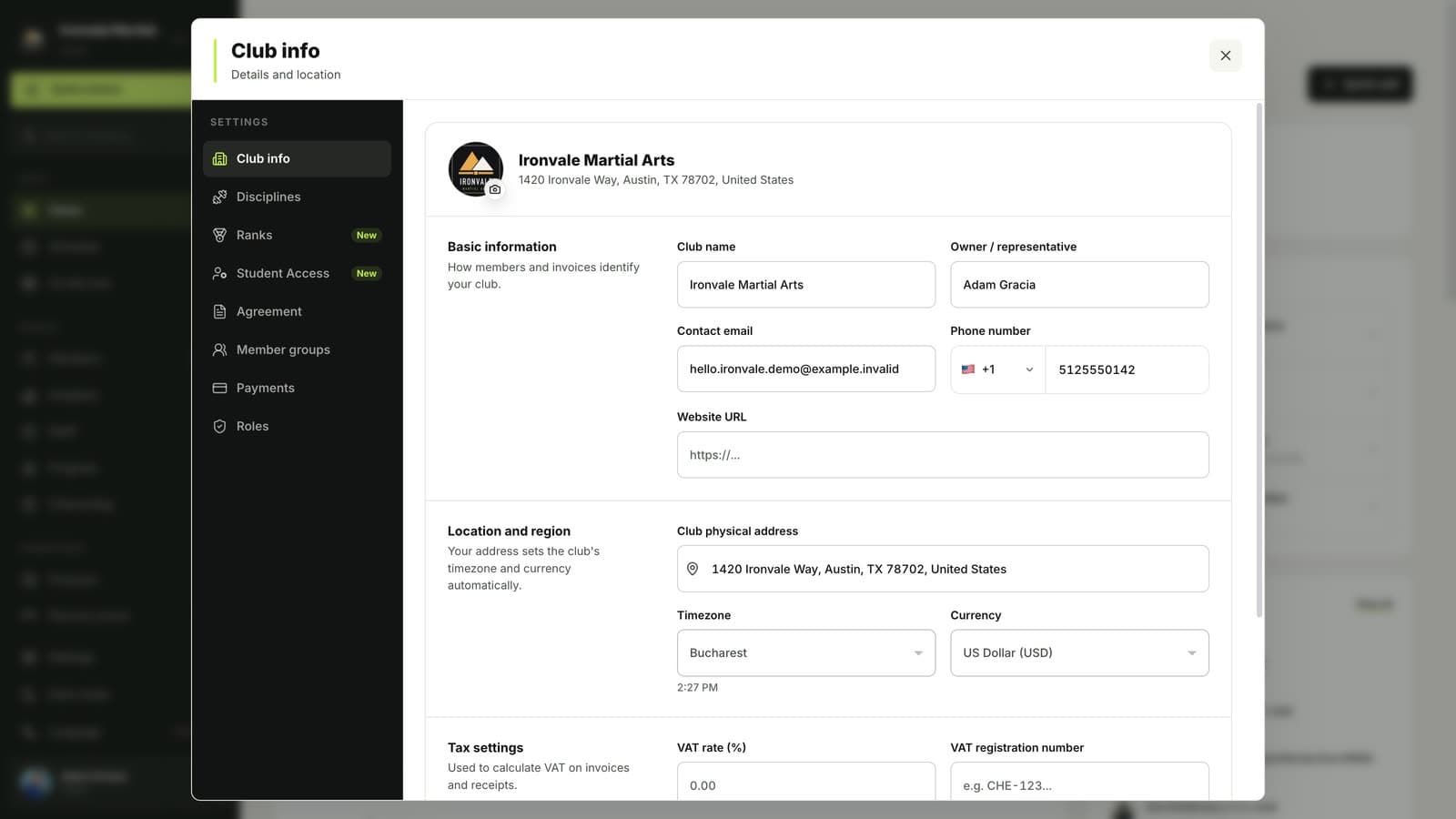
Add your club name, owner, logo, contact email and phone, website, address, time zone and currency. Members see these details in the app and on invitations.
Turn on your disciplines
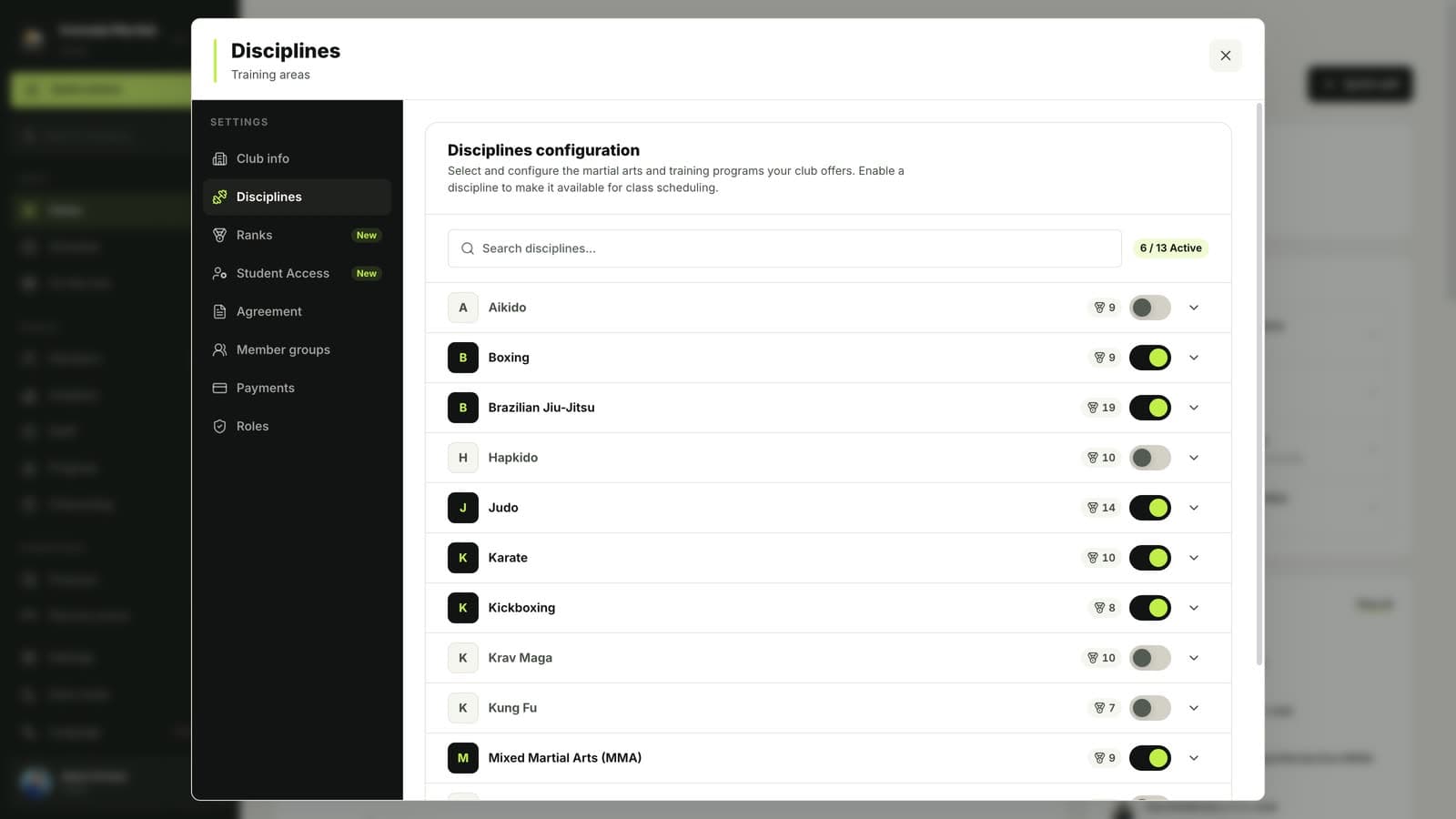
In Disciplines, switch on every martial art you teach, such as Brazilian jiu-jitsu, Muay Thai, karate or judo. Classes, plans and belt tracking use these disciplines.
Set up your ranks and belts
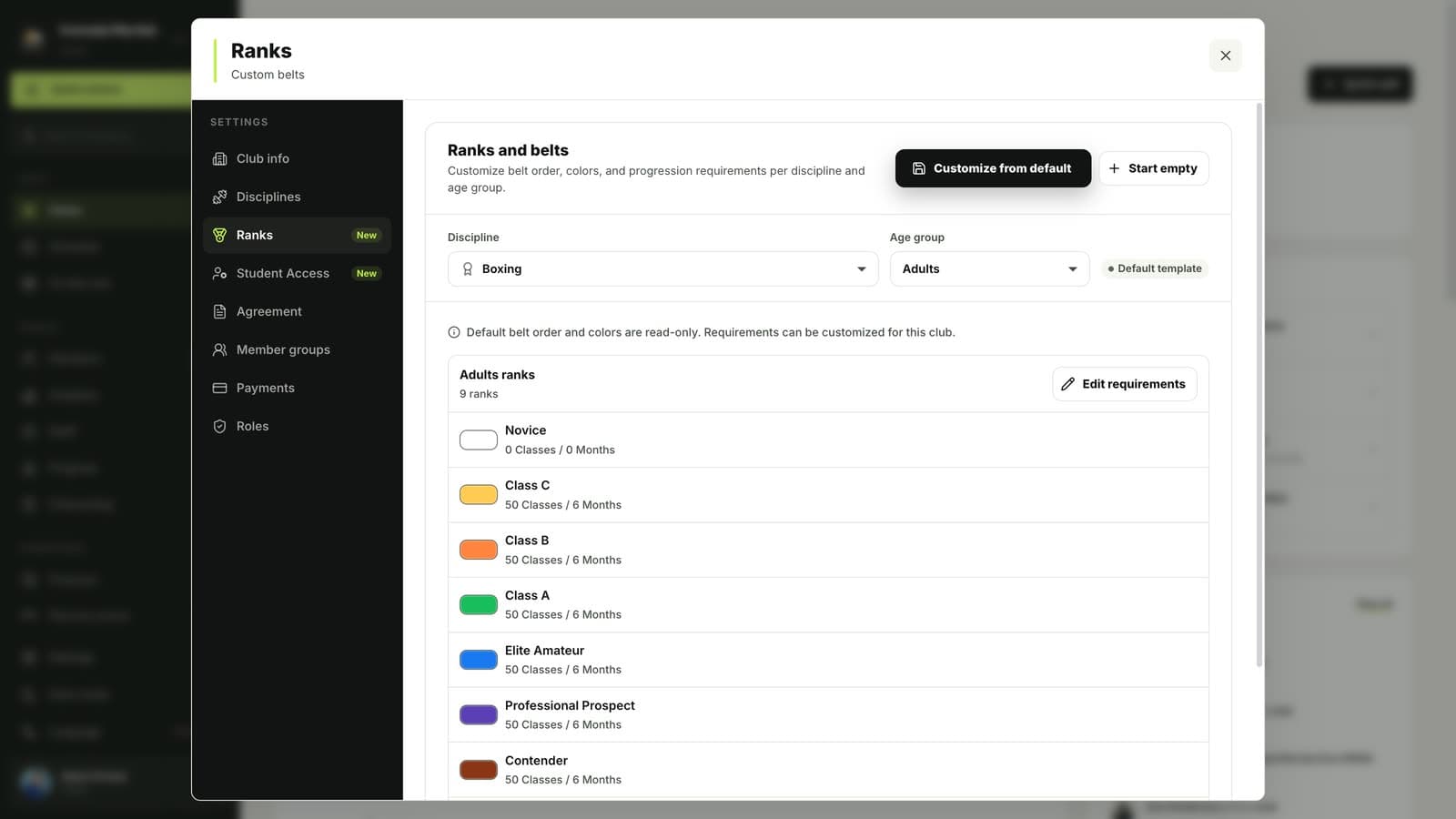
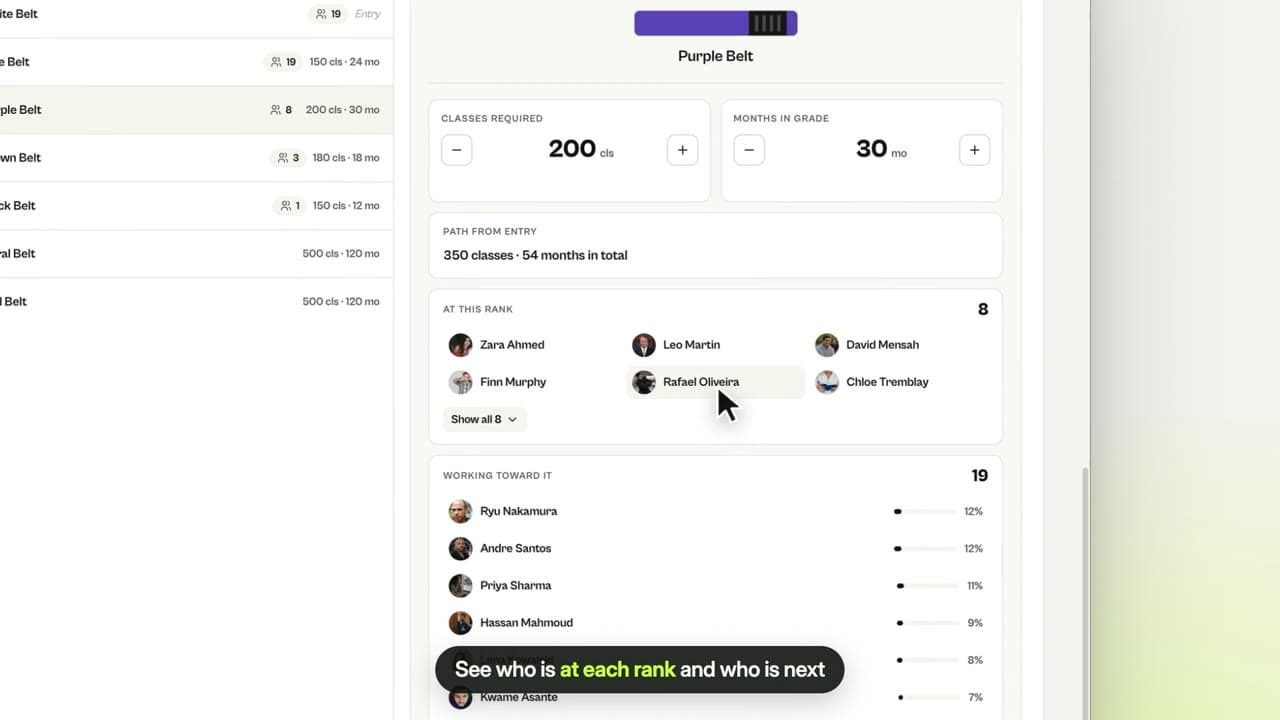
In Ranks, start from a default belt system or build your own, for adults and kids, with the classes and time each rank requires.
Good to know
- Pick the right currency before you create plans: plan prices and payments use the club currency.
Related guides
Run your academy with less admin and more time on the mat.
Start free