A quick tour of the MatSync dashboard
What you see on the MatSync home screen: revenue and members, this week’s classes, who needs attention, recent activity and Quick actions.
Where to find it: Dashboard · Home
Home is the first screen you see after signing in. It answers three questions every day: how is the club doing, what is on the mat this week, and who needs a follow-up.
Step by step
Check this month at a glance
The top row shows revenue this month, total members, active subscriptions and new members, each compared with last month.
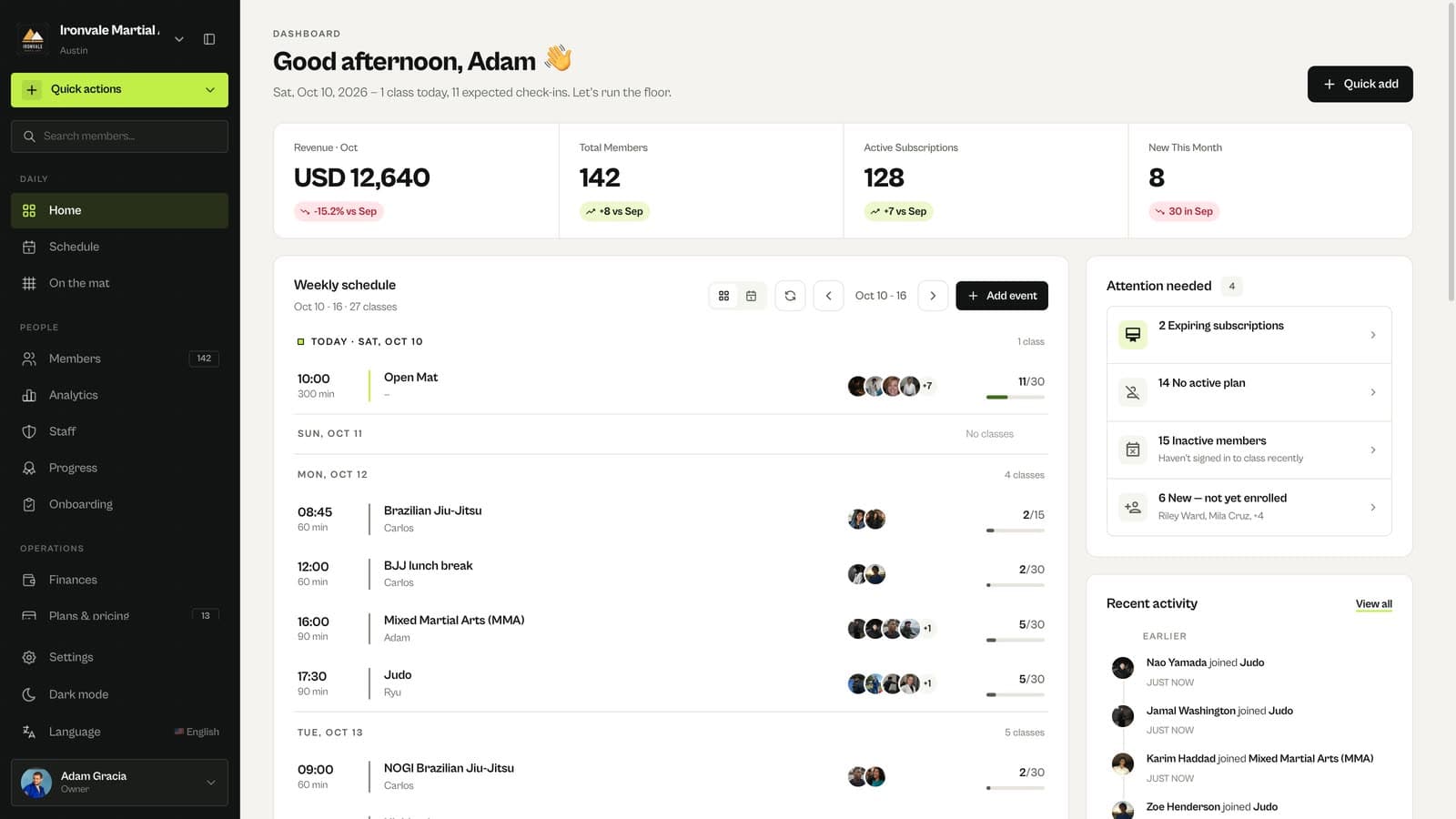
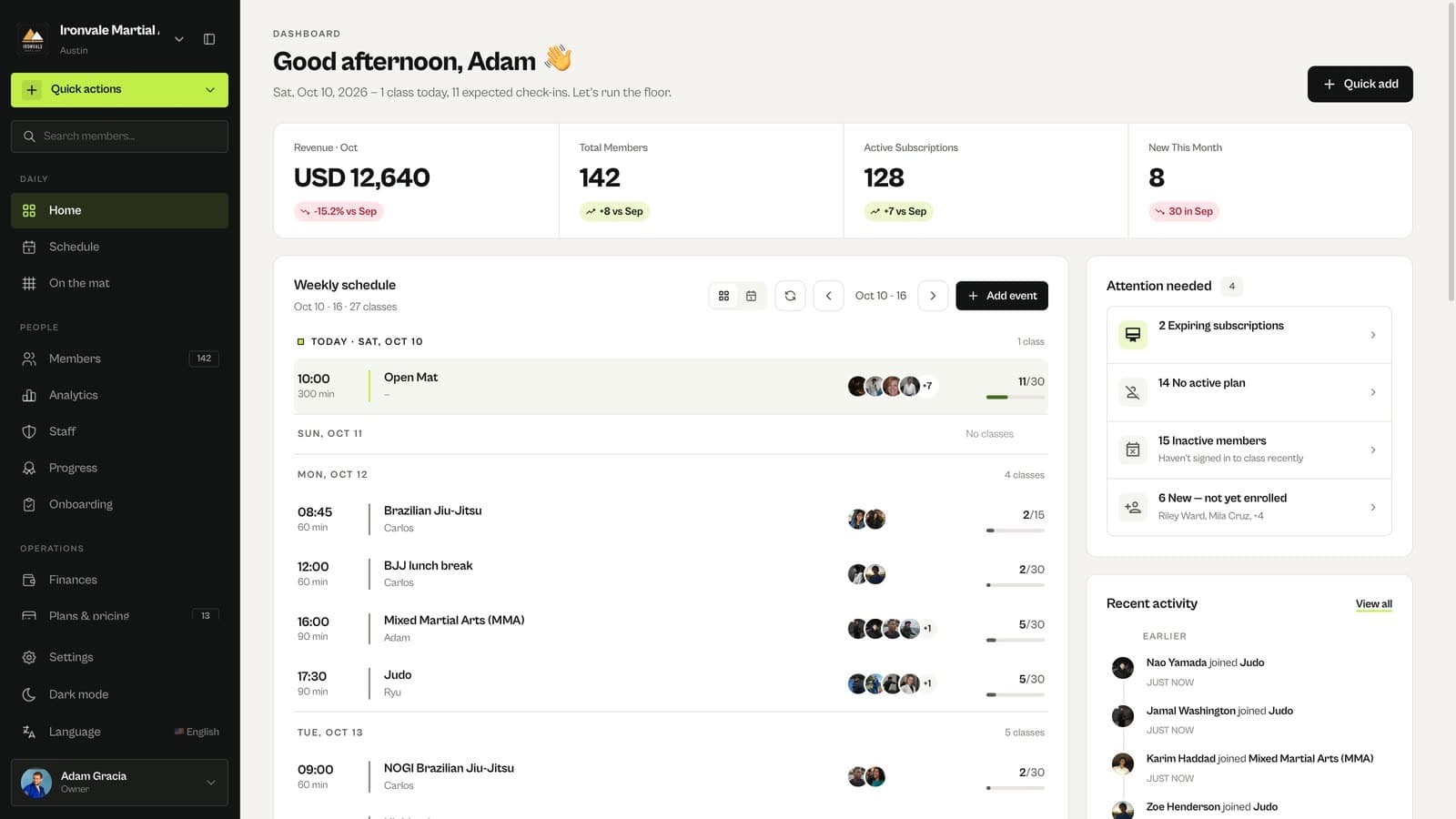
See this week’s classes
Weekly schedule lists every class and event of the week with its time, coach and how many members have booked. Use the arrows to look at other weeks.
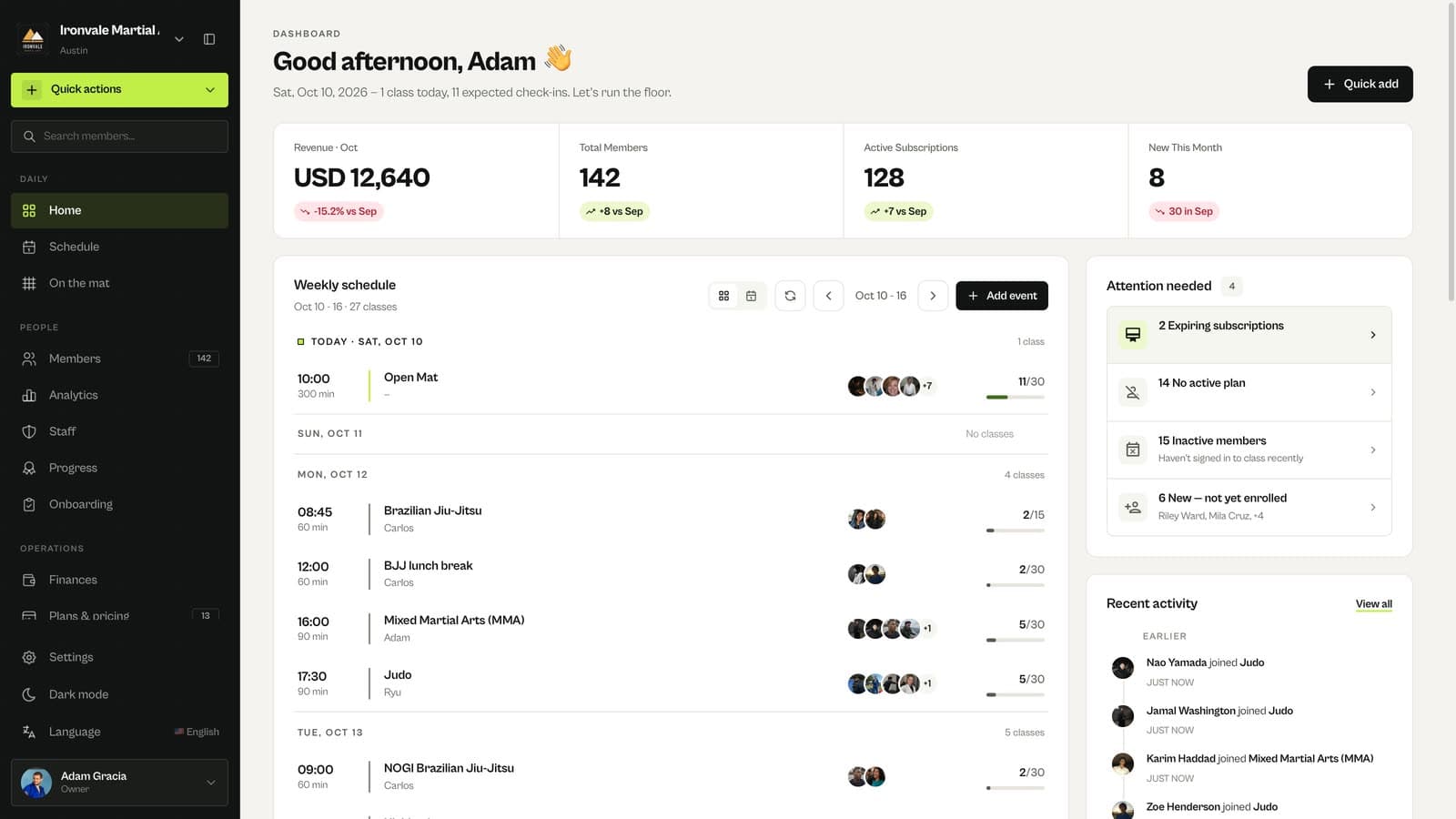
Follow up on what needs attention
Attention needed groups expiring subscriptions, members without an active plan, inactive members and new members who have not booked yet. Recent activity shows the latest bookings, payments and sign-ups.
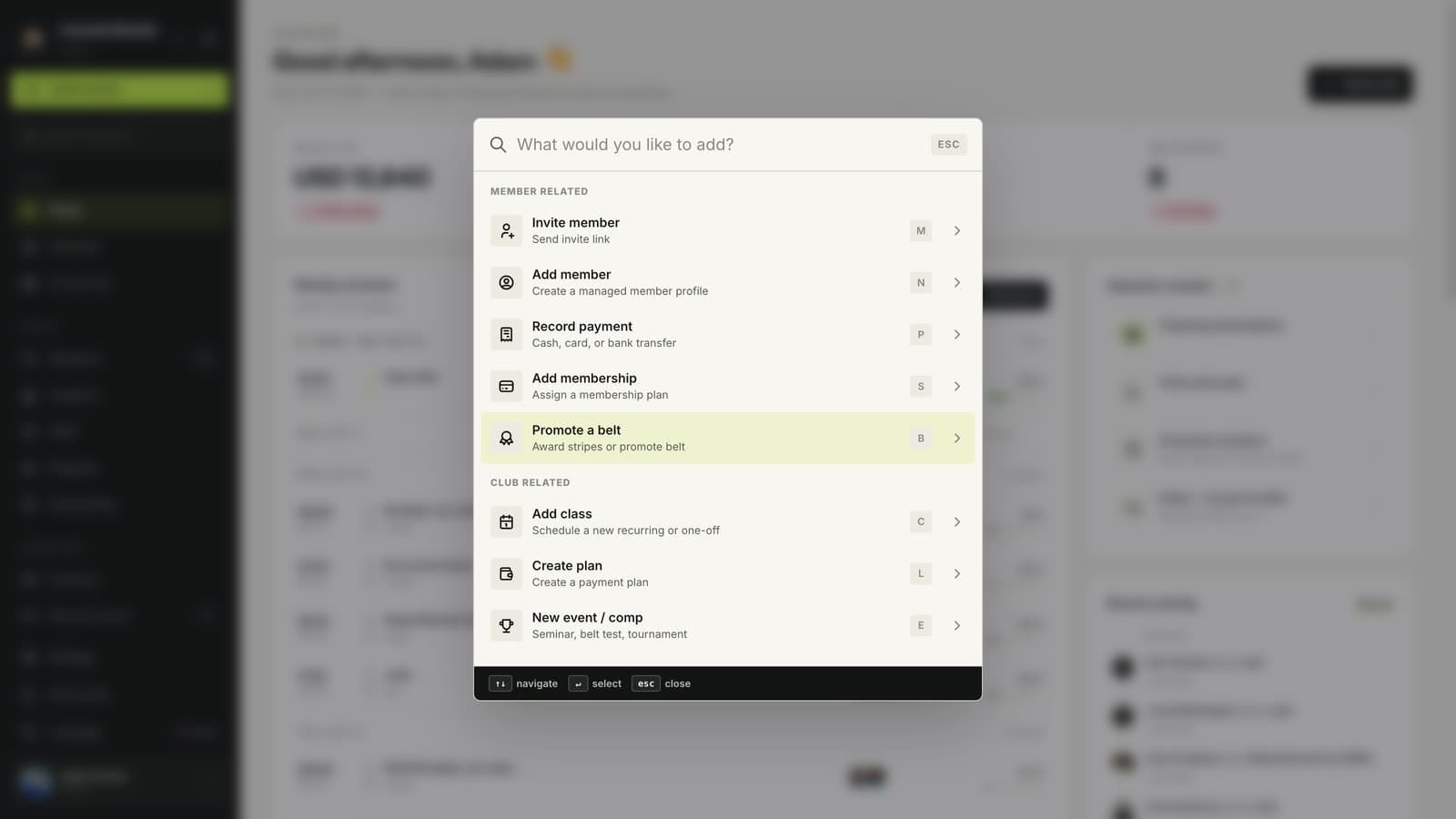
Add anything with Quick actions
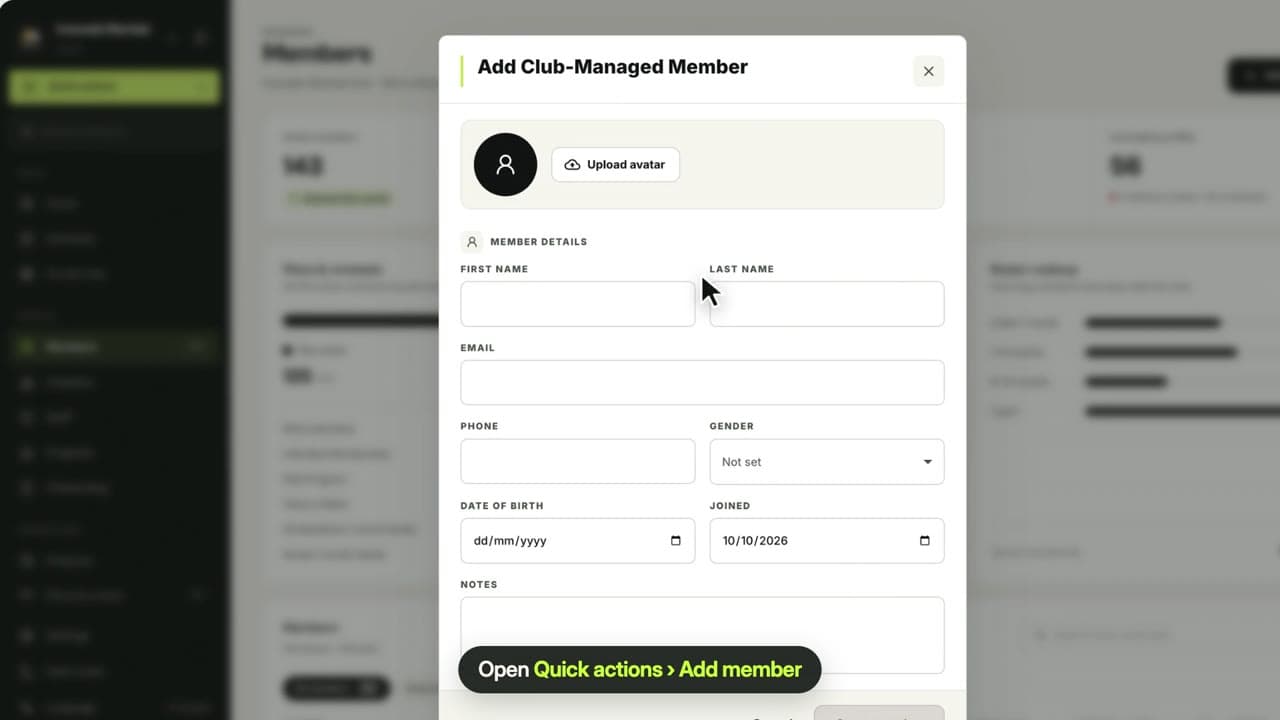
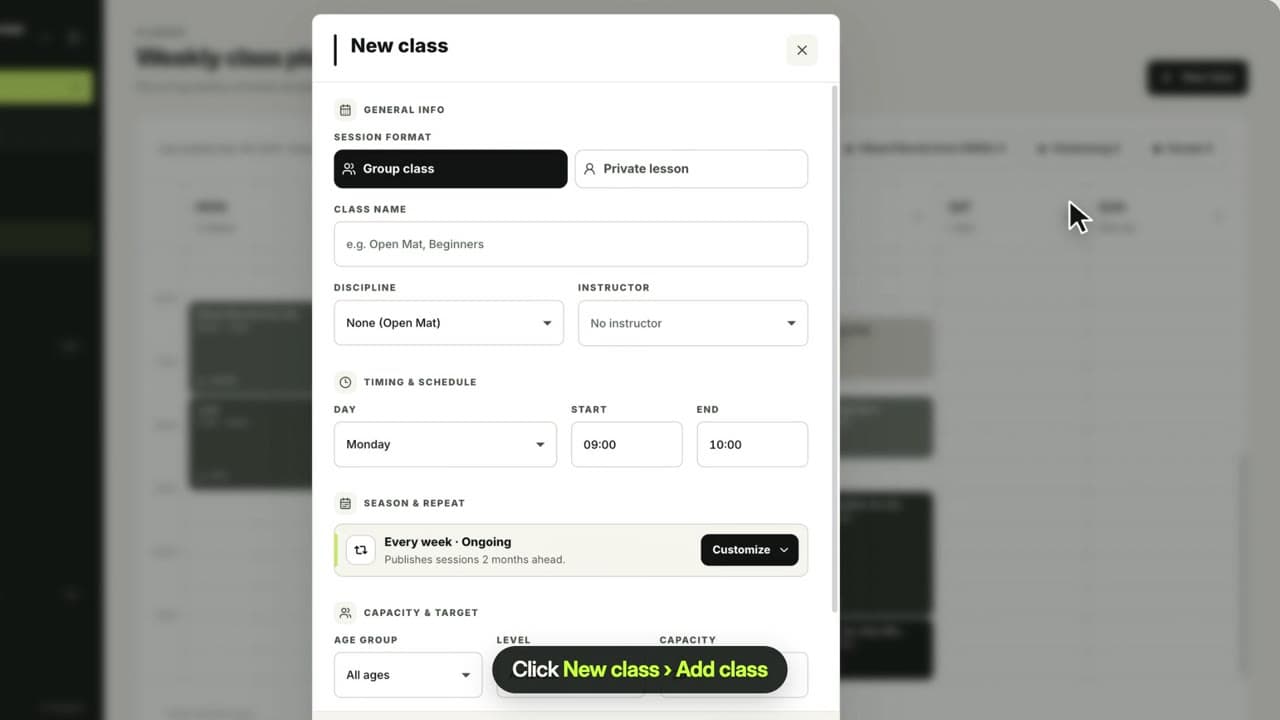
Quick actions, at the top of the sidebar, lets you invite or add a member, record a payment, assign a membership, promote a belt, add a class, create a plan or create an event from anywhere.
Use the sidebar for everything else
Schedule, On the mat, Members, Analytics, Staff, Progress, Finances, Plans & pricing, Discounts and Settings each have their own page.
Questions
Can my coaches see the dashboard?
Yes. Owners, admins and instructors sign in to the same dashboard, and what each person can change depends on their role. Owners and admins manage settings, plans and payments.
Related guides
Run your academy with less admin and more time on the mat.
Start free