How to create a recurring class in MatSync
Add a weekly class with its discipline, coach, day, time, age group, level and capacity. Members can book it in the app.
Where to find it: Dashboard · Schedule › New class › Add class
Step by step
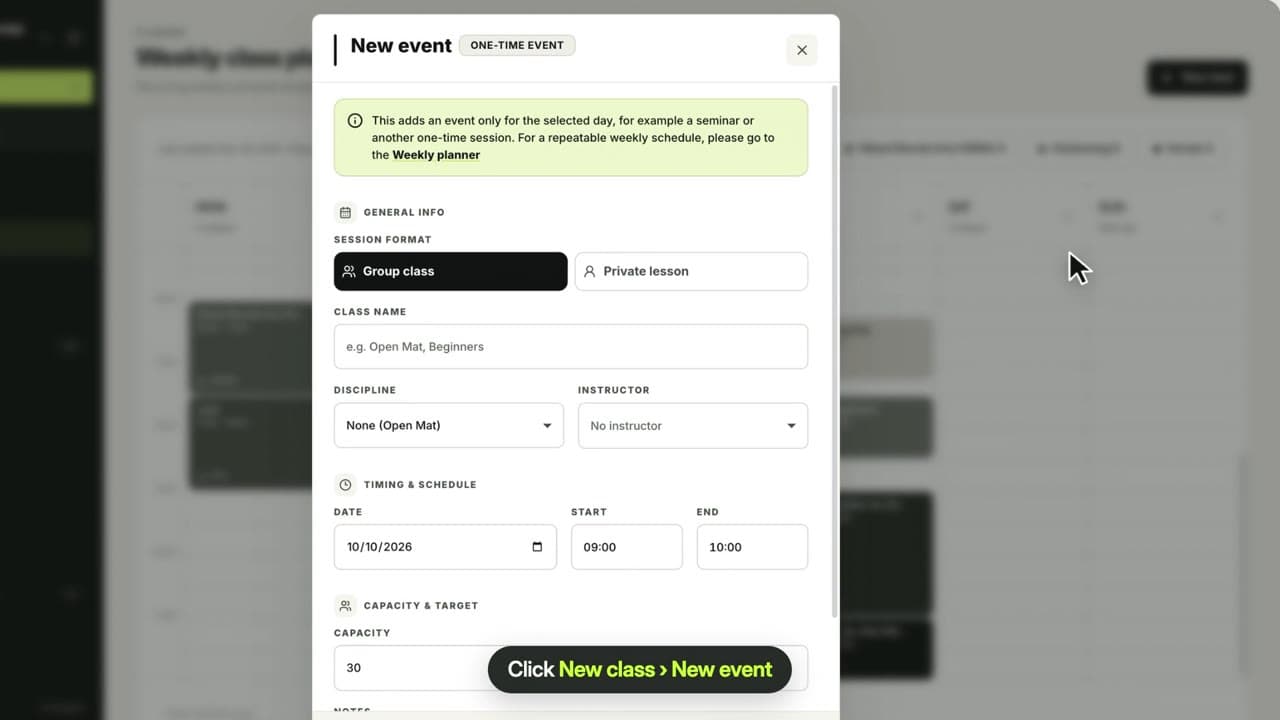
Click New class › Add class
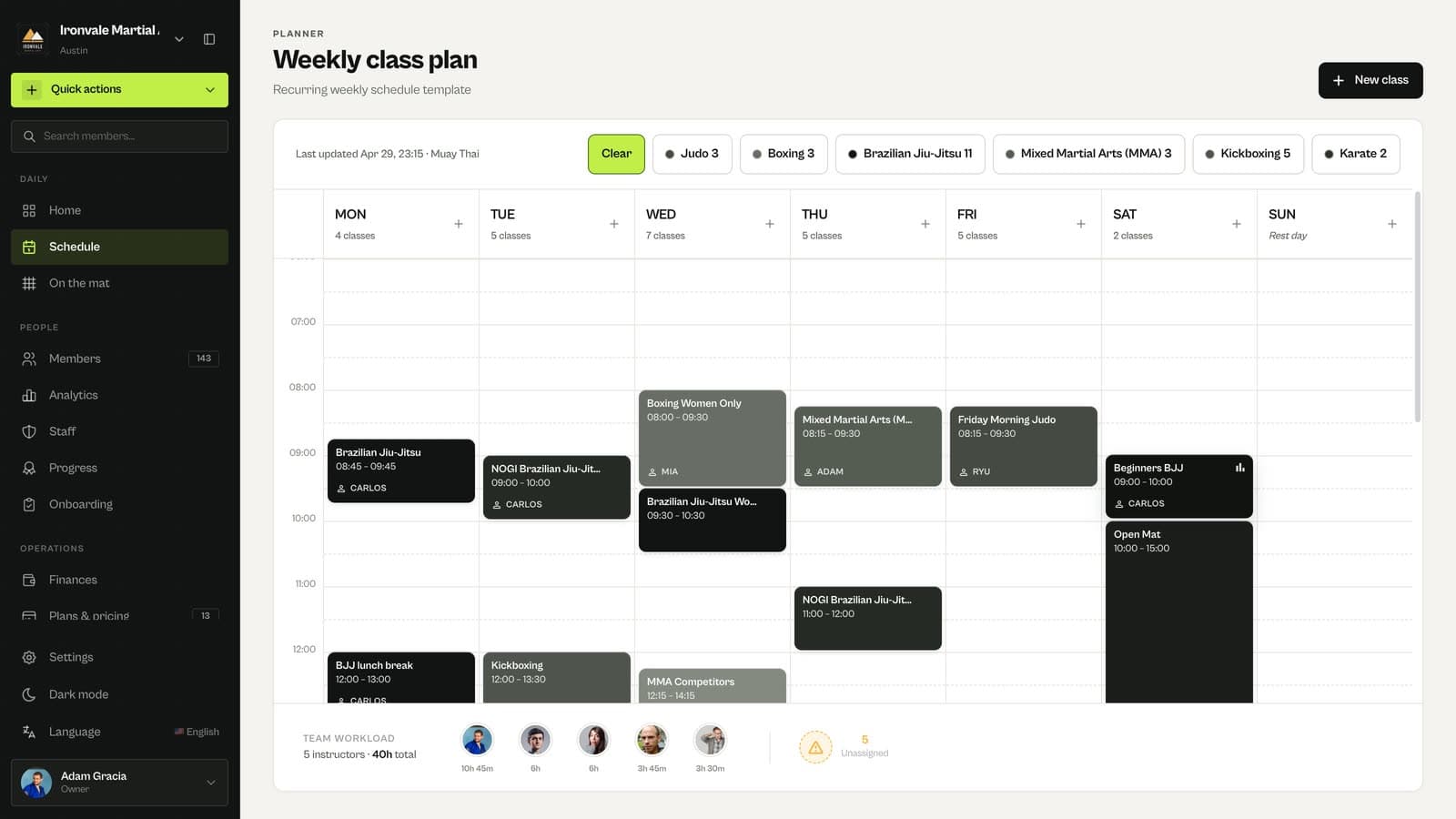
Open Schedule and click New class, then Add class. Quick actions › Add class works too.
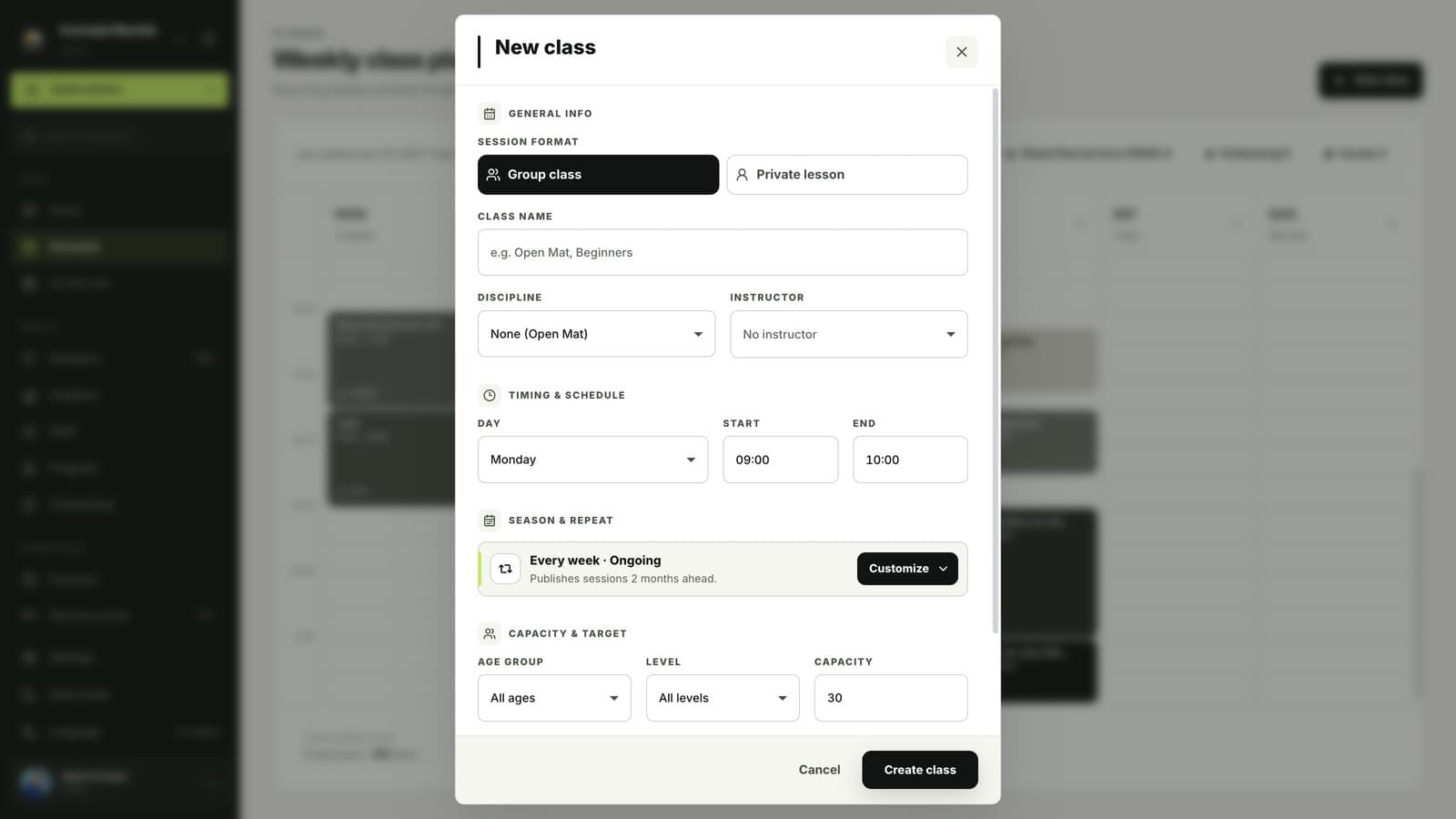
Name it and pick the discipline and coach
Choose Group class or Private lesson, enter a name such as Beginners BJJ, and pick the discipline and instructor.
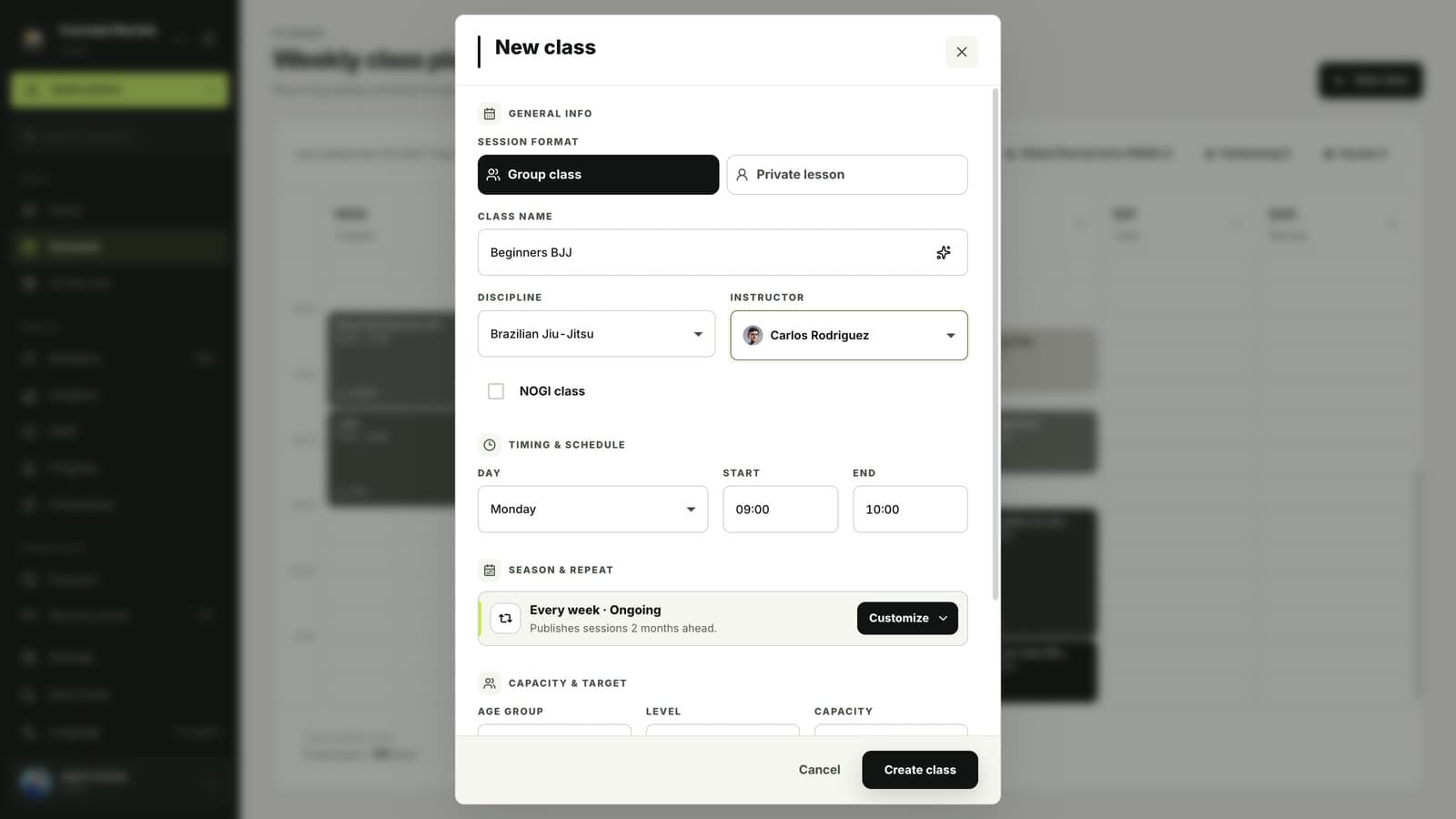
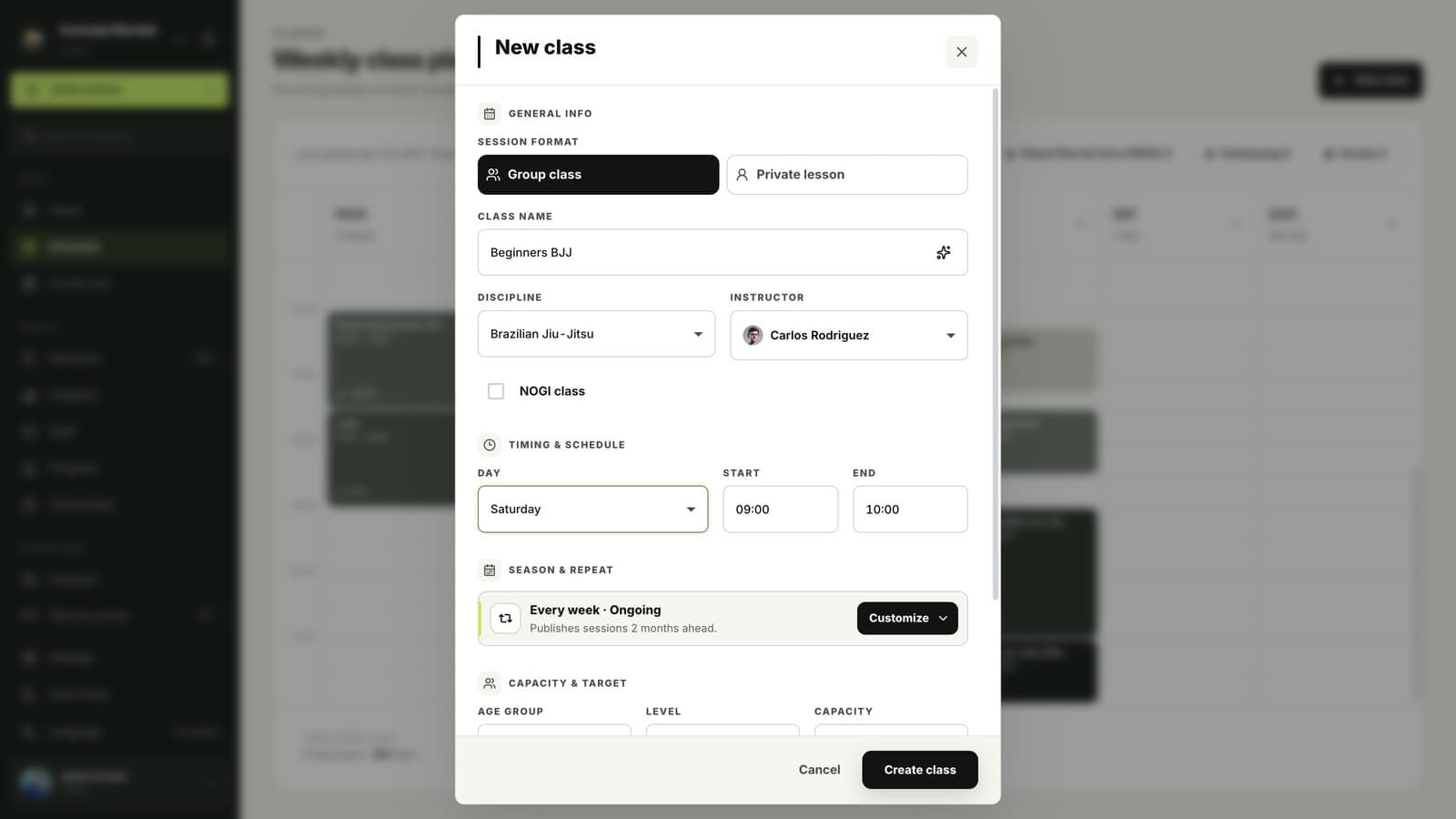
Choose the day and time
Pick the day, start and end time. The class repeats every week; use Customize to change how often it repeats or when the season ends.
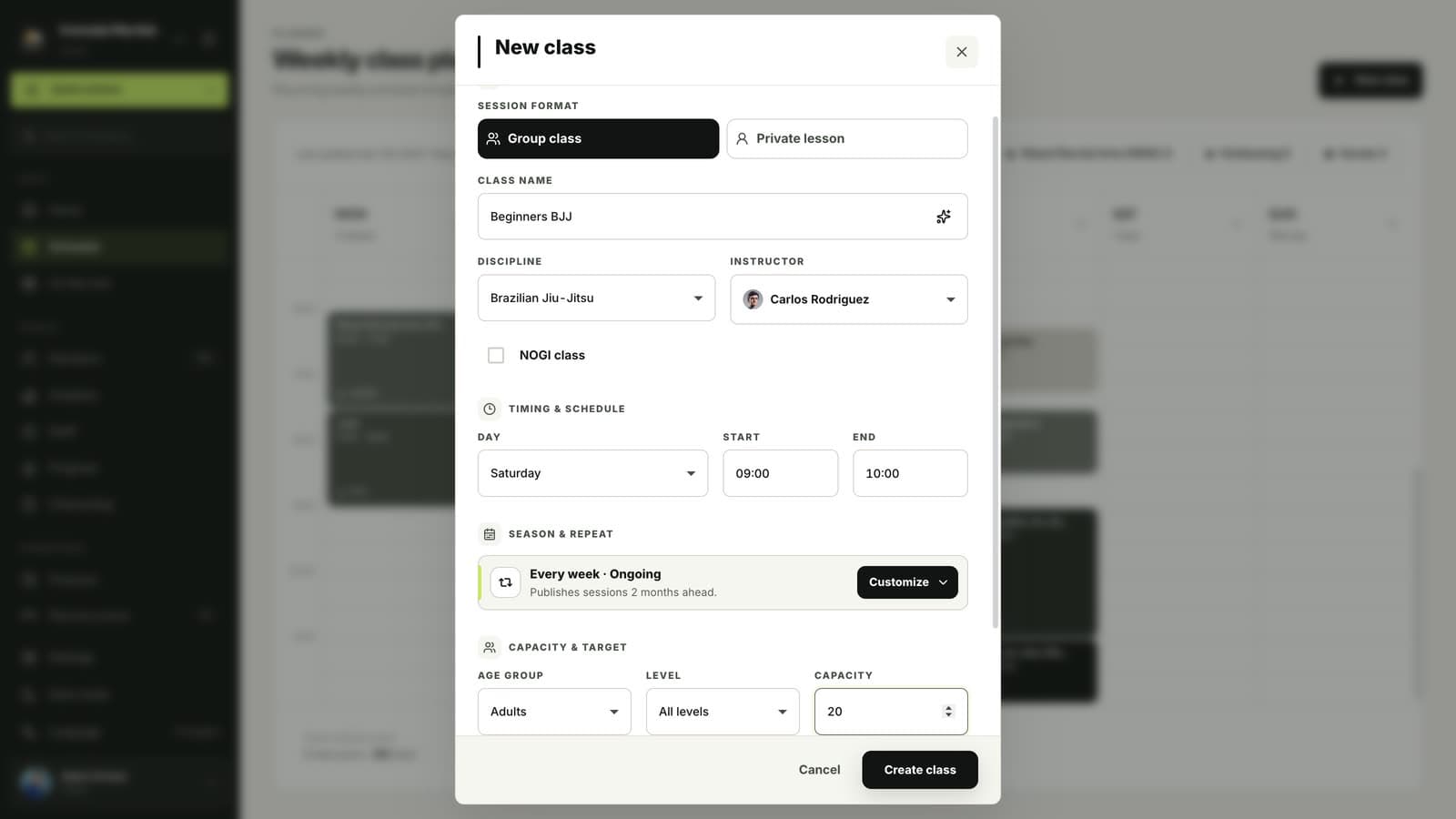
Set the age group, level and capacity
Choose who the class is for and how many people can book it, then click Create class.
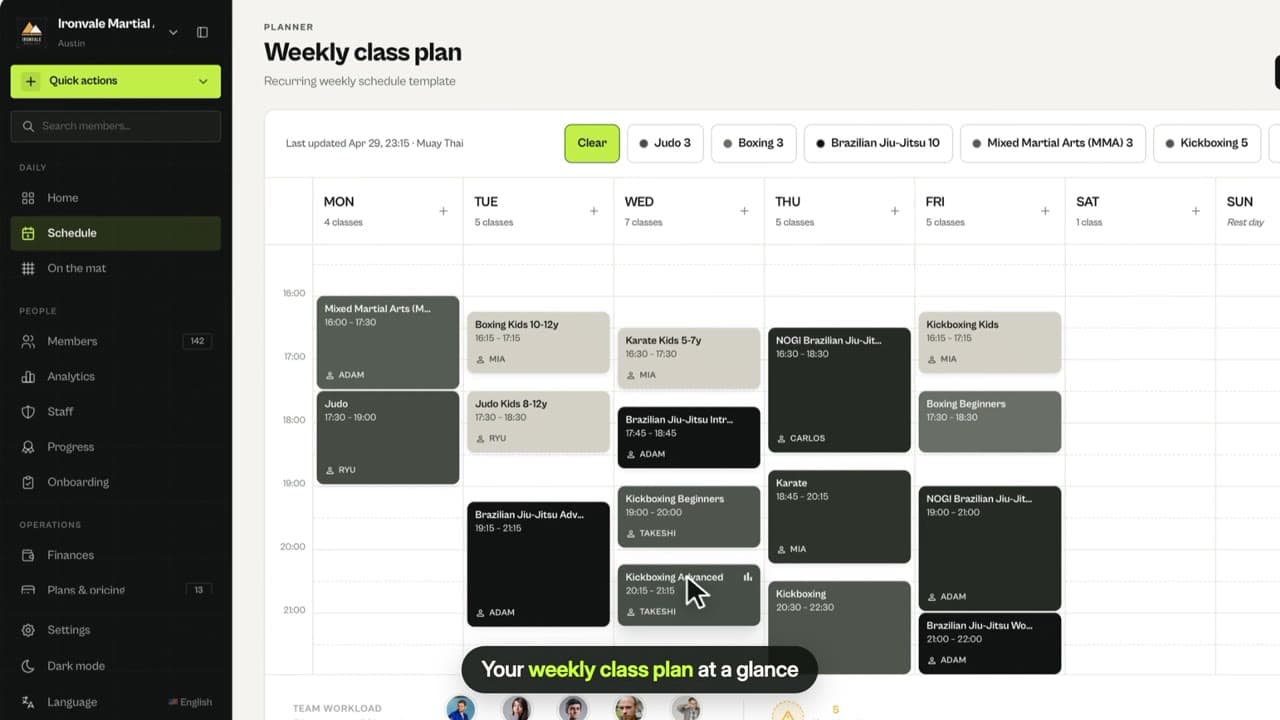
Find it on your weekly plan
The class appears on the weekly plan, and members can book it in the MatSync app.
Questions
Can I limit a class to kids or beginners?
Yes. Set the age group and level when you create the class. Members see classes that match them in the app.
Related guides
Run your academy with less admin and more time on the mat.
Start free