Schedule & attendanceUpdated
How to use the weekly class schedule
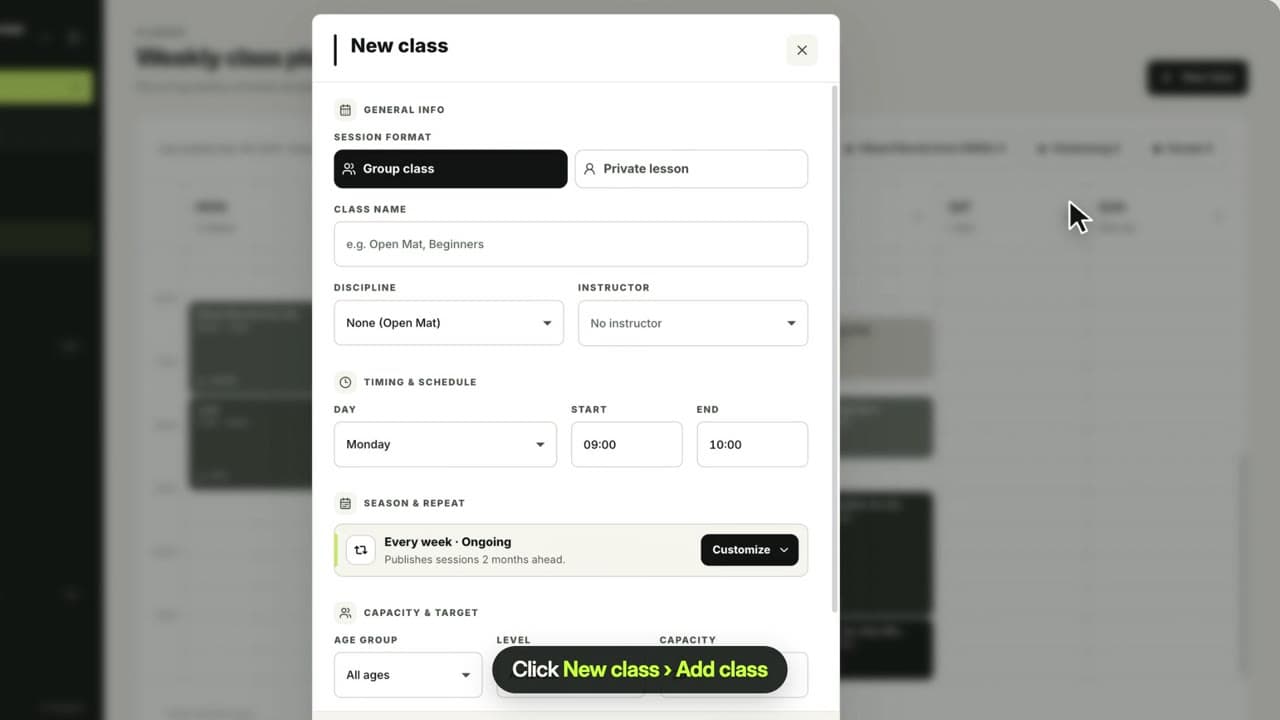
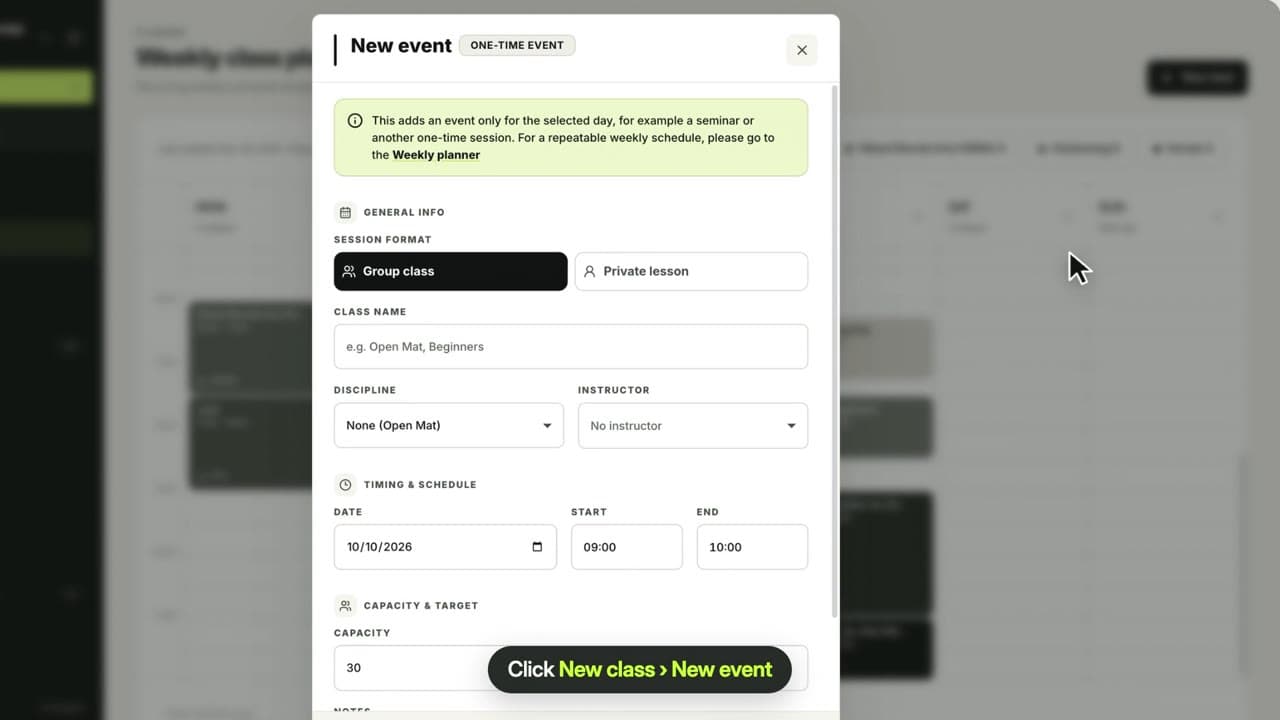
See your recurring classes for the week, filter by discipline, check each coach’s workload and add new classes.
Where to find it: Dashboard · Schedule
Step by step
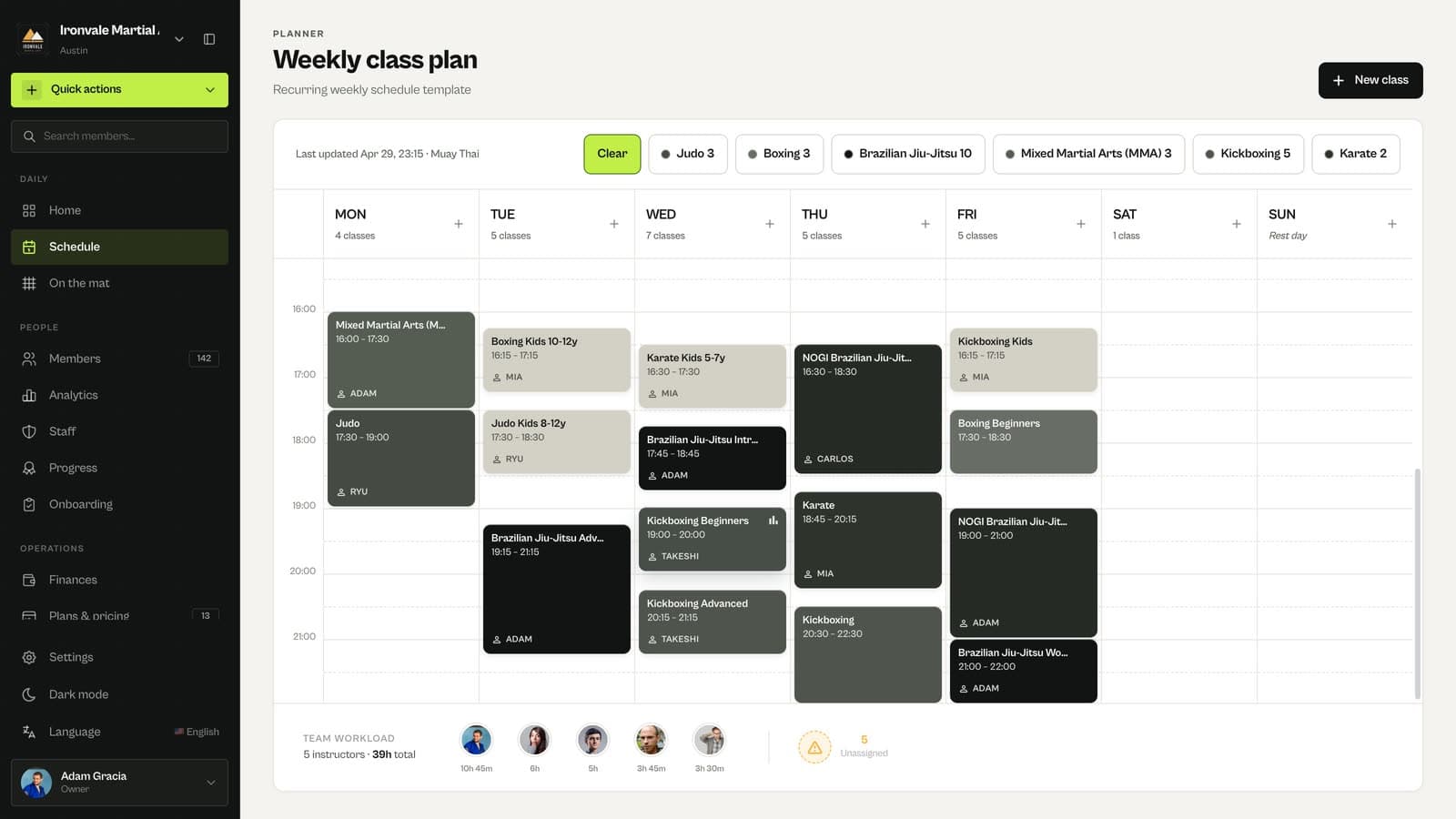
Read the weekly plan
Schedule shows your recurring classes from Monday to Sunday, with times, coaches and how many classes run each day.
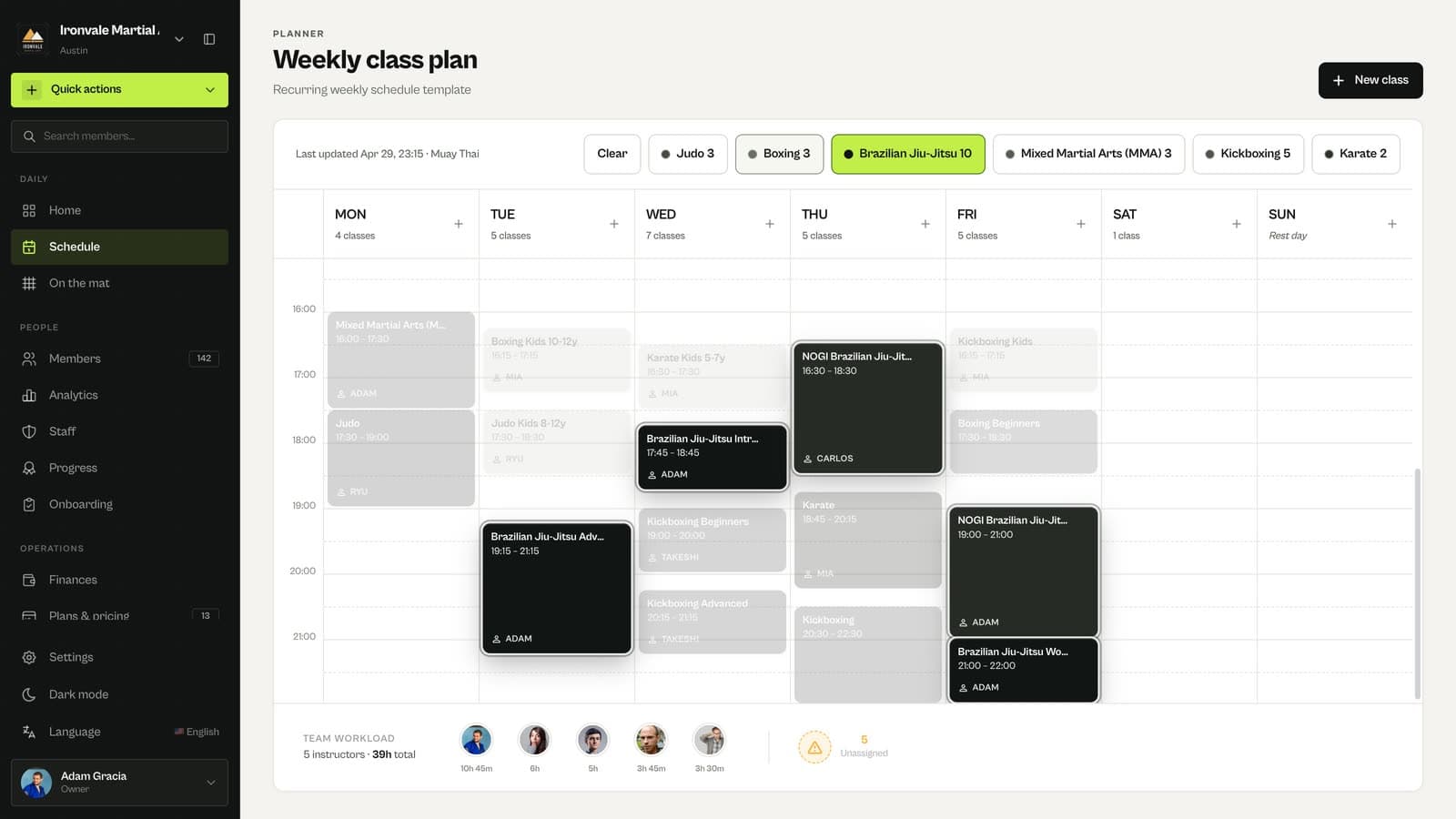
Filter by discipline
Click a discipline chip to highlight its classes, and Clear to see everything again.
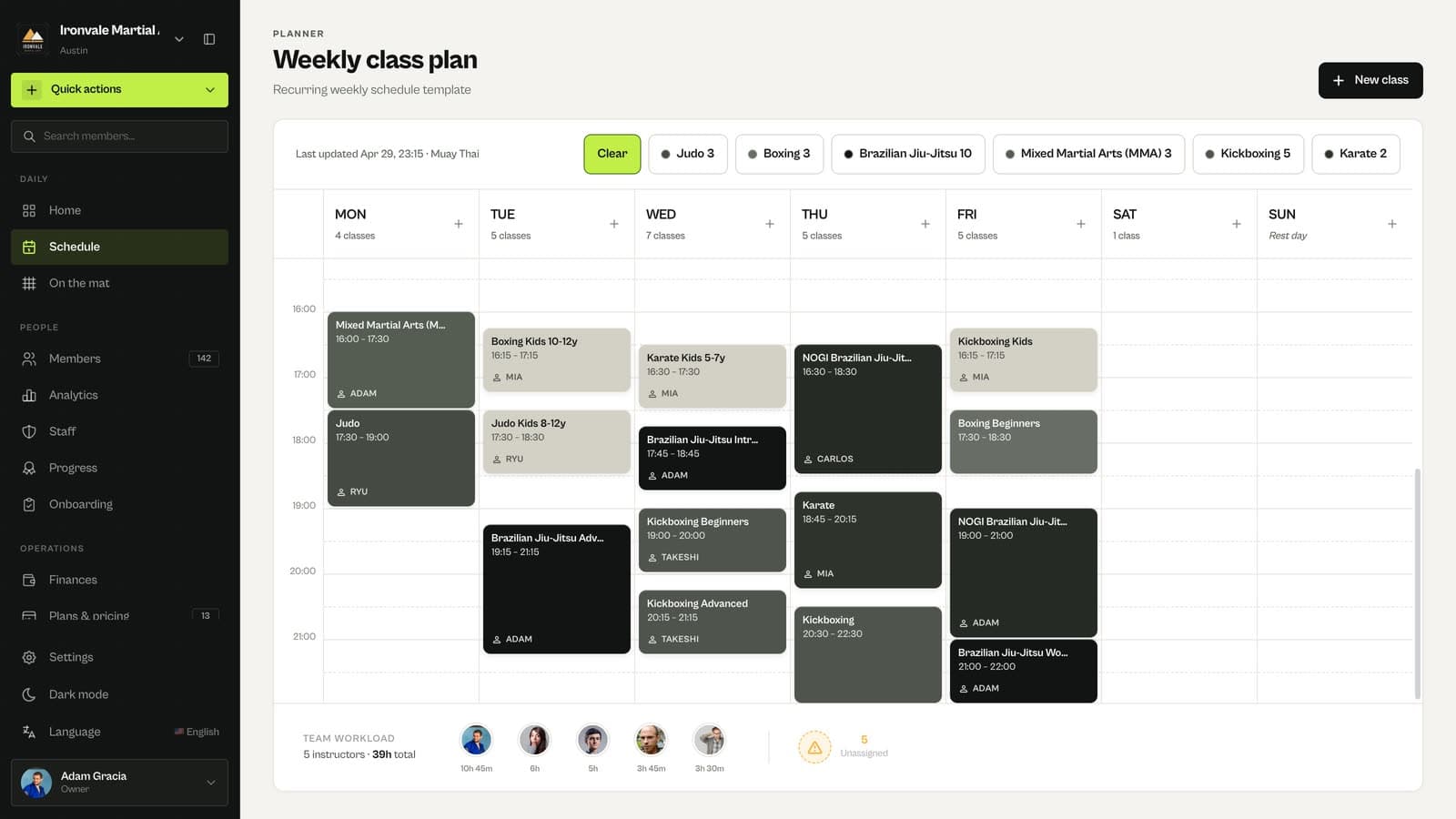
Check team workload
Team workload at the bottom shows how many hours each coach teaches and how many classes have no coach.
Related guides
Run your academy with less admin and more time on the mat.
Start free