Schedule & attendanceUpdated
How to create a one-off event, seminar or belt test
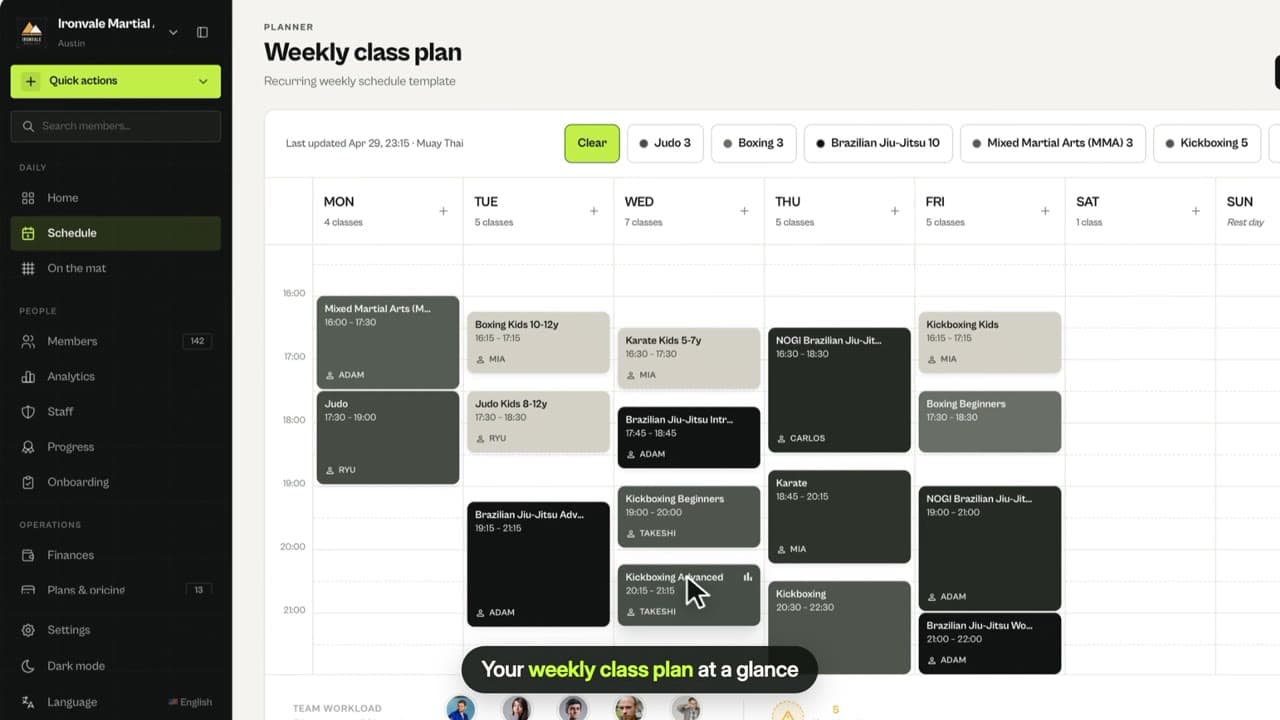
Add a one-time session such as a seminar, belt test or camp with its date, time, coach and capacity. It shows on that week’s schedule.
Where to find it: Dashboard · Schedule › New class › New event
Step by step
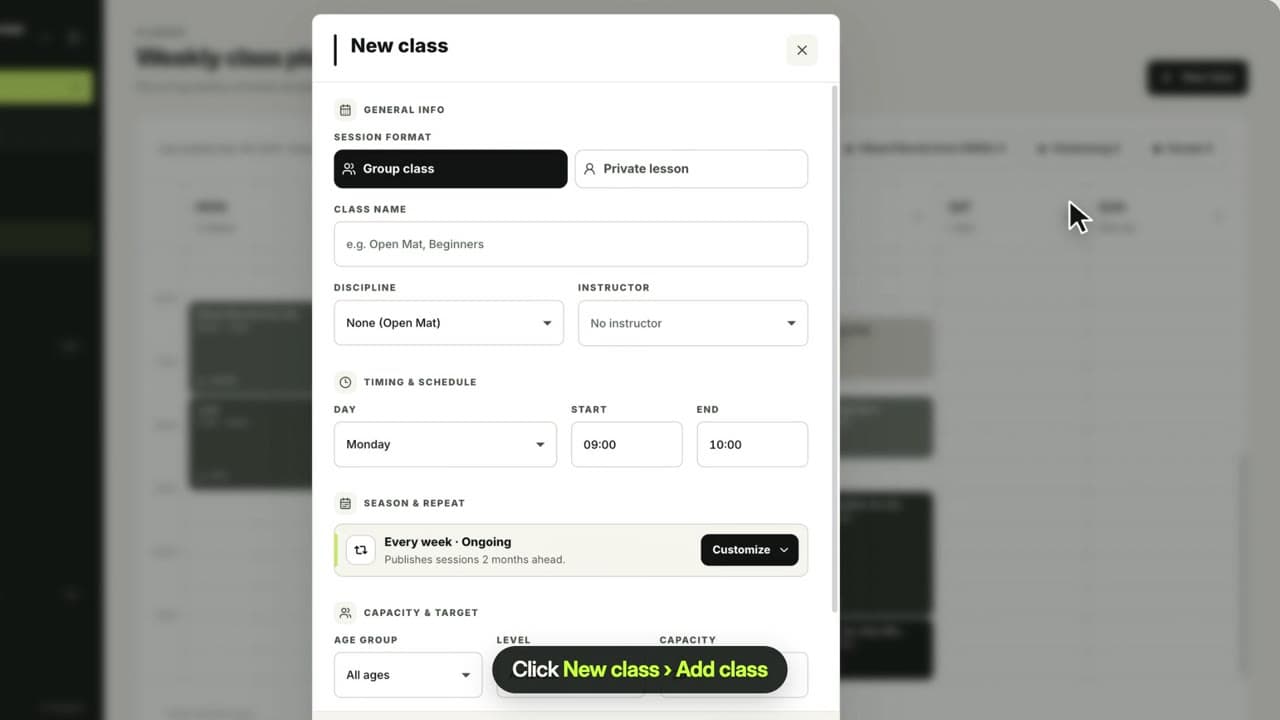
Click New class › New event
Open Schedule, click New class, then New event. Quick actions › New event / comp works too.
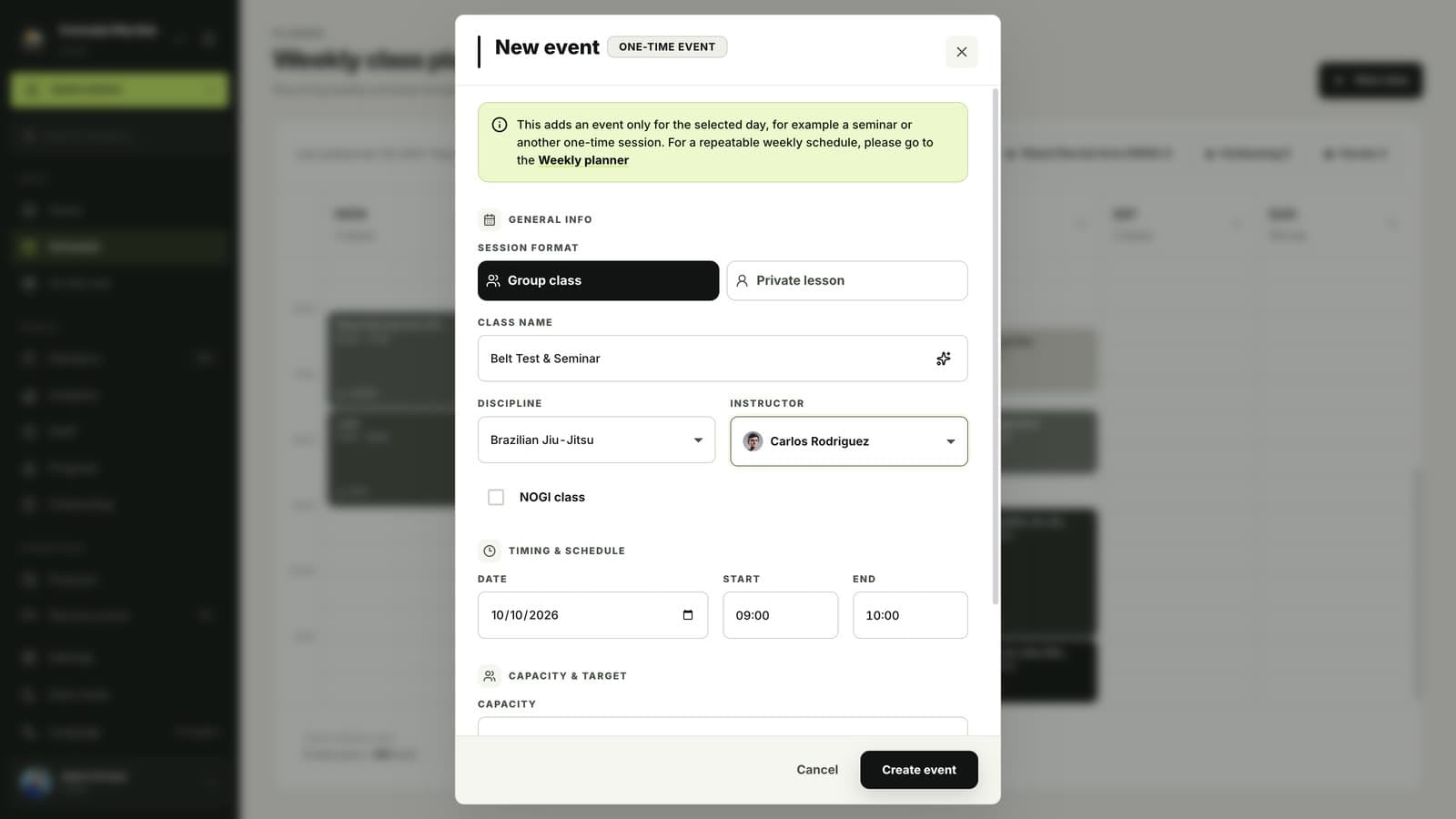
Name it and pick the discipline and coach
Events are for one-off sessions such as seminars, belt tests, grading days or camps.
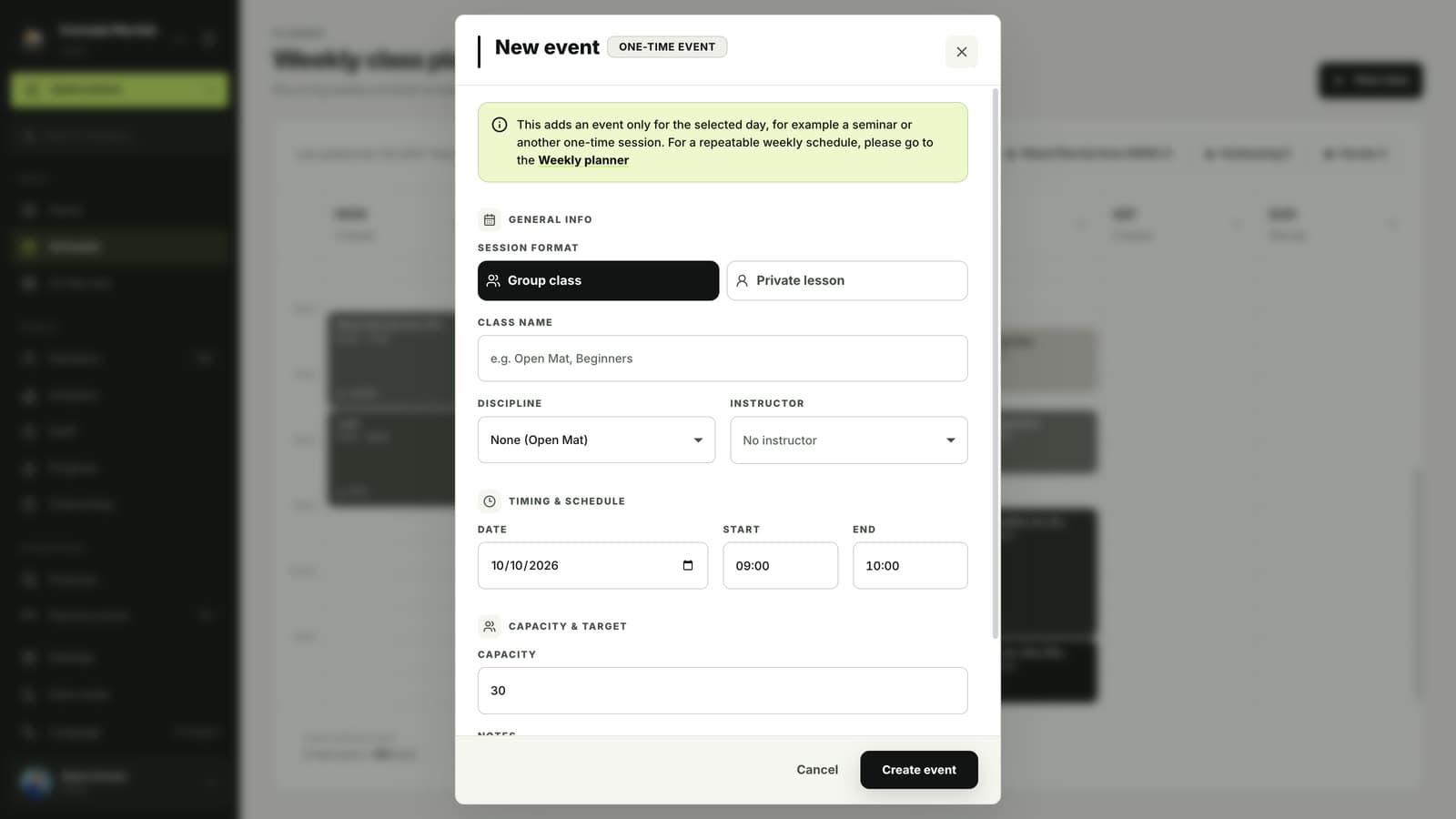
Choose the date, time and capacity
Pick the date, start and end time and how many people can join.
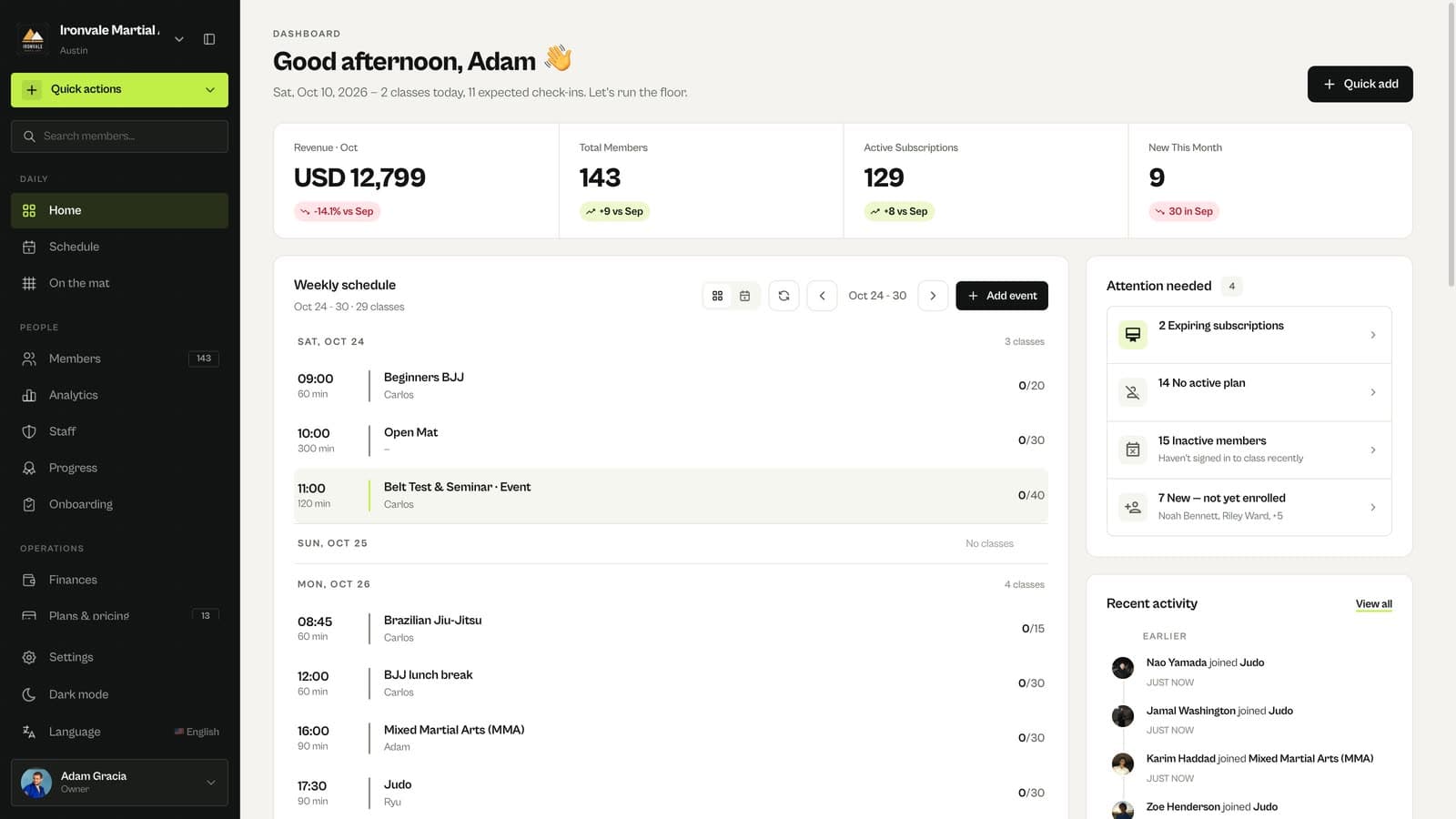
Click Create event
The event appears on that week’s schedule on the home screen, and members can sign up in the app.
Related guides
Run your academy with less admin and more time on the mat.
Start free