Team & progressUpdated
How to promote a student or award stripes
Start tracking a student’s belt, then record promotions with a new belt or stripes. Every promotion is saved to their belt history.
Where to find it: Dashboard · Member profile › Promote
Step by step
Open the member and click Promote
Open the member, then click Promote. Quick actions › Promote a belt works from anywhere.
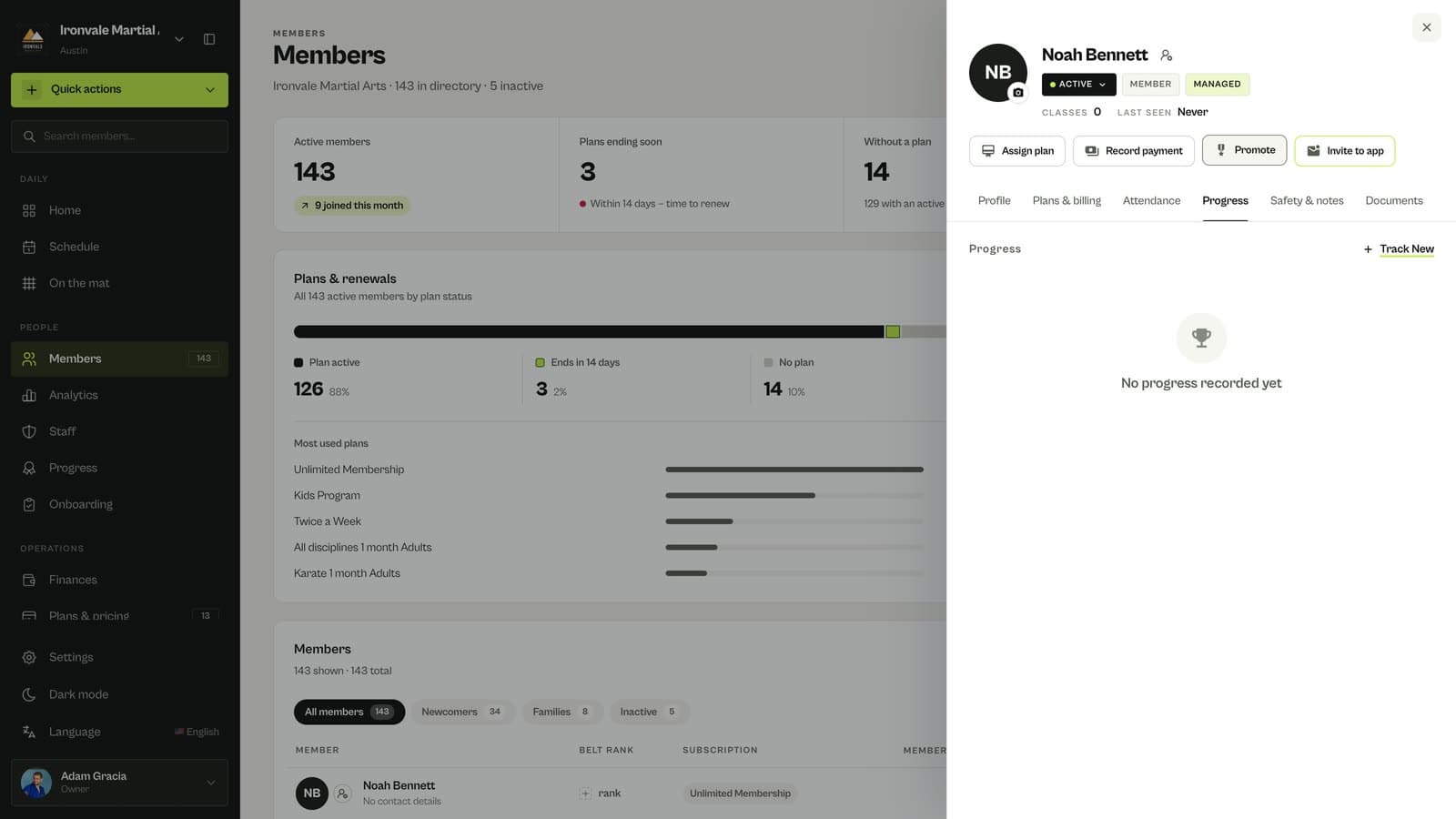
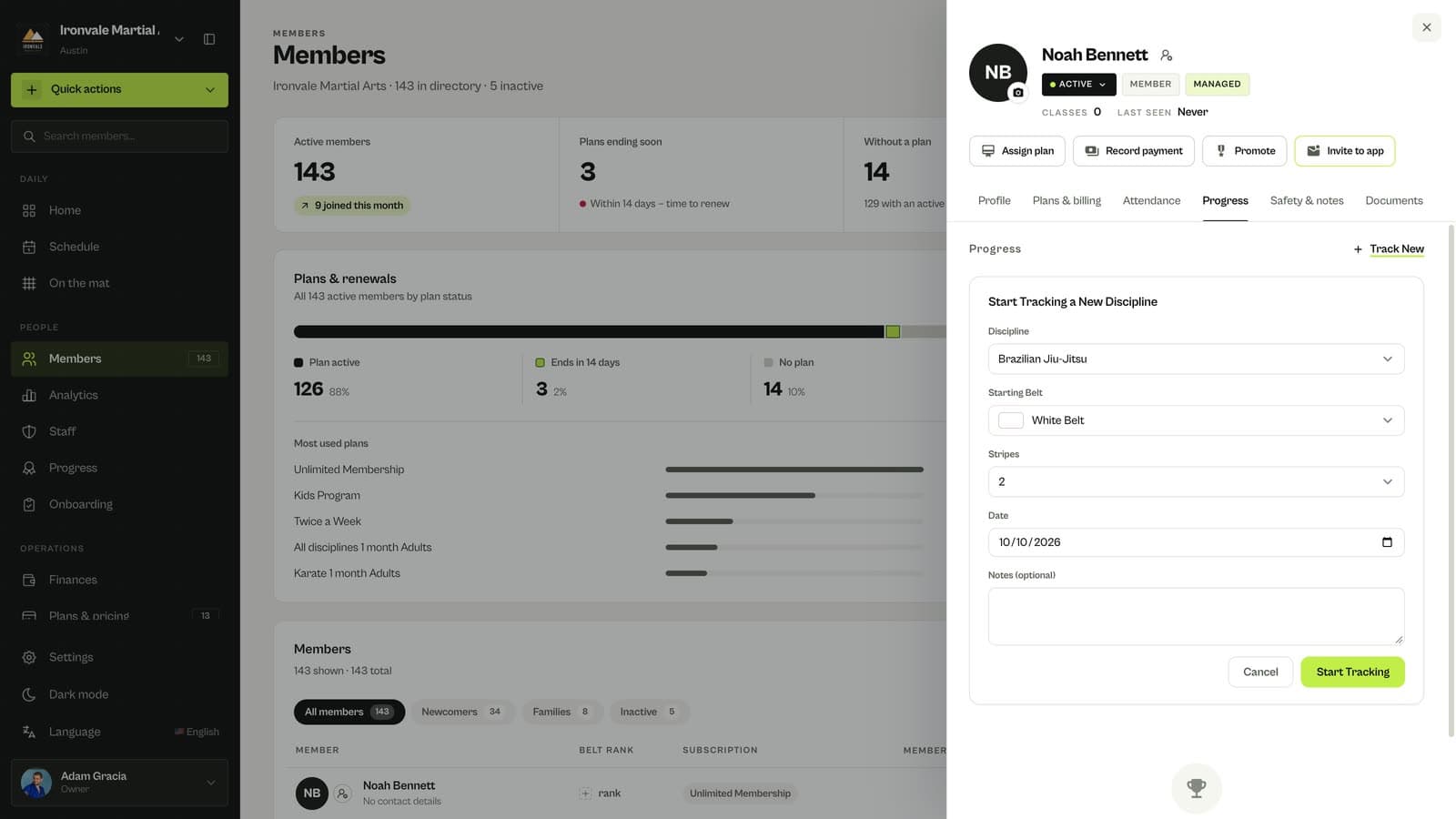
Start tracking a discipline
If the member is new, click Track New, choose the discipline and their current belt and stripes, and click Start Tracking.
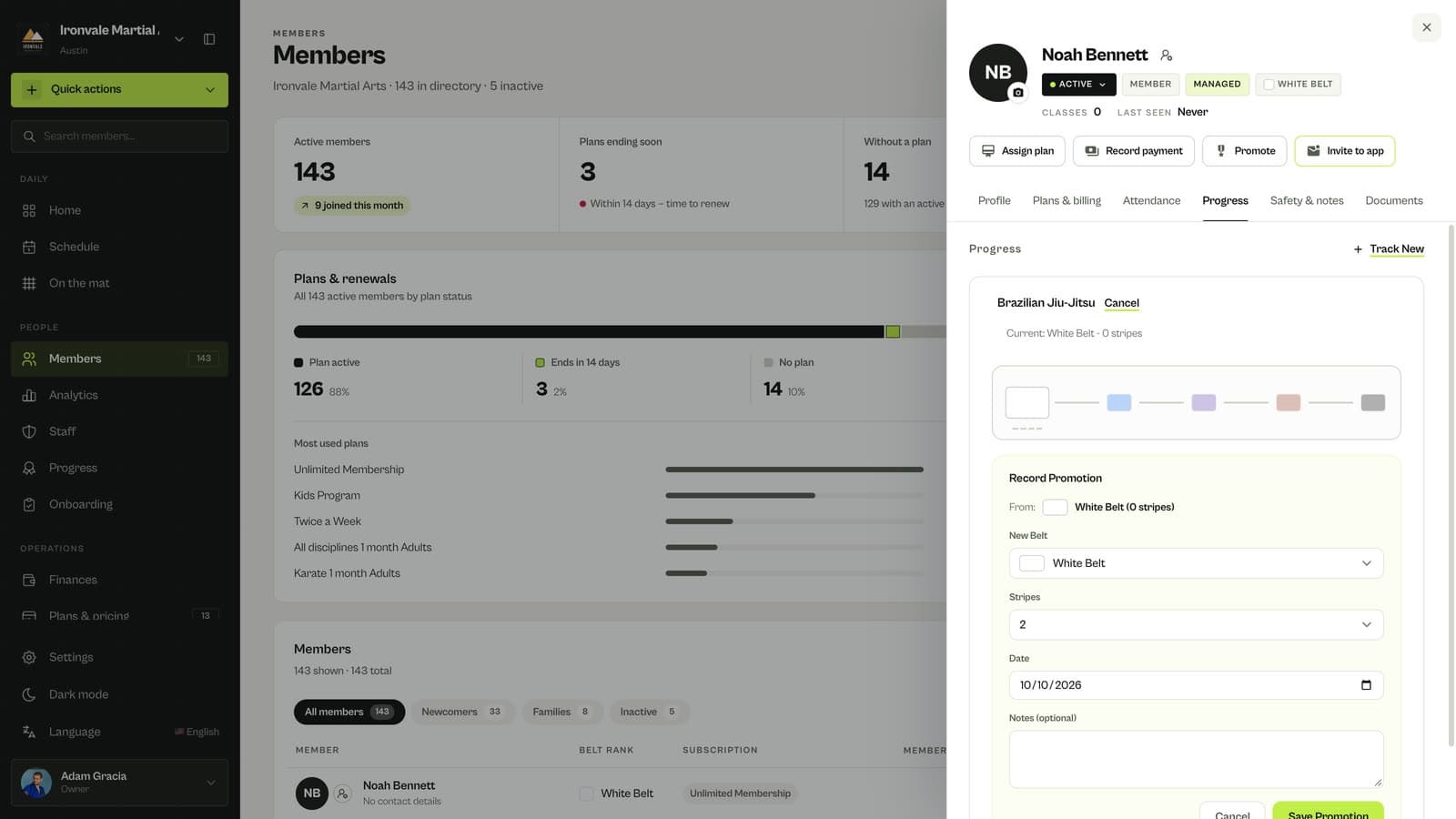
Record the promotion
Choose the new belt or the number of stripes and the date. Black belts can be awarded degrees.
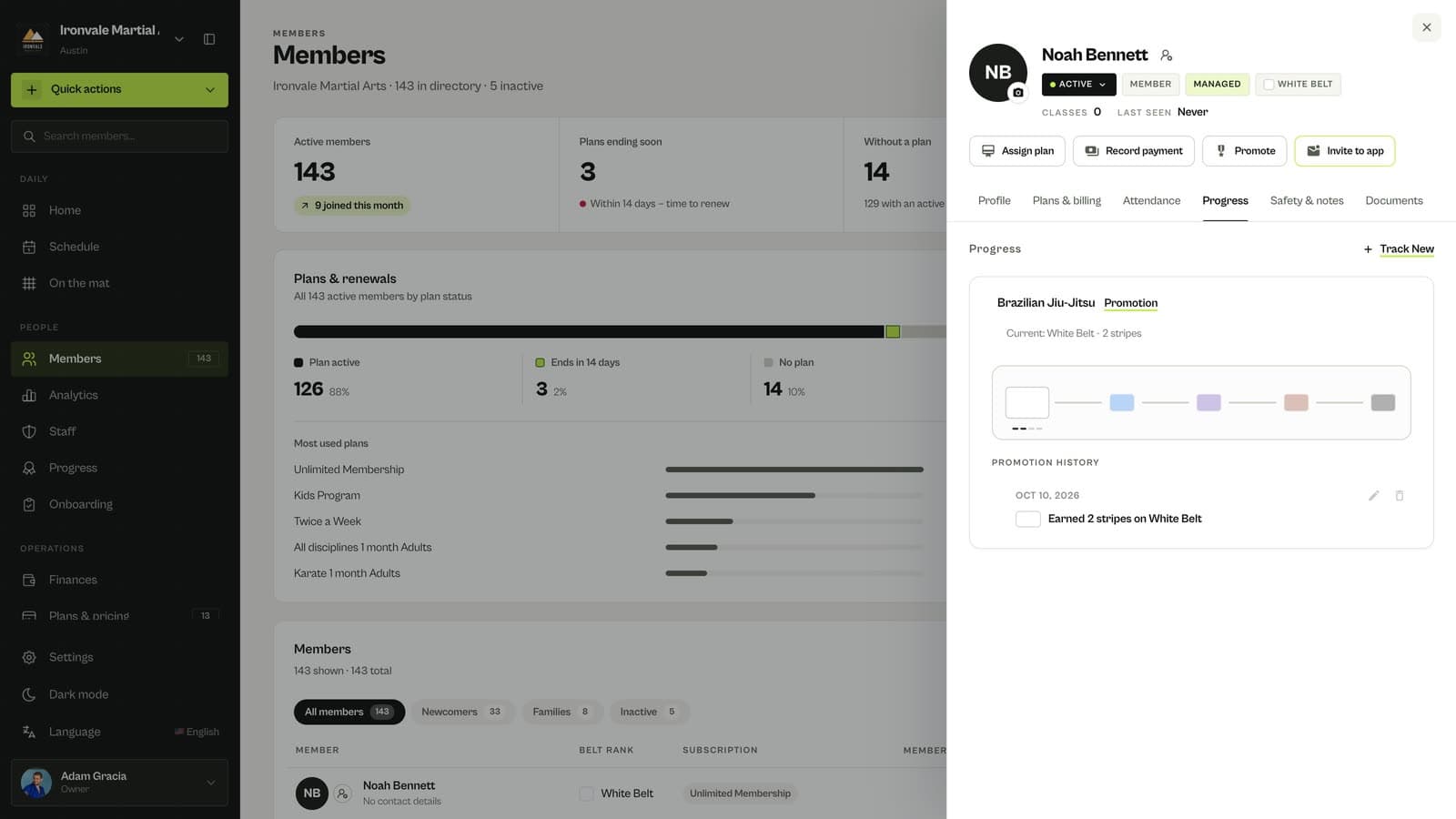
Click Save Promotion
The promotion is added to their belt history, in the dashboard and in the member’s app.
Related guides
Run your academy with less admin and more time on the mat.
Start free