What your members see in the MatSync app
A tour of the MatSync member app: joining your club, booking classes, attendance leaderboards, training stats, plans, family profiles and belts.
Where to find it: MatSync app for iPhone and Android
Knowing what members see makes it easier to help them. Everything you set up in the dashboard, from classes to plans and merchandise, appears in their app.
Step by step
Join your club
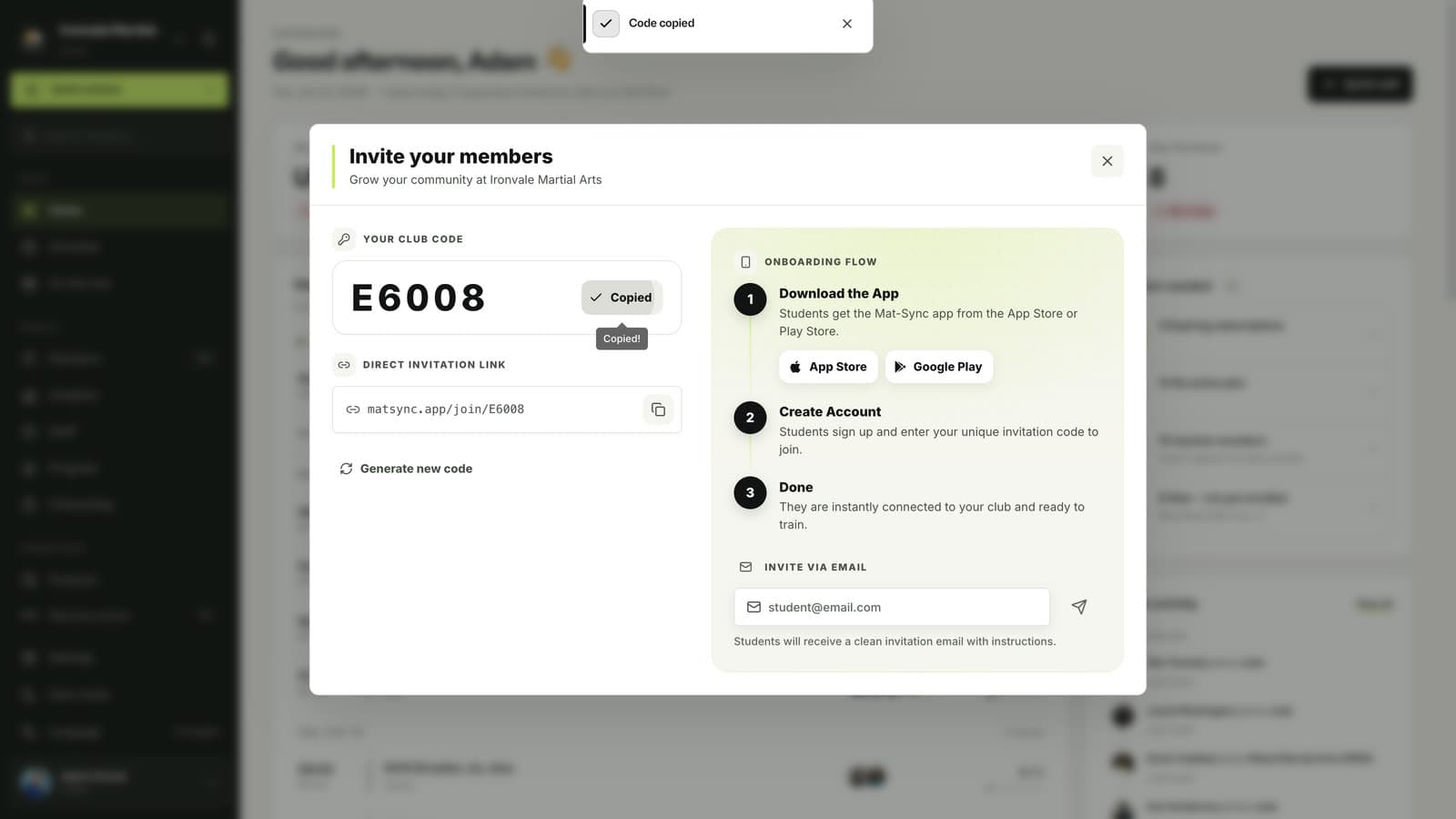
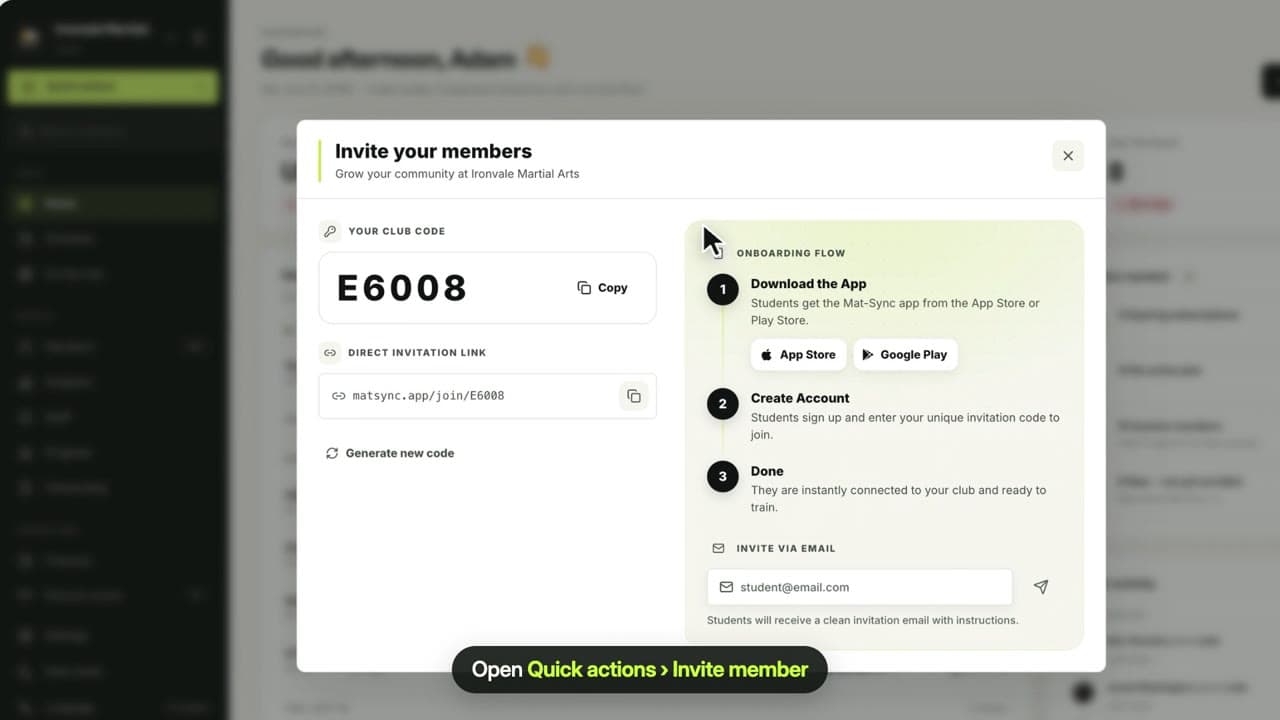
Members download MatSync and join with your club code or join link. You find both under Quick actions › Invite member.
Book classes
Home shows the classes of the selected day. Tapping a class shows the coach and who is coming; Join books it.
Follow their training
The leaderboard ranks attendance per month and discipline, and Stats shows their own classes per week and month.
Manage their profile and family
Settings holds their plan, profile, emergency contact, health details, payments, progress, club documents and merchandise. Parents switch between children with Switch Profile.
Related guides
Run your academy with less admin and more time on the mat.
Start free