Insights & automationUpdated
How to use member analytics in MatSync
Track member growth, subscription status, how long members stay, age groups and more for your active members.
Where to find it: Dashboard · Analytics
Step by step
Open Analytics
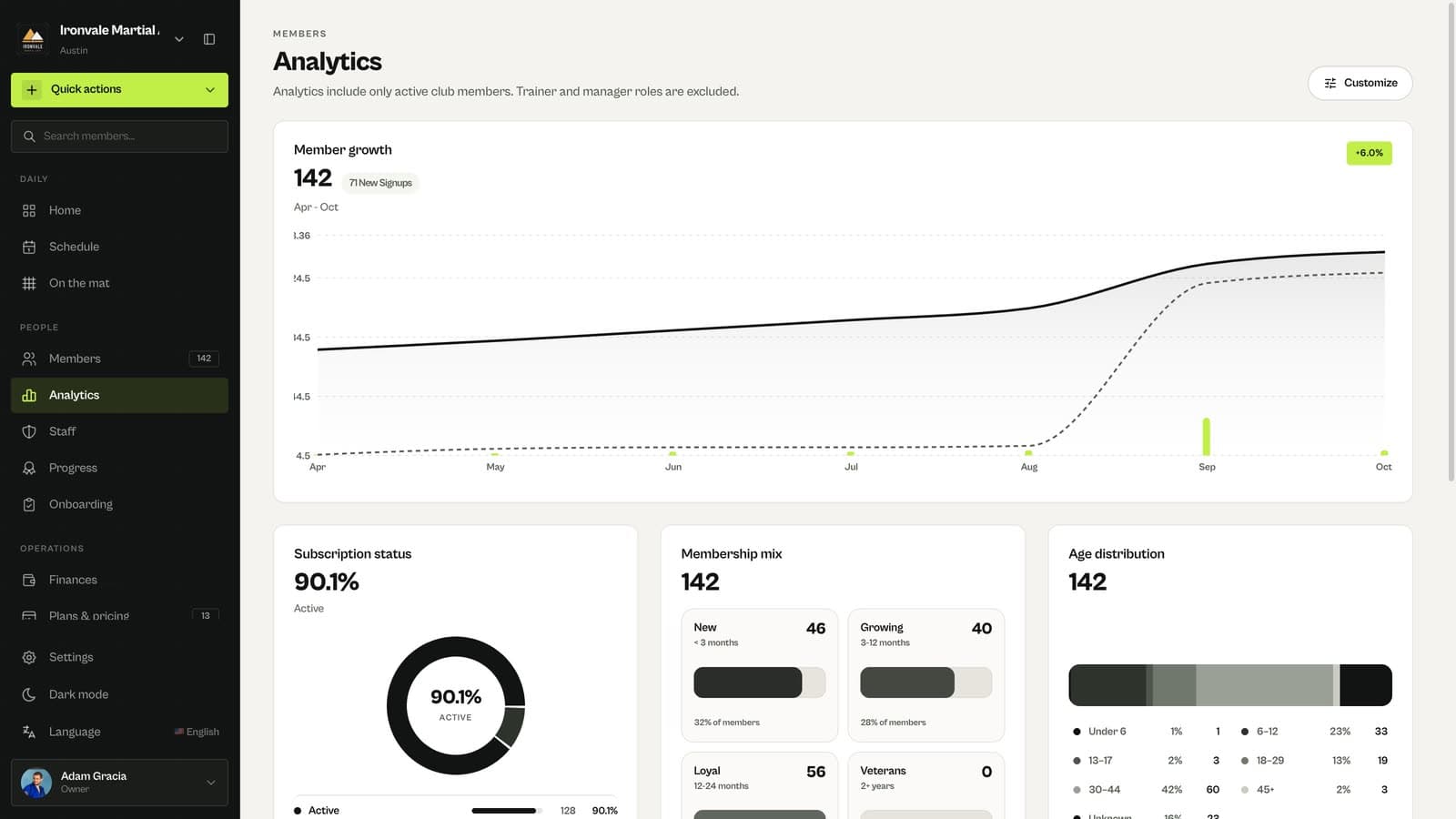
Member growth shows how your active membership changed over time and how many people signed up.
Read the breakdowns
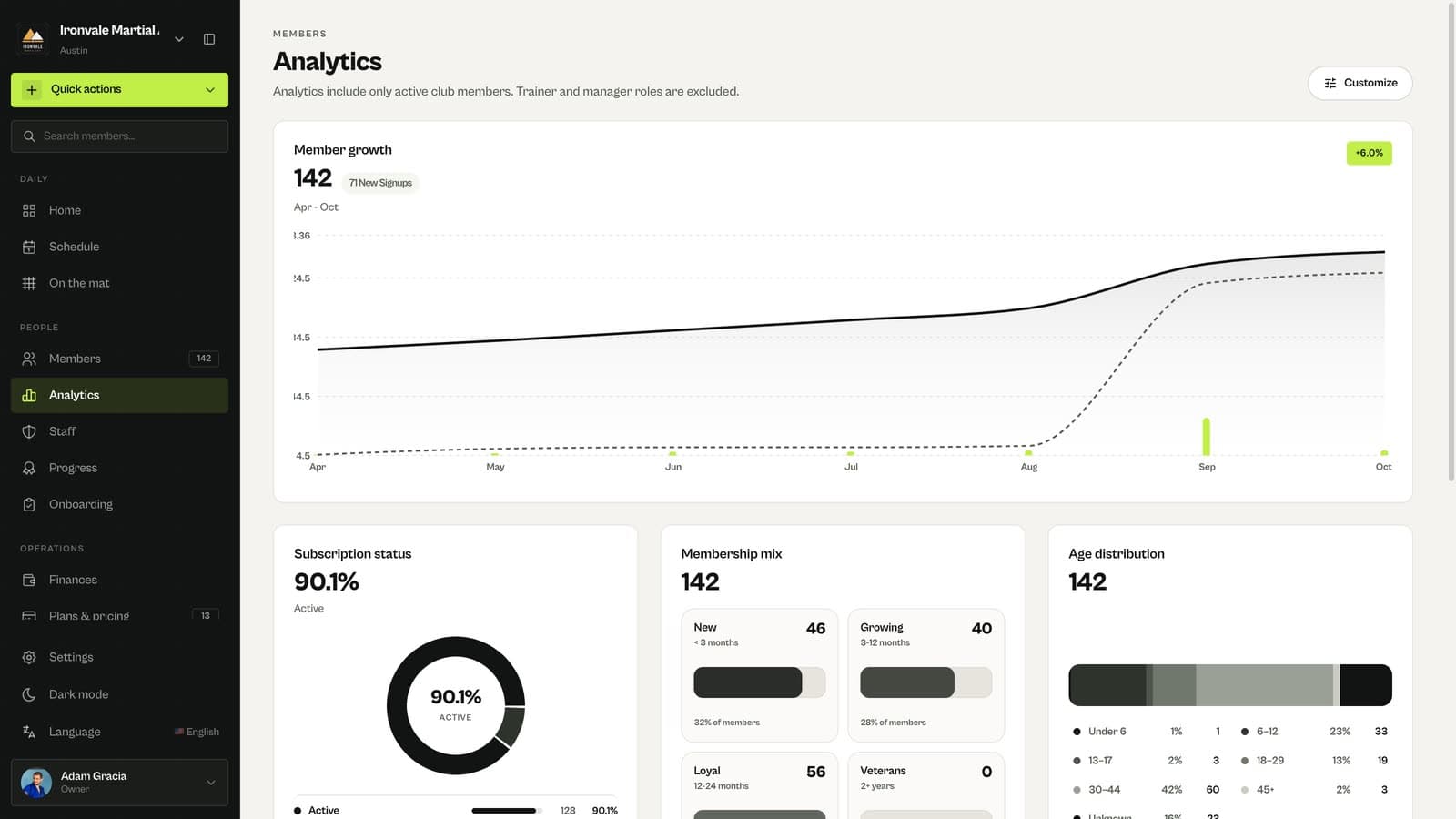
Subscription status, membership mix by tenure, age distribution and gender split help you plan classes and retention.
Good to know
- Analytics include only active club members. Trainer and manager roles are excluded.
Related guides
Run your academy with less admin and more time on the mat.
Start free