How to remove a member from your club
Remove a member from your roster and the app. Their payments and attendance history are kept; empty profiles are deleted completely.
Where to find it: Dashboard · Members › member › Profile › Remove from club
Step by step
Open the member
Click the member in the Members list and stay on the Profile tab.
Click Remove from club
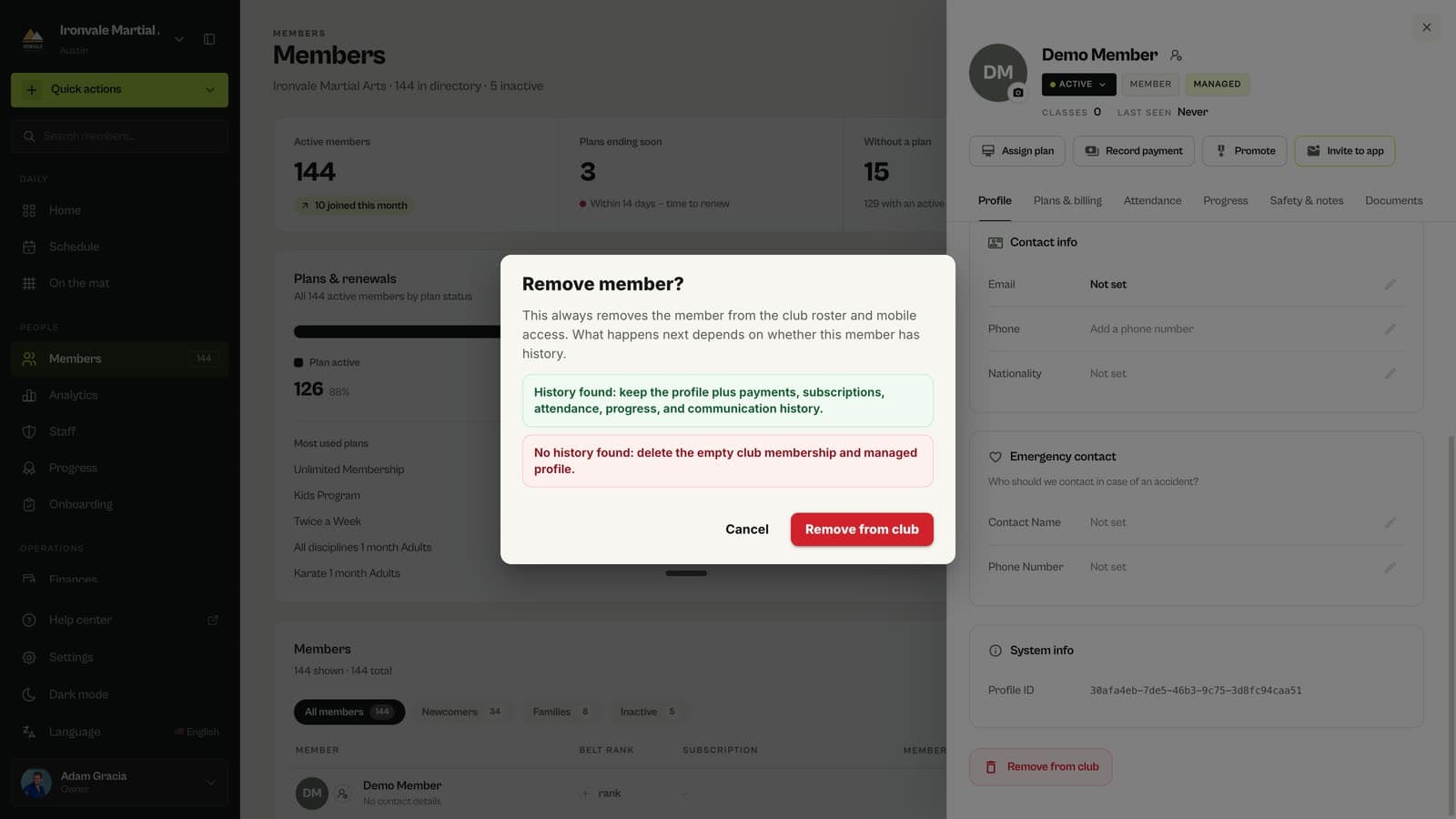
Scroll to the bottom of the profile and click Remove from club.
Confirm
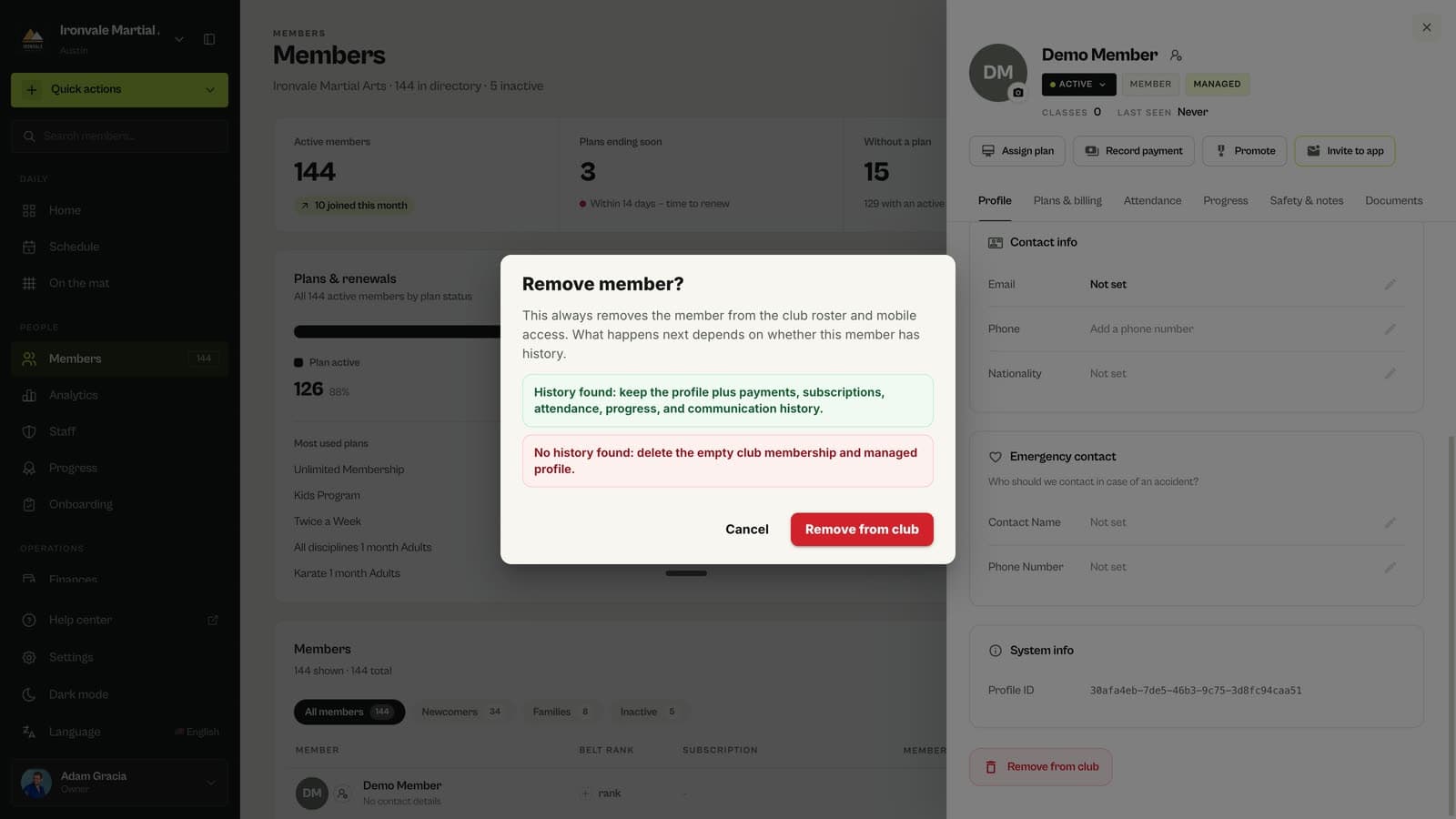
The confirmation explains what will happen. Click Remove from club again to finish.
Questions
What happens to their payments and attendance?
If the member has any history, such as payments, subscriptions, attendance, progress or messages, the profile and that history are kept for your records. If the profile is empty, the membership and club-managed profile are deleted.
Can they still use the app?
They lose access to your club in the app. If they come back, invite them again.
Should I remove or mark them inactive?
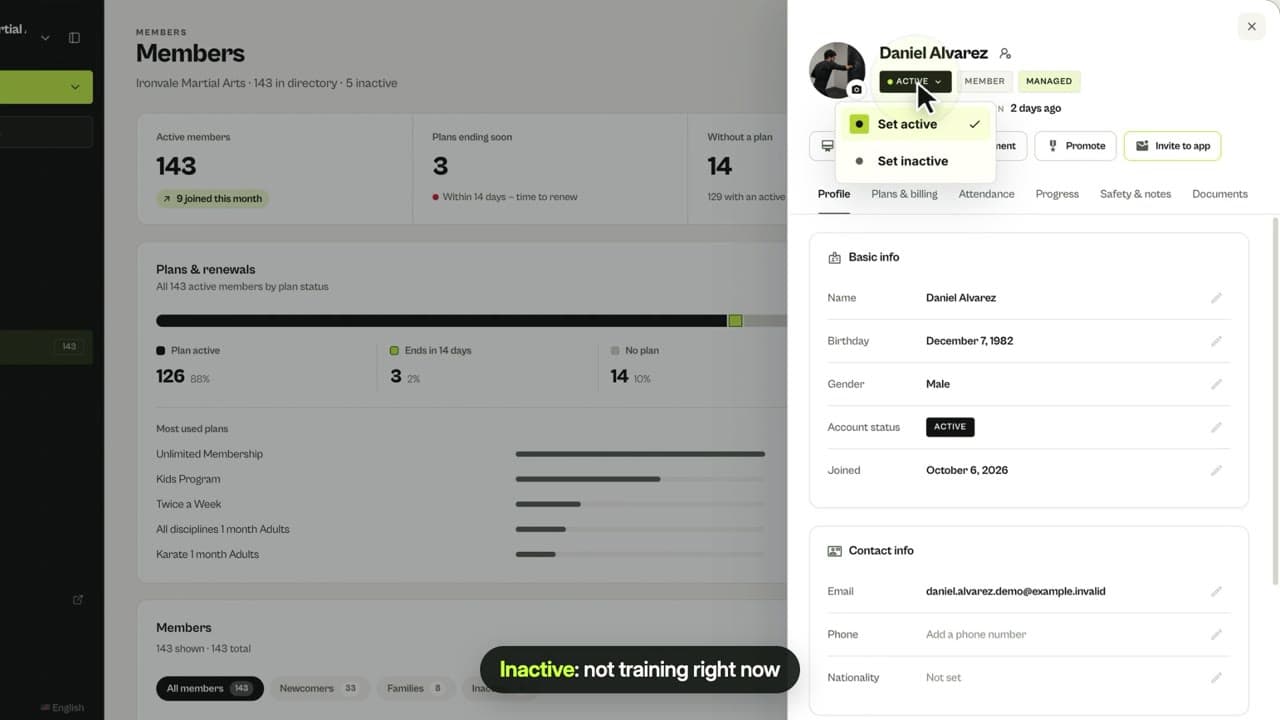
Mark members inactive when they might come back, so they stay in your lists. Remove them when they should no longer be part of your club.
Related guides
Run your academy with less admin and more time on the mat.
Start free