How to add instructors and admins to your club
Make a member an instructor or admin, change roles any time and understand who can do what. Staff need a MatSync account.
Where to find it: Dashboard · Staff
Step by step
Open Staff
Staff lists your owner, admins and instructors.
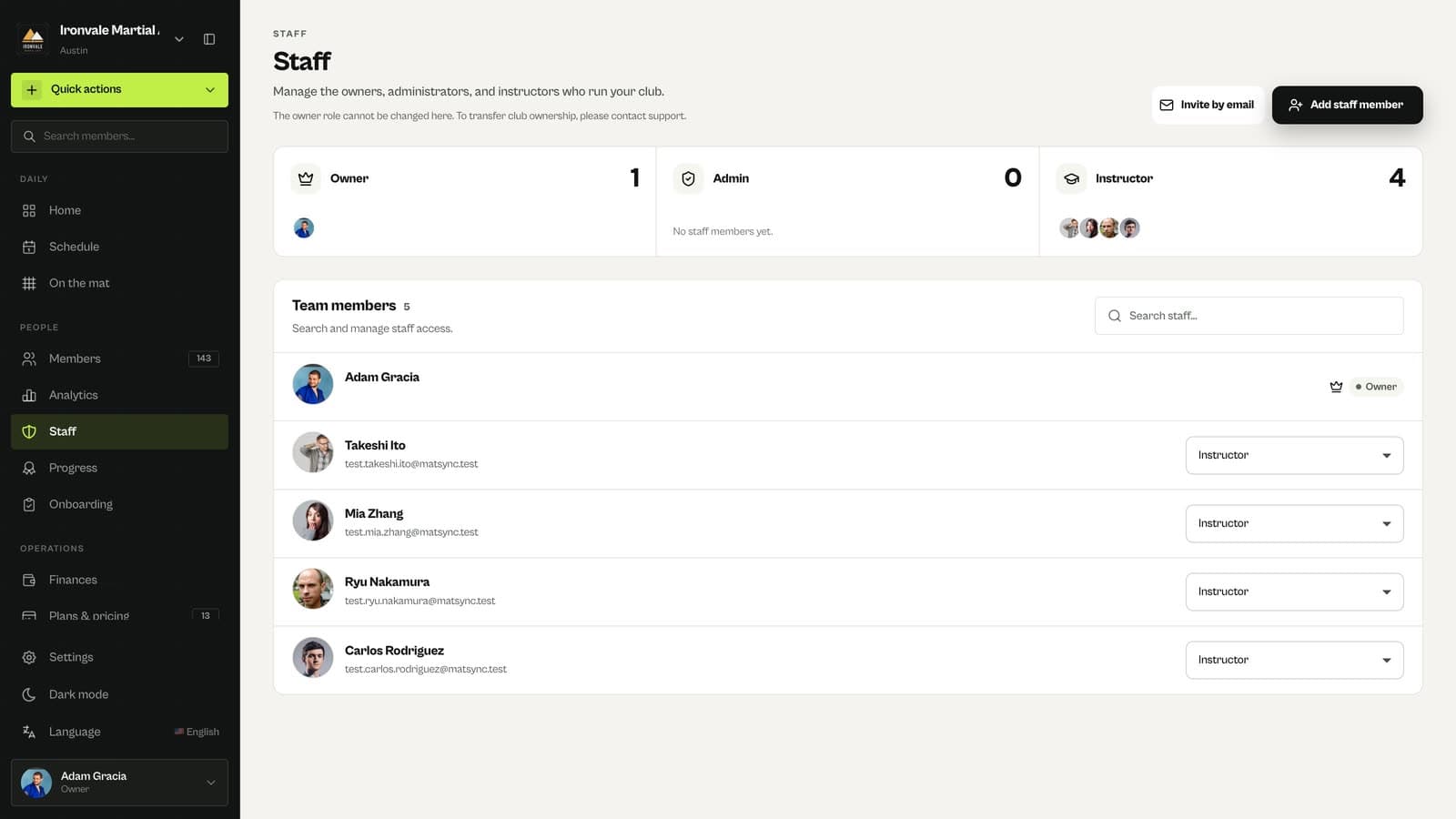
Click Add staff member and search
Search for someone who is already a member of your club.
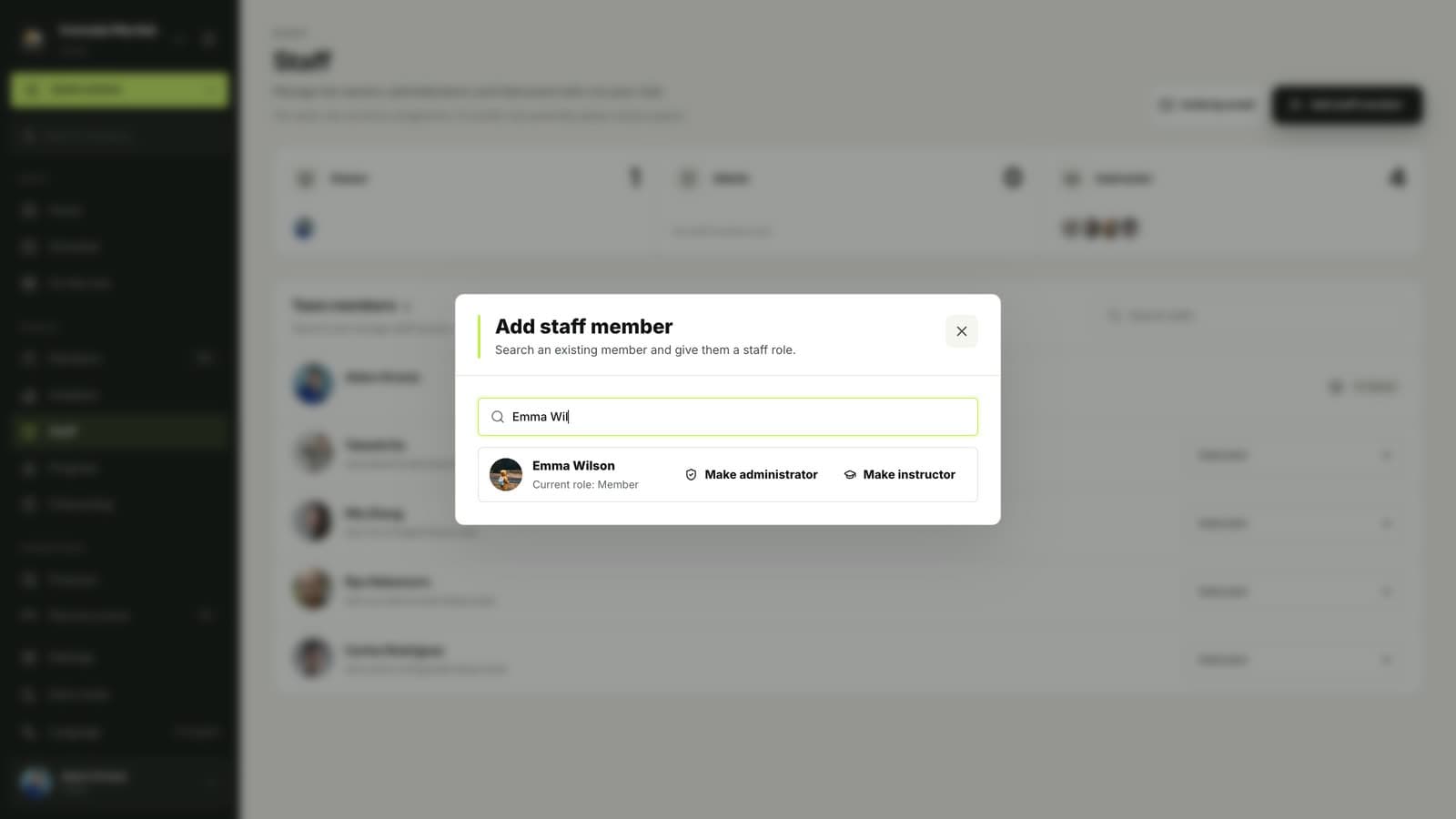
Make them an instructor or admin
Instructors run classes and track progress; admins can also manage members, plans and payments.
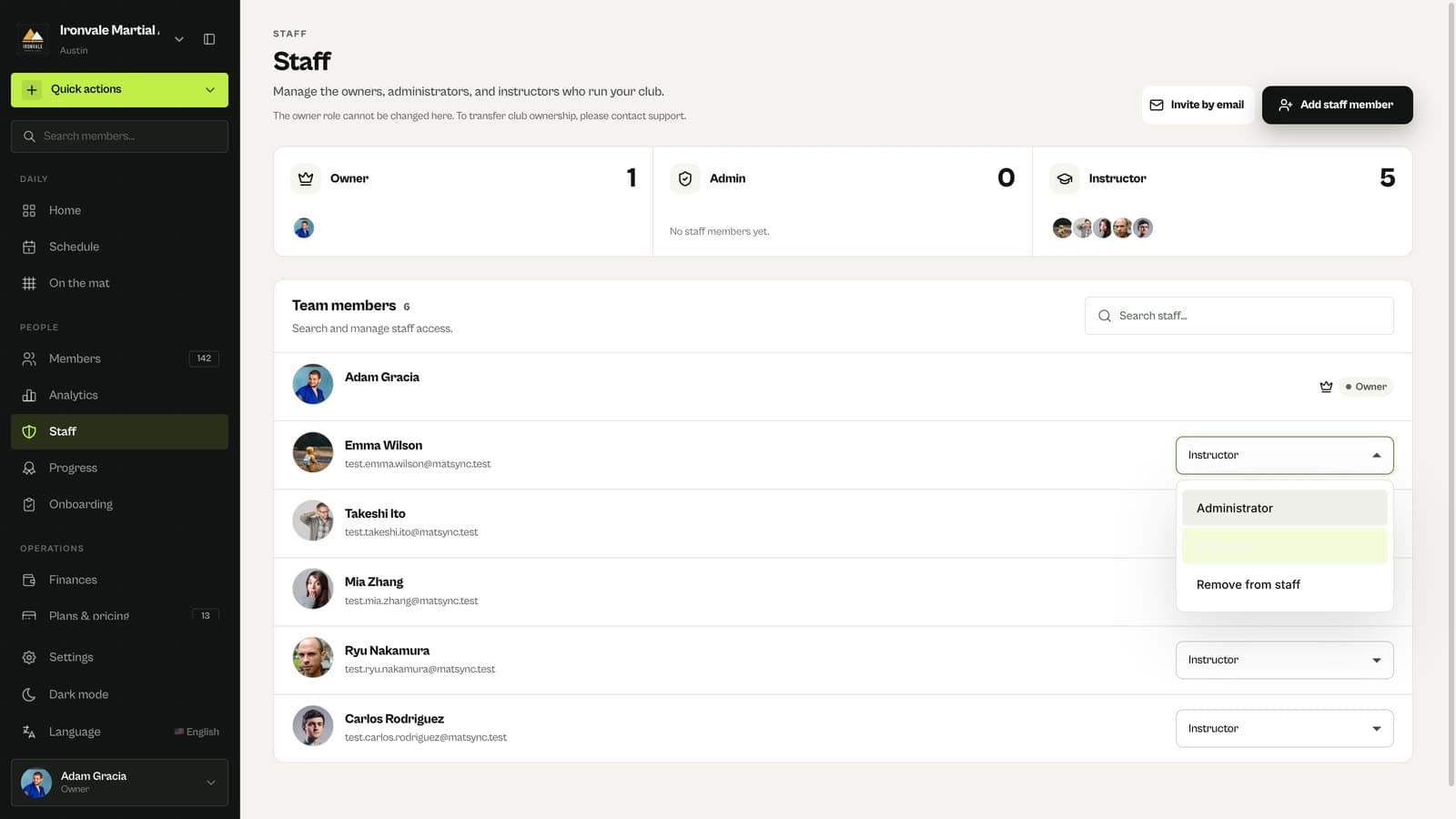
Change roles any time
Use the role menu next to each staff member. Owners assign admin and instructor roles; admins manage instructors and members; nobody can change their own role.
Questions
Why can’t I make a club-managed member an instructor?
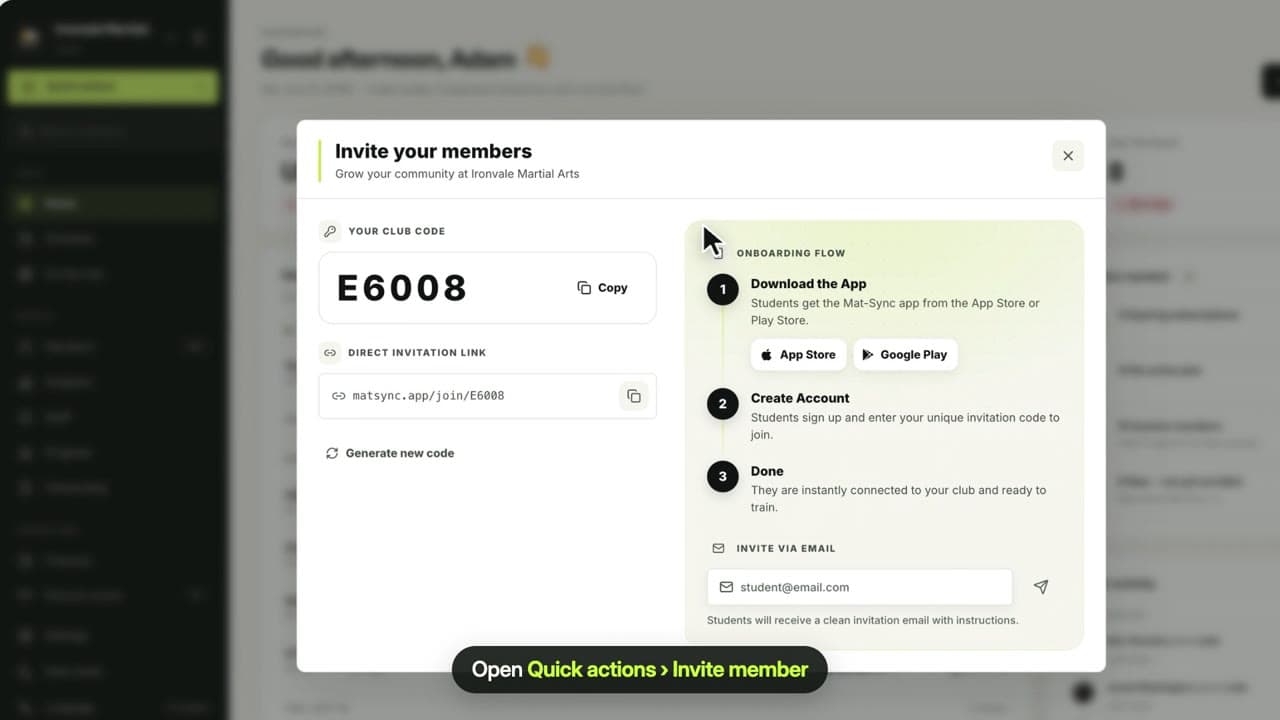
Staff need their own MatSync account to sign in. Invite the member to the app first, then give them a staff role.
How do I transfer club ownership?
Contact MatSync support. Ownership cannot be changed from the Staff page.
Related guides
Run your academy with less admin and more time on the mat.
Start free